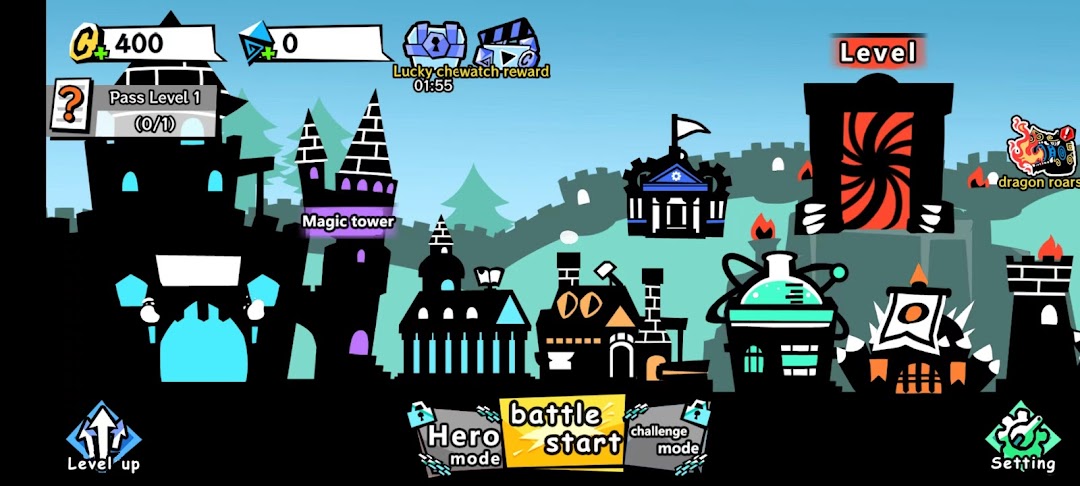
KillTheBlackBall-Tower Defence is a Adventure application developed by Winsun Game, but with the best Android emulator-LDPlayer, you can download and play KillTheBlackBall-Tower Defence on your computer.
Running KillTheBlackBall-Tower Defence on your computer allows you to browse clearly on a large screen, and controlling the application with a mouse and keyboard is much faster than using touchscreen, all while never having to worry about device battery issues.
With multi-instance and synchronization features, you can even run multiple applications and accounts on your PC.
And file sharing makes sharing images, videos, and files incredibly easy.
Download KillTheBlackBall-Tower Defence and run it on your PC. Enjoy the large screen and high-definition quality on your PC!
Embark on a challenging and fun tower defense journey in "Kill The Black Ball," where you face endless waves of enemies, using strategy and skill to defend your base. This is not just any ordinary tower defense game; it integrates unique roguelike elements to bring you an unprecedented gaming experience!Game Features:
Innovative Tower Defense Gameplay: Combining the strategic depth of traditional tower defense games with brand-new roguelike mechanics, each playthrough is filled with surprises and challenges.
Diverse Enemies: Face various enemies, from fast-moving minions to powerful bosses, each requiring different strategies to defeat.
Rich Array of Defensive Towers: The game offers a wide selection of defensive towers for you to choose and upgrade, each with its own unique attack methods and special abilities.
Combination of Strategy and Skill: Strategically place your defensive towers, utilize terrain advantages, and devise the best battle tactics to survive intense combat.
Beautiful Graphics and Sound Effects: The game boasts stunning visuals and dynamic sound effects, providing an immersive gaming experience.
Global Leaderboard: Compete with players from around the world to see who can secure a spot on the leaderboard.
How to Play:
In "Kill The Black Ball," players need to build and upgrade various defensive towers to fend off the constantly advancing enemies. Each defensive tower has its unique role and upgrade path, and players must adjust their strategies flexibly according to the battlefield situation. As the game progresses, enemies will become increasingly formidable, requiring players to continuously enhance their tactics and reaction speed to successfully protect the base.
Conclusion:
If you're a fan of tower defense games or enjoy challenging your strategy and skills, "Kill The Black Ball" is definitely a game you can't miss. Download the game now and start your tower defense adventure!