Lays Chips Making is a Arcade application developed by Futurezen, but with the best Android emulator-LDPlayer, you can download and play Lays Chips Making on your computer.
Running Lays Chips Making on your computer allows you to browse clearly on a large screen, and controlling the application with a mouse and keyboard is much faster than using touchscreen, all while never having to worry about device battery issues.
With multi-instance and synchronization features, you can even run multiple applications and accounts on your PC.
And file sharing makes sharing images, videos, and files incredibly easy.
Download Lays Chips Making and run it on your PC. Enjoy the large screen and high-definition quality on your PC!
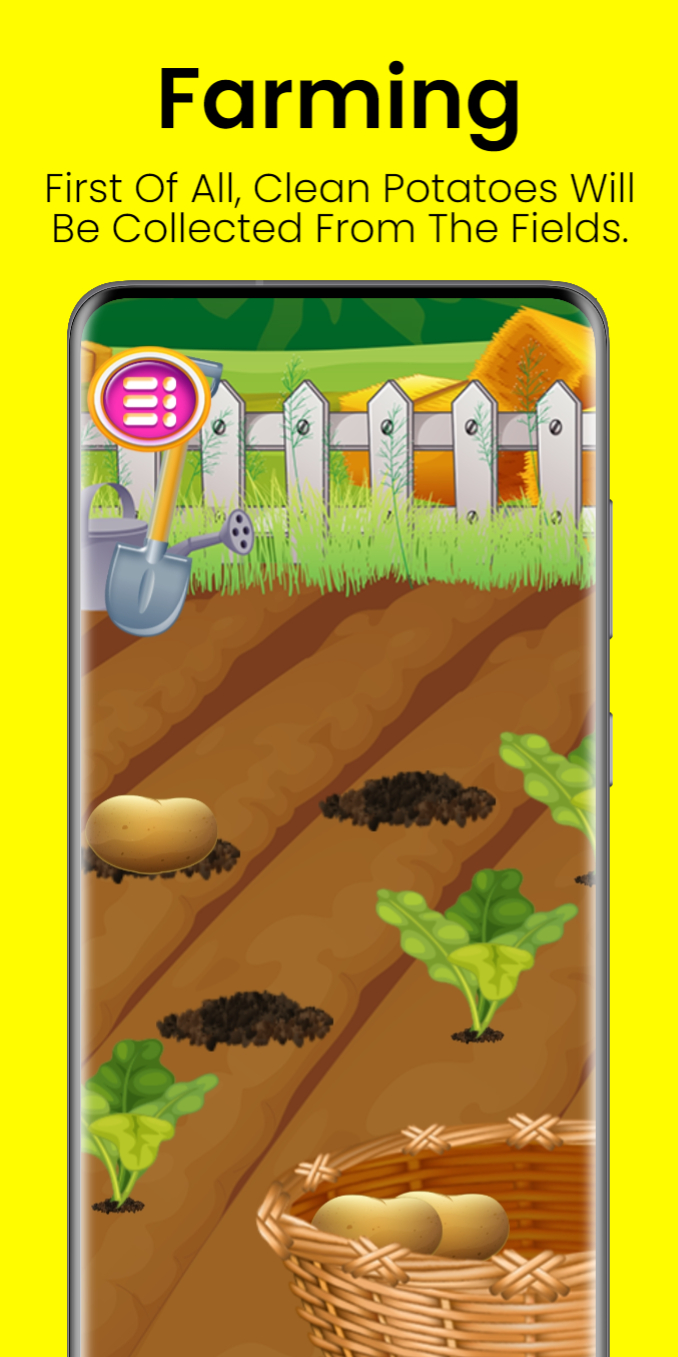
Lays Chips Making game in your very own food maker factory game. Start making potato chips in a food factory and learn all about making delicious chips. Love to play these potato chips and prepare chips now in your own factory. Go with the growing process of potatoes in the farm fields. When they all get prepared. Play this fast-food game and prepare perfect potato chips. Tons of refreshing and sweet flavors along with dozens of toppings are waiting for you in this potato chips maker game. Play this fries maker cooking game and have a lot of fun in your own fast-food kitchen.Now potatoes are here in your own kitchen of cooking game. Wash all potatoes with water in your kitchen fries maker chef game. Select your favorite design of finger chips and start cutting potatoes with simple and easy tools in this cooking chef game. Play this snacks maker game and have fun. Now you have to make them crispy. Apply some sausages on your finger chips and stay for some time. Now your marinated potato sticks are ready to fry.
Deep fry your potato sticks finger ships for a specific time to make all these crispy and delicious. If you love to play cooking, baking, and food making process then you are perfect. Make French fries and potato sticks in this potato chips food factory game. Become the pro chef in this factory game with levels. Play this cooking game for girls and make delicious and crazy designs for your snacks in this food factory game.
Apply numerous toppings on your French fries and snacks with salt and India’s Magic Masala, American Cream and Onion, Spanish Tomato Tango, Classic Salted, Chile Limón, West Indies’ Hot and Sweet Chilli, and so many other delicious flavors of your choice. Now start packing your flavored chips in packs. Run your chips food factory and start packing chips in packs. Simply start a machine that auto collect chips and pack to make it all perfect. Make crispy potato chips in your chips food factory and have a lot of fun with this snacks food frying game.