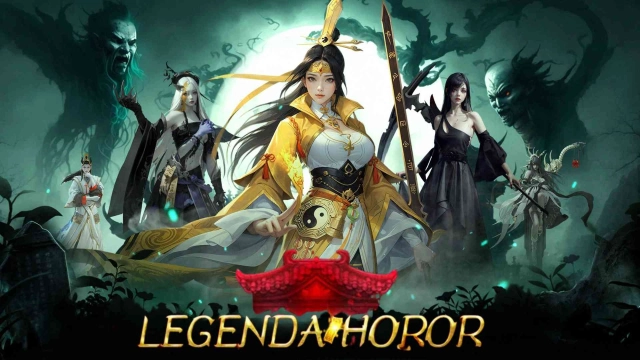
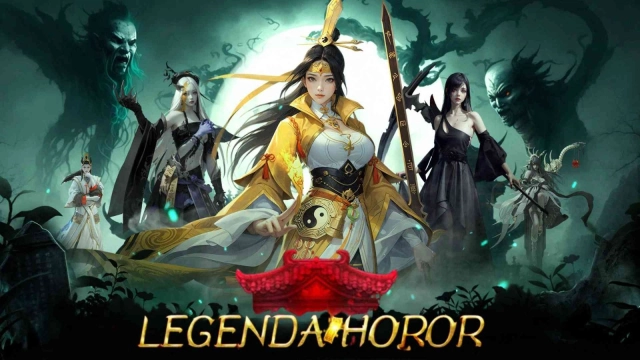
Legenda Horor is a Role Playing game developed by Sunshine Games Ltd., and LDPlayer is the best platform for playing Legenda Horor on Windows PC, offering powerful features for an immersive experience.
When playing Legenda Horor on PC, as a new player looking to start with a fresh account, the multi-instance and sync features are extremely useful for rerolls. You can use them to run multiple instances and begin the synchronization process. Bind your account until you draw the desired heroes.
In addition, operation recorder is great for games that require you to level up and complete tasks! Run the sync and record your actions, then repeat the main instance's actions in real-time. By doing so, you can run 2 or more accounts simultaneously. You can always get the heroes you want before others by faster rerolls and more efficient summoning! Start downloading and playing Legenda Horor on your computer now!
Game Features:[Return of the Exorcist - Maoshan's Final Exorcism Ceremony] You will feel the presence of spirits and gain extraordinary power and wisdom in this mysterious ceremony. Use the secret technique of Maoshan to ward off evil spirits and protect society!
[Return of the Bride - Opened Ghost Wedding Dungeon] In a small village shrouded in ancient legends, strange stories about ghost weddings spread. Explore the ghost wedding dungeon and discover the truth behind this story
[Strange Notebook System - Feeding and Controlling Hundreds of Ghosts with Blood] As the last disciple of Maoshan, you mastered the ancient technique of feeding and controlling hundreds of ghosts with blood. This is not just an adventure and mystery game, but a fantastic journey in the world of spirits!
[Multiplayer Game - Only One Survive] In the depths of the dark cave, there is a competition that no one knows about. Over time, resources become scarcer, and the environment more dangerous. Only one will survive and be the winner!
[With Ghosts - Enter Another Spooky World] Enter this mysterious game world and enjoy the mystical charm of the East. With the most advanced 3D technology, we present a real and terrifying ghost world, as if you are walking in the ancient city of Xiangxi, the city of ghost gates, and the ghost market of the underworld.
[Hold Your Breath - Experience the Real Experience of Reviving a Corpse] Xiangxi Mystery - A Ghost Exorcism Story, an epic journey that combines ancient legends and modern adventures, waiting for you to join!
[Important Tips] ◆Game software ranking management: Guided for ages 15 and above. ◆Enjoy according to personal interests and abilities. Pay attention to playing time and avoid game addiction.