Life in Adventure is a Simulation application developed by StudioWheel, but with the best Android emulator-LDPlayer, you can download and play Life in Adventure on your computer.
Running Life in Adventure on your computer allows you to browse clearly on a large screen, and controlling the application with a mouse and keyboard is much faster than using touchscreen, all while never having to worry about device battery issues.
With multi-instance and synchronization features, you can even run multiple applications and accounts on your PC.
And file sharing makes sharing images, videos, and files incredibly easy.
Download Life in Adventure and run it on your PC. Enjoy the large screen and high-definition quality on your PC!
★ A harder difficulty level with Hard Mode and a new scoring system have been introduced, along with the addition of the 'Path' system, which includes various cosmetic rewards. ★We open discord server!
https://discord.gg/9JdYkGm2T3
Game description
'Life in Adventure' is a text-based game written by
the creator of 'Life is a game'.
You became an adventurer in D&D style fantasy, encountered various events and you have to choose what to do.
The events and options you will face include a variety of conditions, such as your ability, items, assets, choices made in the past, work to produce additional results.
Can you achieve the goals you had when you started your adventure?
Or will end your life as an ordinary adventurer?
Everything depends on your choices and a bit of luck. ╰(*°▽°*)╯
★ Combat System
Hold on to your weapons and defeat your enemies in the way!
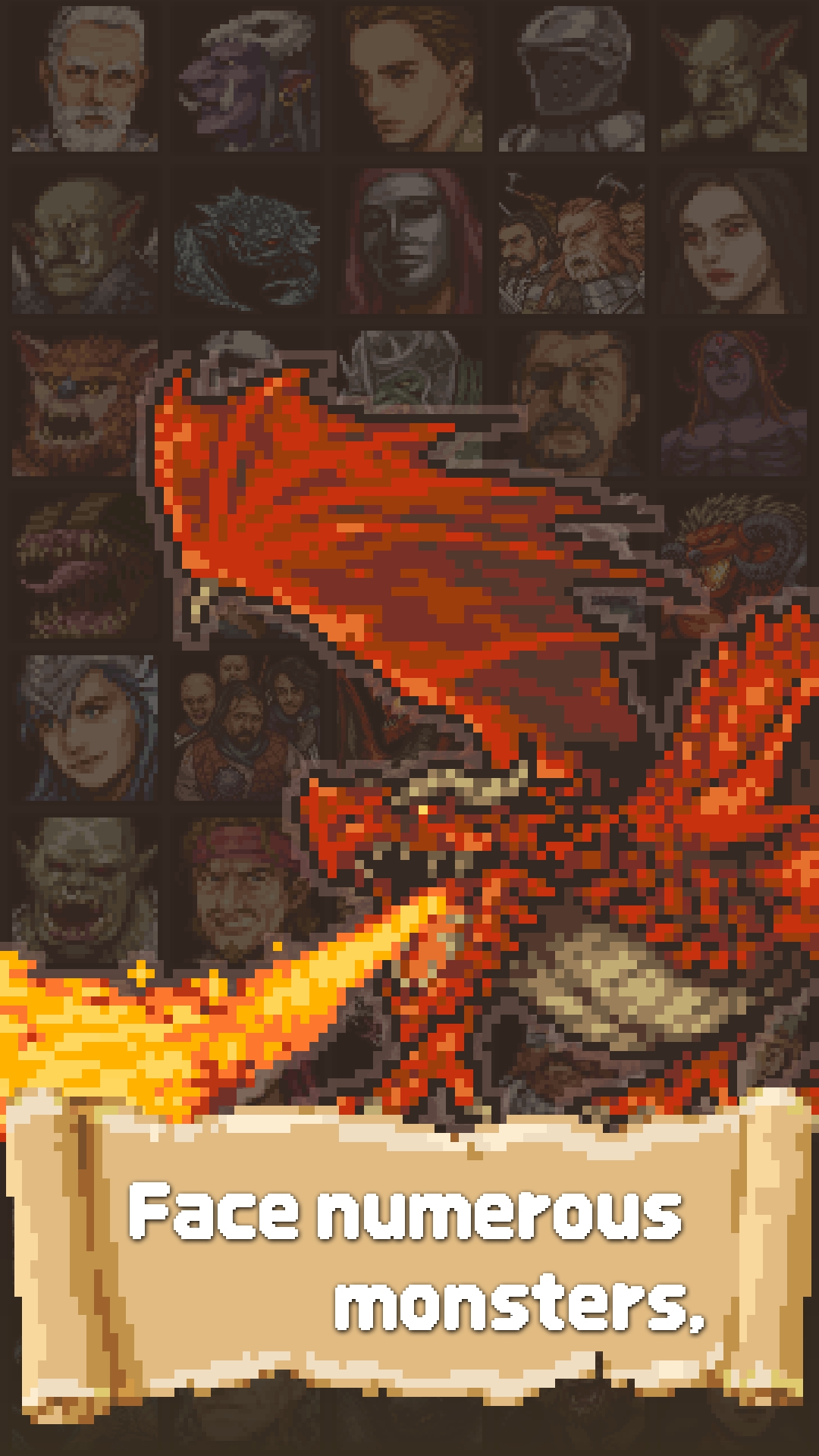
★ Pixel Art
Various situations are expressed in emotional pixel art.
★ Various Epilogues
The ending depends on what you choose. Check out the various epilogues.
★ Rank System
Leave your play as a score and compare the rankings.
★ Complete your Collection
Collect various epilogues, monsters, and items.
Content being developed
☆ Additional adventure goals
We're working on adding adventure goals (main scenarios).
☆ Characteristics
Various characteristics will be added to help with the adventure.
☆ Challenge task System
Tasks will be added to add a small goal to your adventure.
-----------------------------------------------------------------
Contact us
studiowheel@gmail.com
https://www.facebook.com/studio.wheel
Privacy Policy
https://www.studiowheel.net/privacy01