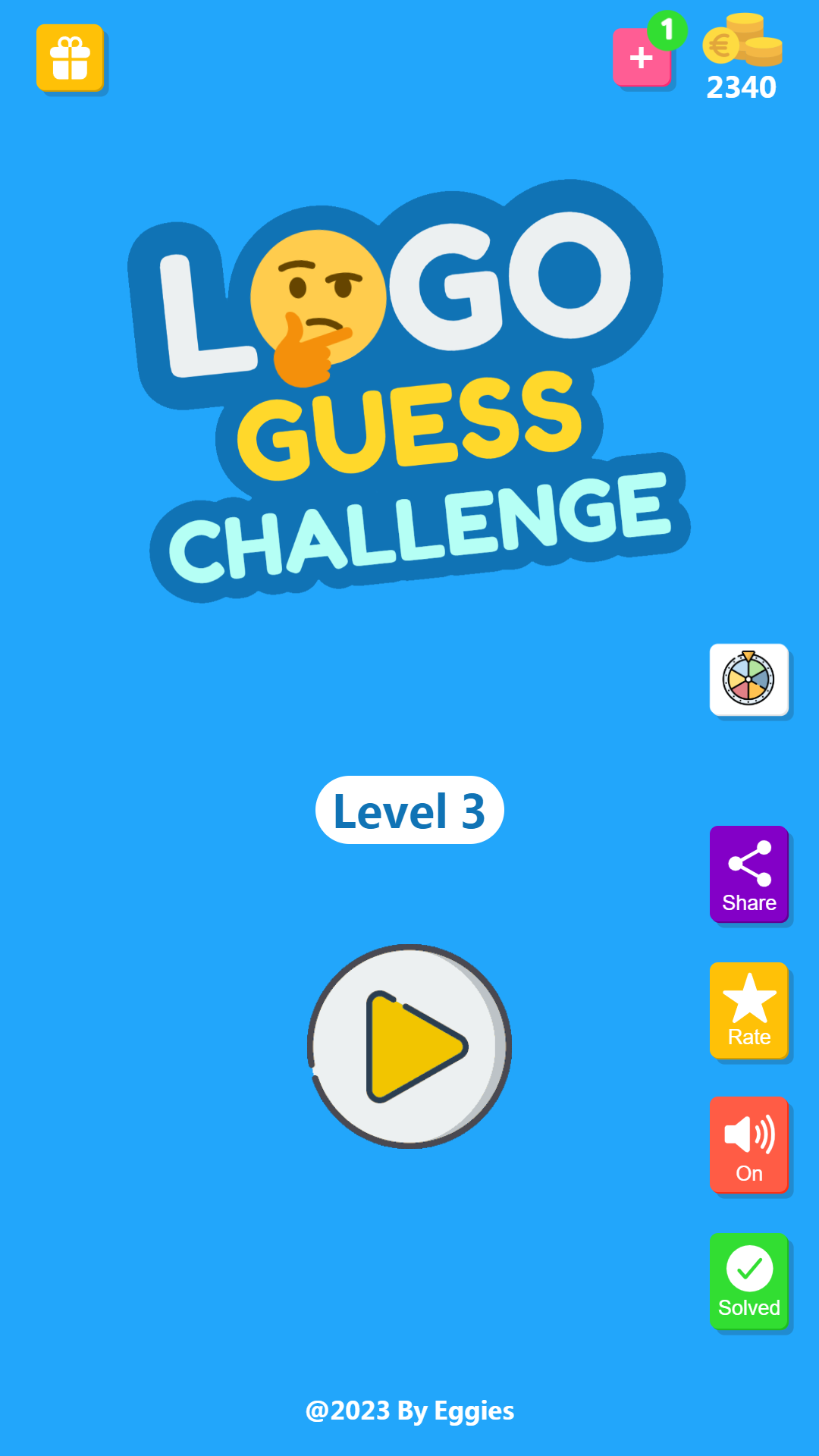
Logo Guess Challenge is a Trivia application developed by Eggies, but with the best Android emulator-LDPlayer, you can download and play Logo Guess Challenge on your computer.
Running Logo Guess Challenge on your computer allows you to browse clearly on a large screen, and controlling the application with a mouse and keyboard is much faster than using touchscreen, all while never having to worry about device battery issues.
With multi-instance and synchronization features, you can even run multiple applications and accounts on your PC.
And file sharing makes sharing images, videos, and files incredibly easy.
Download Logo Guess Challenge and run it on your PC. Enjoy the large screen and high-definition quality on your PC!
Logo Guess ChallengeWelcome to Logo Guess Challenge — the ultimate logo quiz game where you can guess logos of more than 2000 popular brands from all over the world! Test your memory, improve your brand recognition, and have fun in this addictive logo trivia challenge.
About
Logo guess challenge is a logo trivia or logo quiz game. We show you a cut down version of a logo and your goal is to guess that logo by filling out empty slots from given set of letters. We have tons of trendy brand logos from all over the world so that you can have a constant stream of fun for hours!
How to Play
Tap on the letters to form the correct brand name. Stuck on a tough logo? Use hints like Reveal Letter, Remove Letters, or Solve It. You can even ask a friend for help. Earn coins, unlock new levels, and become the ultimate logo quiz master.
Logos from different categories
Logos from different categories of brands are included. These categories are: Electronics, Airlines, Cars, Banks, Food, Cosmetics, Drinks, Games, Music, Fashion, Health, Industry, Kids, Media, Organizations, Sports, Technology, Web, Television, Watches, Shops and many more...
A game for family & friends
Logo guess challenge is a fun trivia game for you and your friends & family. Guess tons of trendy logos with your friends or enjoy logo guessing challenge with your family and have fun!
Offline game, no internet or Wi-Fi required
Other than watching optional rewarded ads for free hints, no internet or wi-fi is required. All levels are available offline.
Available game hints
The hints available in the game are:
1) Delete letters (Letters that are not in the answer)
2) Reveal a letter (Reveal a letter that is in the answer)
3) Solve it! (Solve logo and show the answer)
4) Ask Friend (Via screenshot)
Why You’ll Love It
This logo quiz is designed for all ages — from kids to adults. Play alone to sharpen your memory, or challenge your friends and family to see who can guess the logo first!
Simple, Unique and User Friendly Interface
Logo guess challenge is very simple and addictive game with neat and clean user interface.
Game Features
★ 2000+ logos to guess.
★ Game Hints (Delete letters, Reveal a letter, Solve Riddle, Ask Friend).
★ View solved logos.
★ Ask from friend (Via screenshot).
★ Watch rewarded videos and get coins.
★ Daily rewards.
★ Buy coins from coins store.
★ Cool graphics, smooth animations and popping sounds.
★ Small game size.
★ Available for various screen sizes (Mobiles & Tablets).
Disclaimer
All logos shown or represented in this game are copyright and/or trademark of their respective corporations. The use of low resolution images in this trivia game for use of identification in a informational context qualify as fair use under copyright law. Some brands use different names in different countries. For such cases always the name for the widest range has been selected.
Attribution
Icons made by Freepik from www.flaticon.com.
Contact
eggies.co@gmail.com