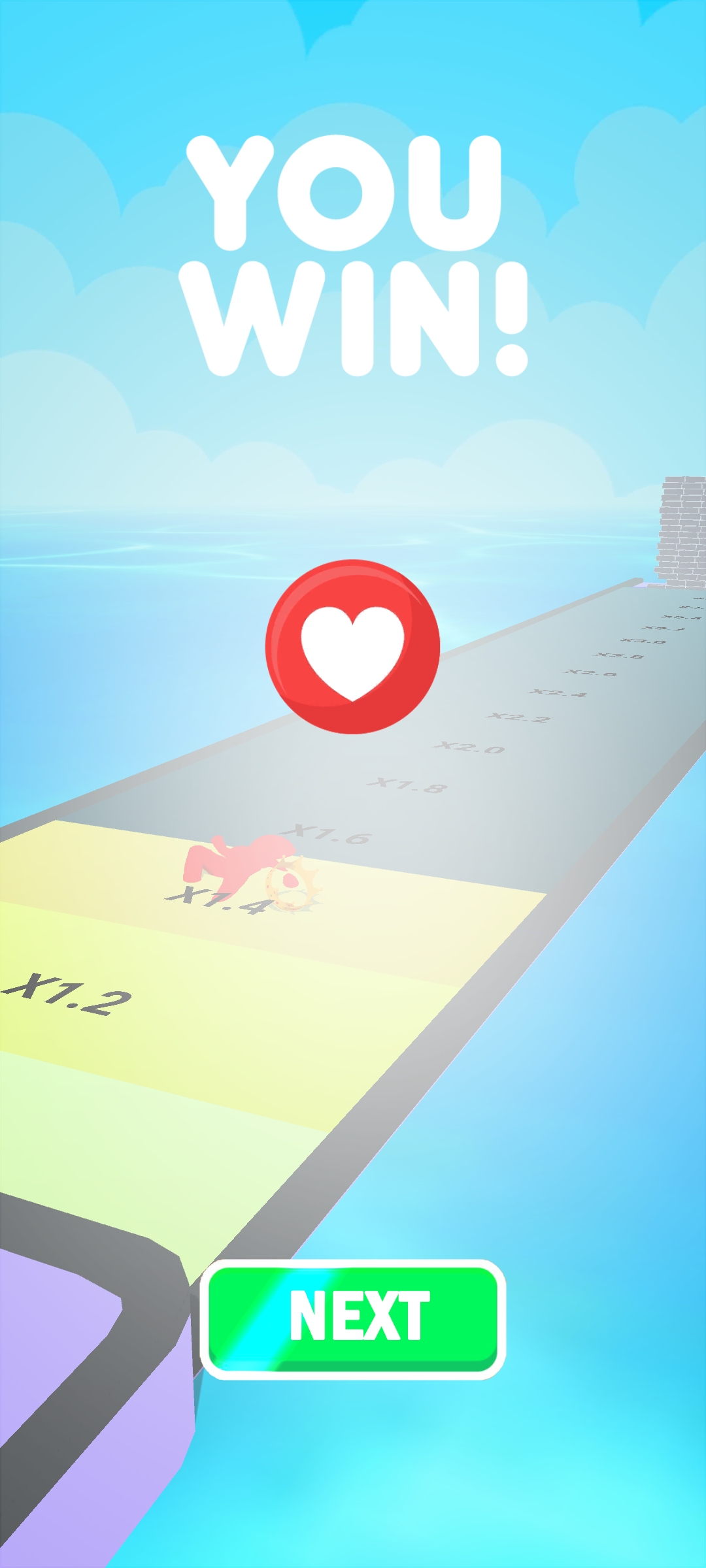
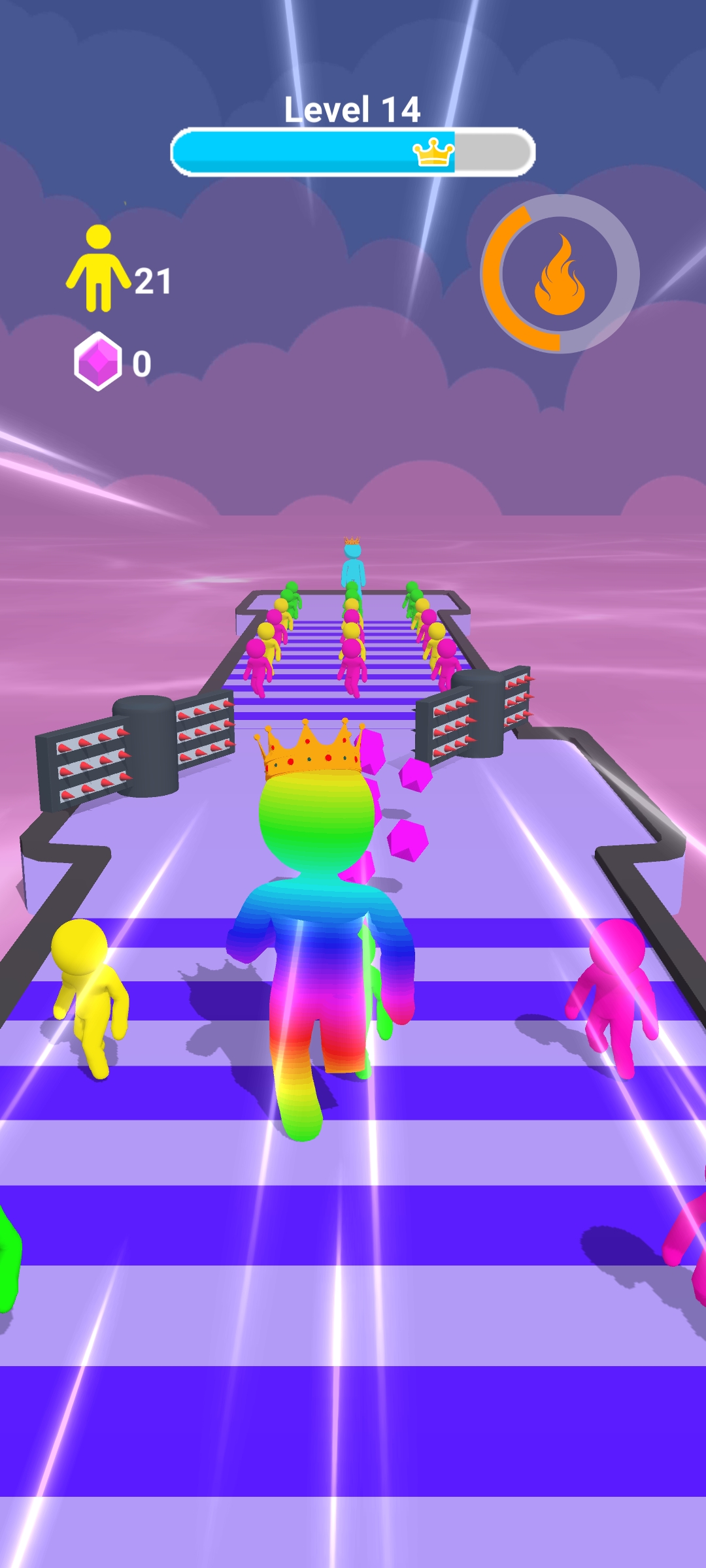
Lord Giant Rush 3D is a Action game developed by Smart iTech Apps - SIA, and LDPlayer is the best platform for playing Lord Giant Rush 3D on PC, offering powerful features to immerse you in the game.
When playing Lord Giant Rush 3D on computer, you can adjust frame rate settings for smooth gameplay and stunning visuals.
LDPlayer also provides pre-configured keyboard mapping for convenient control of the entire game. Continuous optimization of keyboard mapping enhances key sensitivity and skill accuracy. Additionally, LDPlayer offers special buttons like shoot, hide mouse, and continuous key press for an enhanced gaming experience.
If you prefer using a gamepad, the automatic gamepad detection allows you to customize controls with just a few clicks, enabling you to freely maneuver your hero. Start downloading and playing Lord Giant Rush 3D on your computer now!
The fighting game Lord Giant Rush 3D Relax features giants, monsters, a lethal arena, and monster duels.Join the team, navigate the obstacle course, combine blobs to become stronger, and battle enormous monsters in offline combat games!
In fighting games, you can sword battle a huge monster while dodging attacks and taking out opponents.
Select a plan of attack to help your stickman warrior win this epic conflict!
In offline combat games, you can defeat your foe by creating powerful blob runner warriors.
epic race for life!
Gather and improve your blob hero, conquer all challenges, and triumph in the epic conflict with the Giant King.
In medieval combat games, you can control your stickman hero and gather and combine blobs to get stronger.
In brawl combat games, you can become a bigger, more powerful warrior to take on the giant king.
Reach the finish line by running through perilous regions and merging your blob hero to make them stronger!
Play sword fighting games and defeat the huge boss at the conclusion of the run to win.
In brawl games, the giant boss delivers powerful blows, deflects oncoming blows, and retaliates.
In brawl games, gain experience by taking on hazardous giant monsters.
In epic combat games, treat yourself to a battle between monsters, or take on giants.
In sword combat games, you can raid the castle, gather blobs, and enlarge yourself to face off against enormous monsters.
In monster combat games, avoid incoming attacks, slide to strike stronger, and eliminate the boss.
Navigate your blob racer along a perilous course; your choices will determine success or failure!
Collect, combine, and grow larger are all game features!
Run on a hazardous course.
To the end, run.
Become more powerful to take on the behemoth.
Combat the creatures.