Lowes Foods is a application developed by Lowes Foods, LLC., but with the best Android emulator-LDPlayer, you can download and play Lowes Foods on your computer.
Running Lowes Foods on your computer allows you to browse clearly on a large screen, and controlling the application with a mouse and keyboard is much faster than using touchscreen, all while never having to worry about device battery issues.
With multi-instance and synchronization features, you can even run multiple applications and accounts on your PC.
And file sharing makes sharing images, videos, and files incredibly easy.
Download Lowes Foods and run it on your PC. Enjoy the large screen and high-definition quality on your PC!
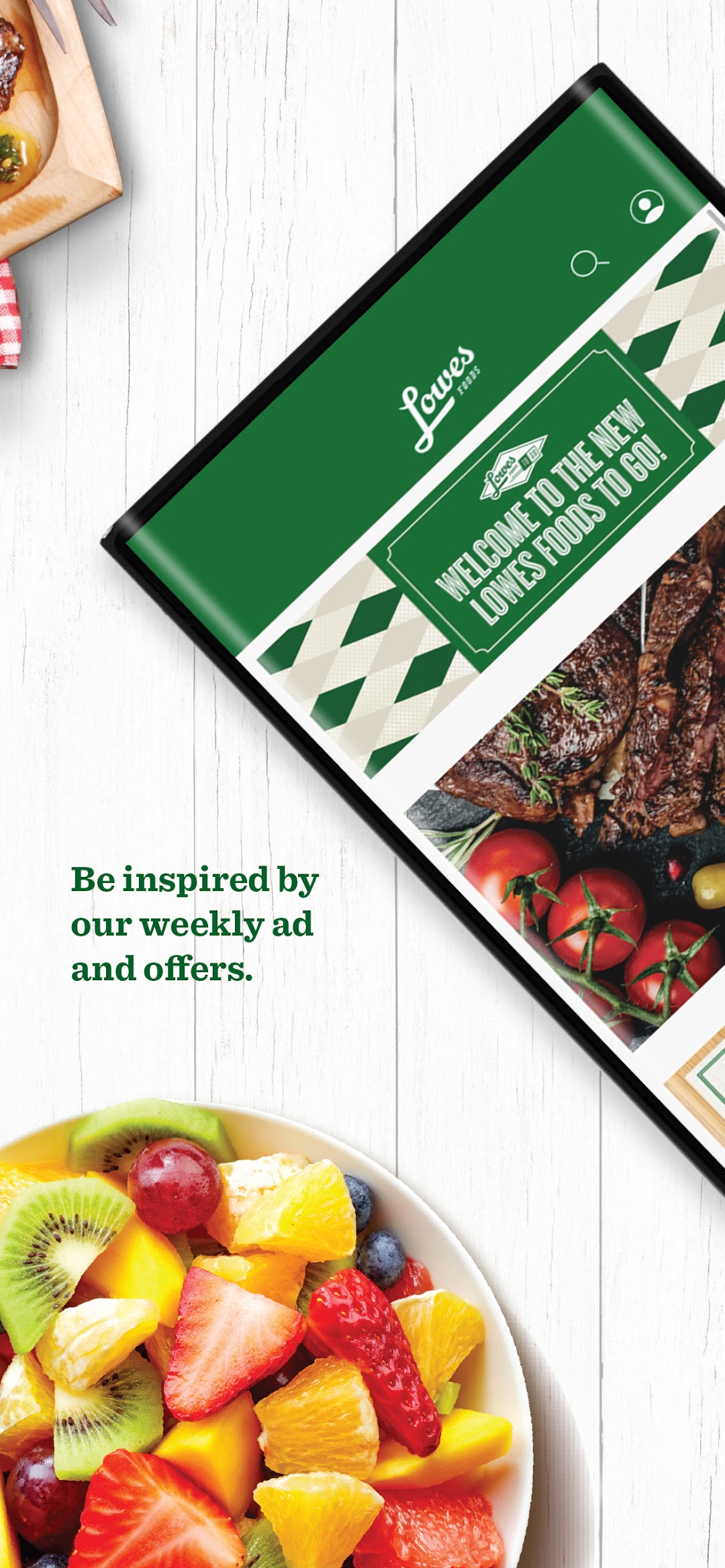
Download our new and improved app so that you have the best of Lowes Foods in the palm of your hand! Enjoy instant access to Lowes Foods to Go – our life-changing online grocery pickup and delivery service – along with all of the benefits of our Fresh Rewards program. You’ll also enjoy exclusive discounts and offers that you won’t find anywhere else!Simply download the new app, log in, and start enjoying all of the great things you love as well as new features to make it even easier for you to enjoy Lowes Foods:
- New! You will be able to see a product’s aisle or department within your preferred store when viewing the product’s description page, making building lists and shopping in store even faster.
- New! Easy enrollment and renewal make Annual Subscriptions easier than ever – and always $49, no matter when you renew!
- New! A new barcode scanner allows you to scan any item to get details, nutrition, photos, store location, and add it to your order.
- New! The savings tracker will help you maximize savings through digital coupons and promotions. You can clip weekly Digital Coupons directly to your account and watch your savings grow in store and online.
- New! An improved Order Status feature will help you track the progress of – and even edit – your order, so you can plan your schedule better.
- Easily re-order your favorite items any time you need them.
- Be a “meal hero” with our exclusive recipes featuring interactive ingredients.