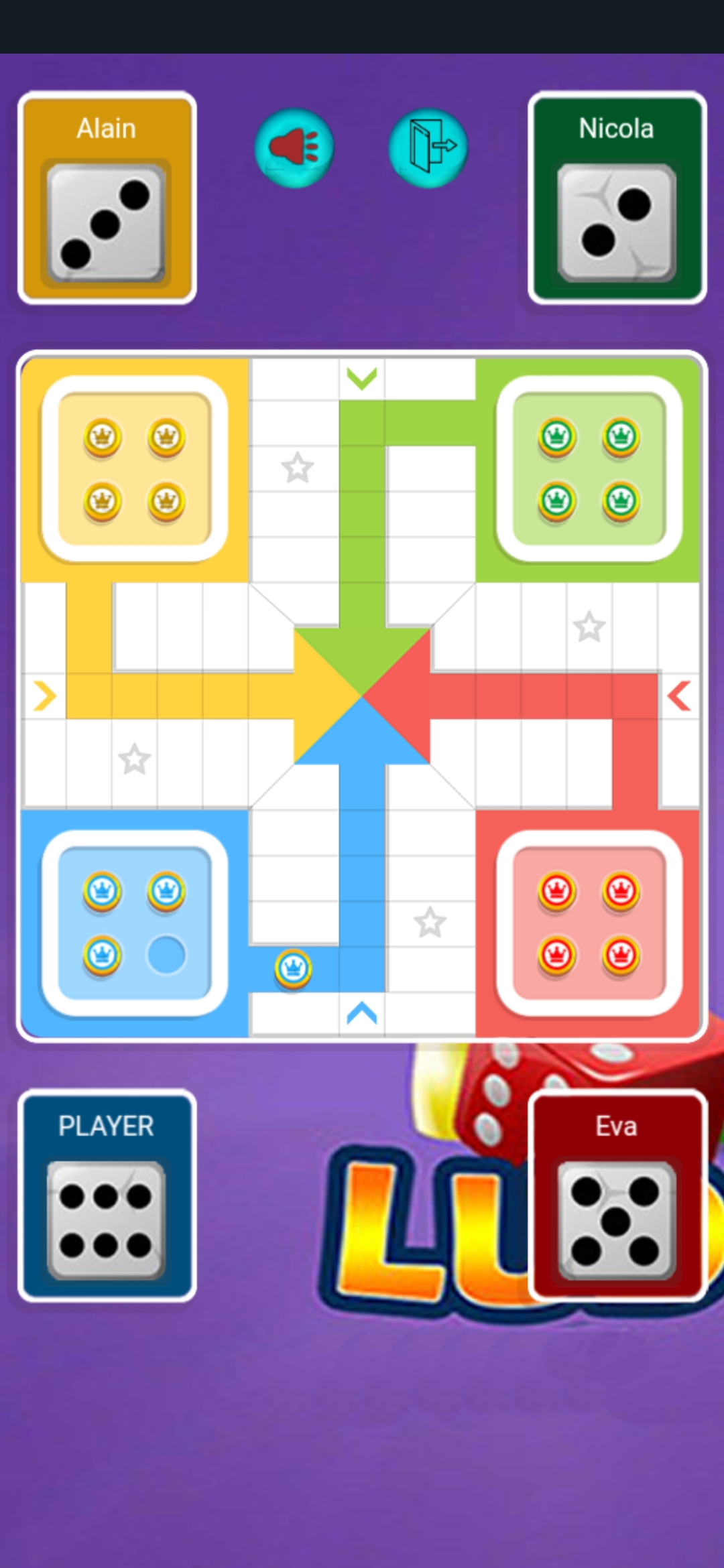
Ludo Royale Adventure is a Board application developed by Games by Dominelly LLC, but with the best Android emulator-LDPlayer, you can download and play Ludo Royale Adventure on your computer.
Running Ludo Royale Adventure on your computer allows you to browse clearly on a large screen, and controlling the application with a mouse and keyboard is much faster than using touchscreen, all while never having to worry about device battery issues.
With multi-instance and synchronization features, you can even run multiple applications and accounts on your PC.
And file sharing makes sharing images, videos, and files incredibly easy.
Download Ludo Royale Adventure and run it on your PC. Enjoy the large screen and high-definition quality on your PC!
Ludo Royale Adventure is a premium and exhilarating mobile game that brings the classic game of Ludo to life with an adventurous twist. Prepare to embark on a royal journey of dice rolls and strategic gameplay in this captivating board game.In Ludo Royale Adventure, you'll enter a magical world where each move takes you closer to victory or unpredictable challenges. Roll the dice, strategize your moves, and aim to navigate your tokens to the finish line, outwitting your opponents along the way.
This paid game offers exclusive benefits, providing you with stunning graphics, immersive sound effects, and an ad-free experience. Choose from various game modes and difficulty levels to suit your preferences, from casual fun to intense competition.
Ludo Royale Adventure features a user-friendly interface that makes it easy to play and enjoy the game with friends and family. The intuitive touch controls allow you to move your tokens with precision, adding to the excitement of the gameplay.
Download Ludo Royale Adventure from the Google Play Store and experience the thrill of Ludo with premium perks. Whether you're a Ludo enthusiast seeking classic fun or a competitive gamer looking for a royal challenge, Ludo Royale Adventure promises an unparalleled gaming experience that will keep you entertained for hours. Get ready to roll the dice and embark on an adventure like no other!