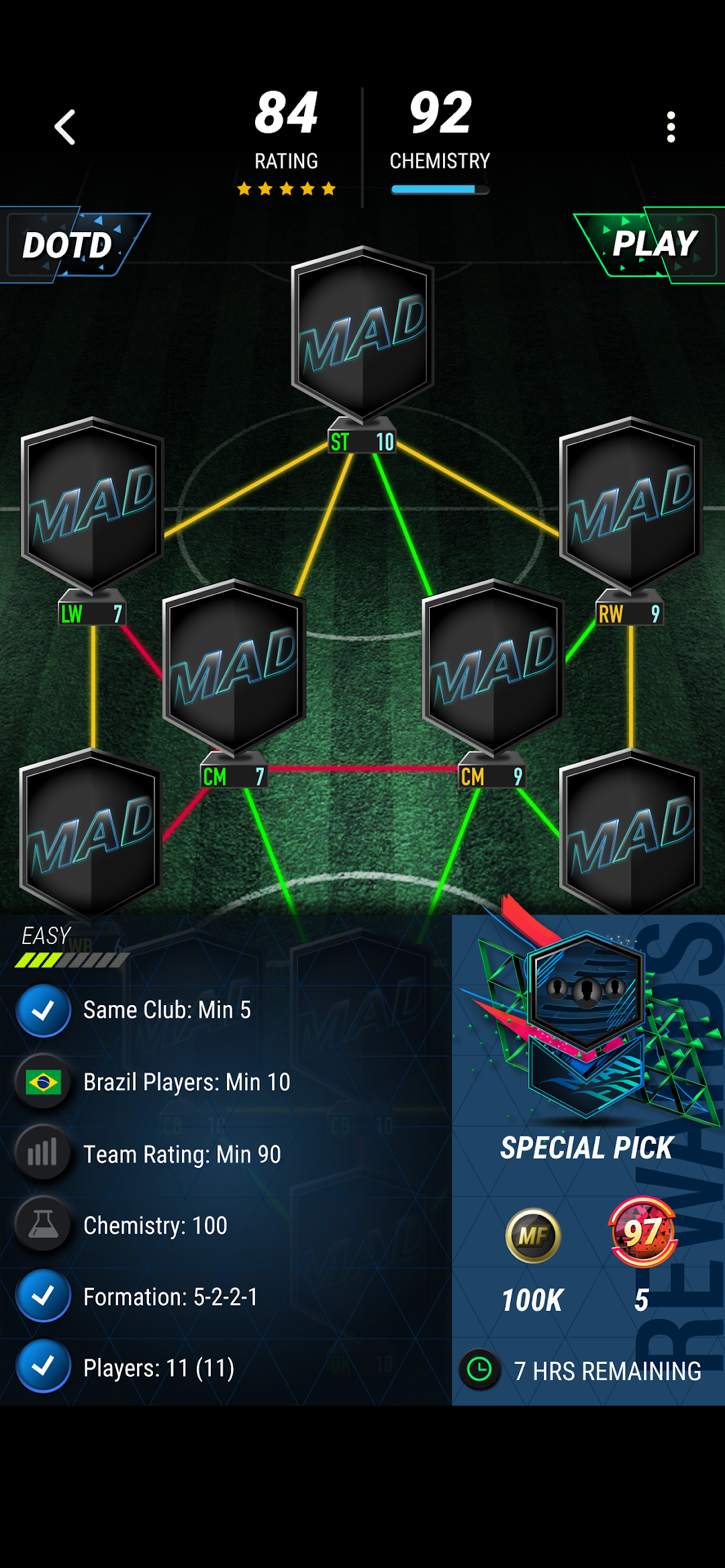
MADFUT 24 is a Sports game developed by Madfut. LDPlayer is the best platform for playing MADFUT 24 on Windows PC, offering powerful features to enhance your immersive experience in MADFUT 24.
When playing MADFUT 24 on your computer, the larger screen and more powerful graphics performance enable you to enjoy clearer and smoother game visuals, enhancing the visual experience of the game.
The operation of peripherals such as gamepads is emulated to better mimic the feel of real sports, providing more precise control and richer operation options.
Furthermore, if you wish to execute a series of continuous key combinations, the one-click macro feature will be the functionality you've been dreaming of, allowing you to effortlessly stay one step ahead with one-touch operation. Start downloading and playing MADFUT 24 on your computer now!
Brand new MADFUT 24 is here! This is our best app ever, with more content, new modes and big improvements throughout the whole app.Some highlights of the new app:
• Draft Ranks: earn Draft Building Points (DBP) from every draft to progress through Weekly Ranks and complete Daily Rewards.
• Enjoy Limited Time Modes and LTM Cards already from the start! The first LTM is Higher/Lower.
• Unlock unique Special Badges, set them as your club's badge and earn great rewards.
• Complete all past Drafts Of The Day that you might have missed.
• Adjust LTM cards' ratings up and down.
• Play Online Draft Cups either in the original knock-out style or in the new League style.
• Sort cards by their Fatal stats to build your best teams.
• "Jump to result" in Fatal matches once the result has been determined.
• Take advantage of improvements in SBC building, such as as detailed card information and quick search suggestions.
• Earn a 100% distinction for completing the full collection.
• Enjoy new Packs, Player Picks and Token selection.
We are so excited about this new generation of MADFUT, and we can't wait to bring you more content, features, modes and events this season than ever before.