Make words Georgian is a Word application developed by Mobiloids, but with the best Android emulator-LDPlayer, you can download and play Make words Georgian on your computer.
Running Make words Georgian on your computer allows you to browse clearly on a large screen, and controlling the application with a mouse and keyboard is much faster than using touchscreen, all while never having to worry about device battery issues.
With multi-instance and synchronization features, you can even run multiple applications and accounts on your PC.
And file sharing makes sharing images, videos, and files incredibly easy.
Download Make words Georgian and run it on your PC. Enjoy the large screen and high-definition quality on your PC!
Make Words is a georgian word game, classic brain teasing addictive word games in the market.The goal of the word game is to make as many words as you can from given 7 letters .
If you find all hidden words you will beat the puzzle and get bonus points.
Connect letters and try to find all hidden words.
How many words can you find?
Play our word game and improve you vocabulary.
Find new words and improve your spelling.
Make Words game main features.
* Different dictionary types.
* Different difficulty levels
* More than 15000 different word brain games
* Hint option
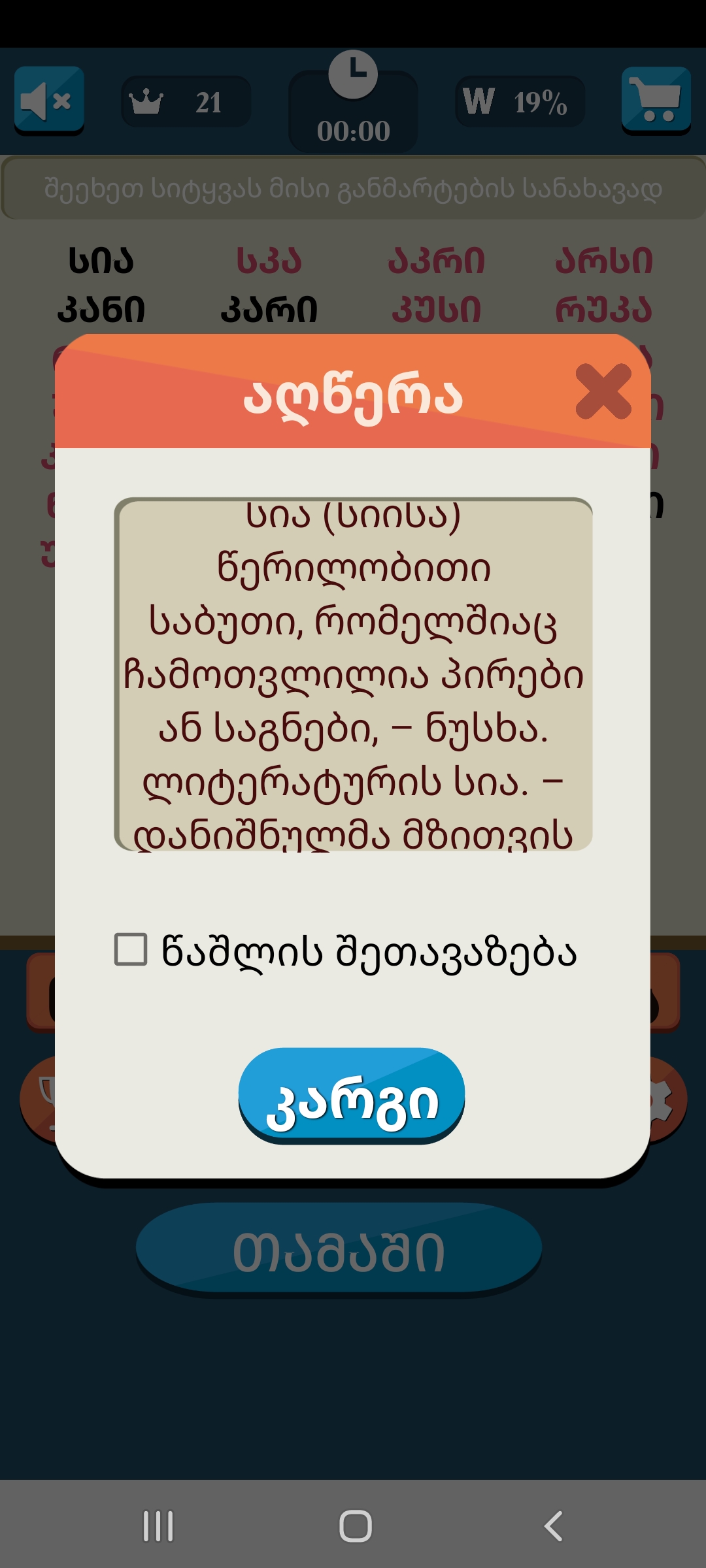
* Complete description for each word
* Automatic Save/Continue game option
* Global Scoring system
* Nice graphics
Start your word hunt and find all hidden words.
To beat the level place the letters in correct order and solve the anagram
There are three different dictionaries in the game, you can select the one, that matches you the most.
Basic Dictionary - only the basic English words. This dictionary is the best option for non native English speakers , kids. This will be a real word relax game.
Standard Dictionary - the most common and widely used English words. This is the best choice for native speakers and for those who want to improve their English spelling and vocabulary.
Extended Dictionary - besides most used words contains also very rare and archaic words. This will be an interesting choice for English Professionals and for those you wants to train their mind with word brain games.
Make Words will provide you many and many hours of entertainment and relaxed gameplay.
When you guess a word, you get some points and additional game time for search of other hidden words. If you have opened some words and can't guess anything else, you can press the "Give Up" button and the board with hidden words will be opened. The words you have not guessed are marked in red. If the word is unfamiliar to You, You can tap the word to see its definition.
You can compete with dozens of other Make Words fans by Global Scoring System.
It can be a fantastic challenge for you.
There is a Hint option to help you to continue your word search and find the hidden words. It will open a single random letter from each hidden word. You can earn hints when you guess and find all the words on the board.
This game will be helpful for people who want to improve their English.
If you like word games you will definitely love Make Words.
Make Words uses dictionary which contain nouns, verbs, plurals and also some rare words. Find words complete level and move on.
There is no need to search definition of words you can look up the definition of every word you want by tapping on unfamiliar word.
When You open a word with length of 3 letters, You get 3 points and additional 10 seconds.
Similarly word with length of 4 letters gives you 4 points and additional 15 seconds.
Word with length of 5 letters gives You 5 points and additional 20 seconds.
Word with length of 6 letters gives You 6 points and additional 25 seconds.
If you are looking for a good word game like boggle games, word search games Make Words is the game you need!
Hope you will enjoy playing this game!!!
If you like word brain games, word search games, if you like to solve crosswords and anagrams than this word guessing games is just for you.
Have fun with this word relax game.
Expand you vocabulary.