Mall Master - Shopping Tycoon is a Casual game developed by Spica Games Studio. LDPlayer is the best platform for playing Mall Master - Shopping Tycoon on Windows PC, offering powerful features to enhance your immersive experience in Mall Master - Shopping Tycoon.
When playing Mall Master - Shopping Tycoon on your computer, if you find repetitive actions or tasks tedious and time-consuming, fret not! Macro can alleviate your concerns. Simply record your actions with a click of the screen recording feature and let macros take care of the rest. Macros automate your operations, allowing you to effortlessly conquer the game with minimal effort! Start downloading and playing Mall Master - Shopping Tycoon on your computer now!
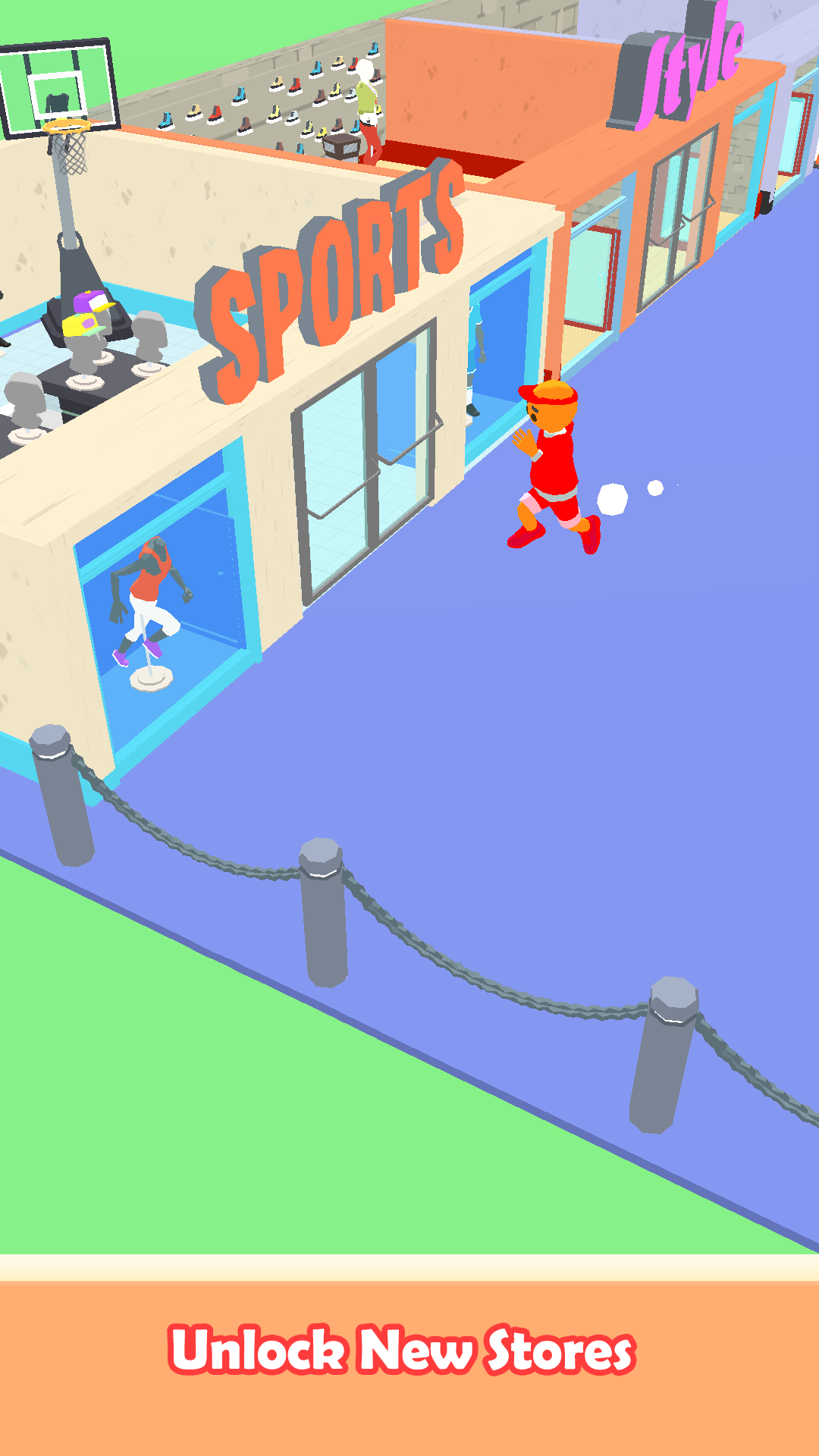
Mall Master - Shopping Tycoon is a fun game where you become a mall manager and build different shops to attract more customers. You can upgrade your stores by unlock more products to attract more customers and grow your business. It's like being the boss of your own shopping mall!When you play the game, you can earn money in game and expand your mall to become a successful mall master. Have fun building and managing your own shopping empire in this game! In the game, as you play more and do well, you can open new stores, unlock more products, and hire helpers to help you. The more popular your mall gets, the more money you'll make, which you can use to make your mall even bigger and better.
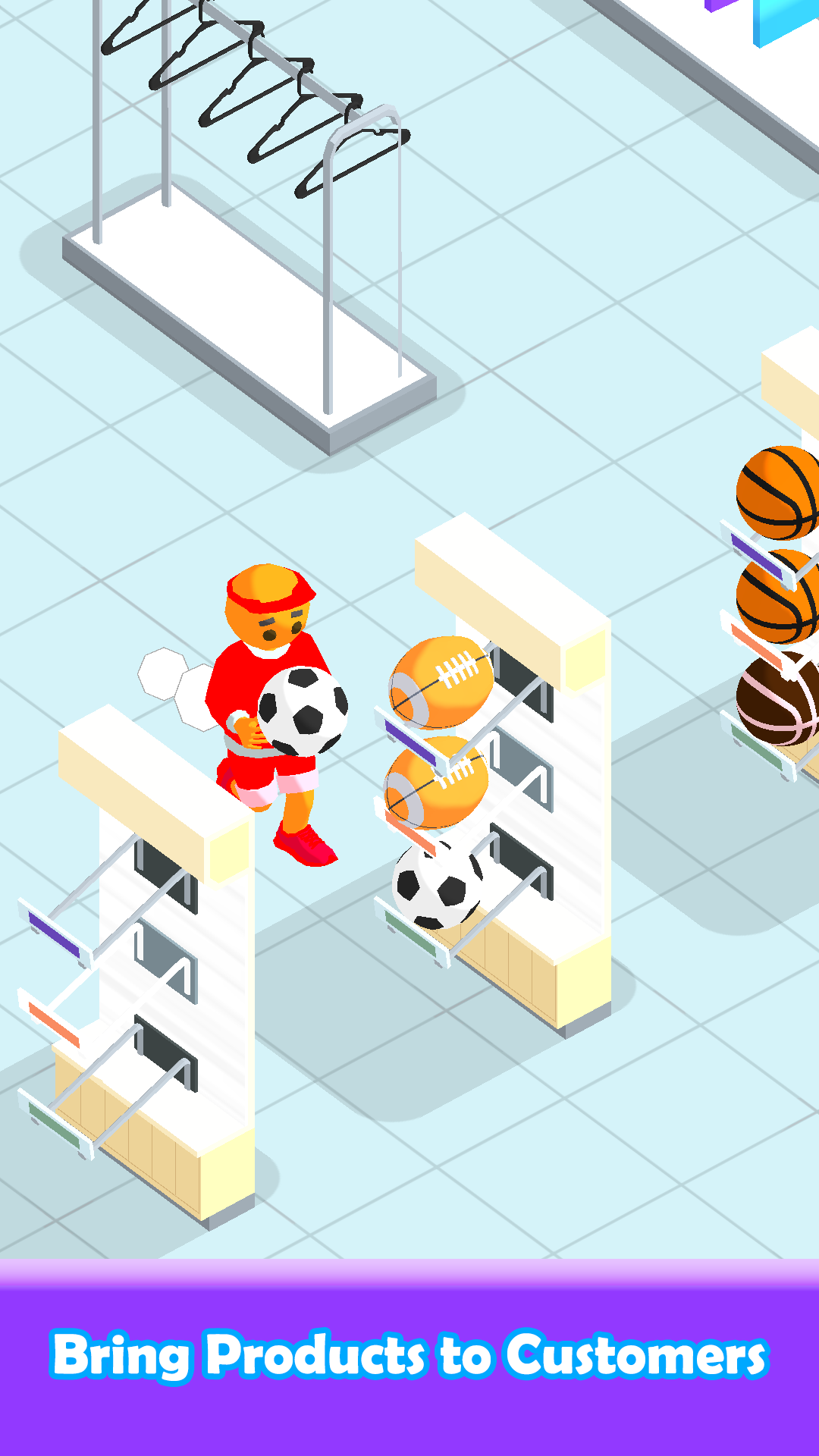
In this game, you have a mini market where customers want to buy shoes, clothes, hats, and even more. You need to carry the product from the storage to the product shelf. As customer get their wanted project and pay, you can collect money from them. As you keep playing, you can build more shops in your market and make even more money. Start building your own market and become a successful store owner. This is a game about running a business and making smart choices to make money. Play a fun game where you can pretend to be a rich business owner in a market. Start with a small shop and work your way up to owning a big shopping mall. Sell items like shoes, balls, and clothes to make money. Make sure customers buy lots of things so you can become the best mall owner in the world!
In a shopping mall where not many people are shopping, it's important to make sure your customers are happy. You can do this by offering them lots of choices and good products. It's also important to have lots of people working for you to help run the business. You should also do some upgrades to find ways to make your products and stores even better. By making your employees better at their jobs, you can make more money. The goal is to make your business grow and be the best mall owner. You can hire people to sell things and make more money for you. You can also decide how much your upgrade your employees in different stores. This game is fun and easy to play. It has different levels and challenges for you to complete.
How to Play:
- Drag to move
- Carry the products to satisfied customers.
- Collect money at the cashier.
- Hire and upgrade helpers
Features:
-Easy to Play
-Hire helpers to make mall running automatically!
-Amazing 3D game.
-Different shops waiting for you to unlock.
-Make your own decision to optimize profitability.
-Upgrade your helper or yourself is the key to make profit.