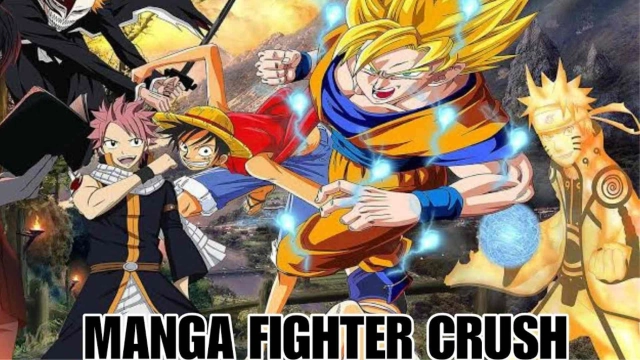
Manga Fighter Crush is a Adventure application developed by ZB GAME, but with the best Android emulator-LDPlayer, you can download and play Manga Fighter Crush on your computer.
Running Manga Fighter Crush on your computer allows you to browse clearly on a large screen, and controlling the application with a mouse and keyboard is much faster than using touchscreen, all while never having to worry about device battery issues.
With multi-instance and synchronization features, you can even run multiple applications and accounts on your PC.
And file sharing makes sharing images, videos, and files incredibly easy.
Download Manga Fighter Crush and run it on your PC. Enjoy the large screen and high-definition quality on your PC!
Step into the world of anime and manga with Manga Fighter Crush, the ultimate RPG experience on Google Play! Immerse yourself in a thrilling tale of adventure, mystery, and action-packed battles as you embark on a journey to become the greatest anime warrior.In Manga Fighter Crush, you have the power to create and customize your own anime hero, choosing from a diverse range of characters inspired by your favorite manga series. Whether you prefer the agility and speed of a ninja, the strength and honor of a samurai, or the mystical powers of a sorcerer, you can tailor your character’s appearance, skills, and abilities to suit your unique playstyle.
Prepare for intense turn-based battles as you face off against a variety of formidable enemies and powerful bosses. Strategic combat and skillful gameplay are crucial in overcoming the challenges that lie ahead. Unleash devastating special abilities, summon loyal companions, and equip yourself with rare and powerful artifacts to gain the upper hand in battle.
But the excitement doesn’t end there! Manga Fighter Crush offers a wide array of game modes to keep you engaged and entertained. Take on challenging quests and missions to unlock valuable rewards, or showcase your skills and strategies against other players in thrilling PvP battles. With regular updates and events, you’ll always have something new to discover and explore in the ever-evolving world of Manga Fighter Crush.