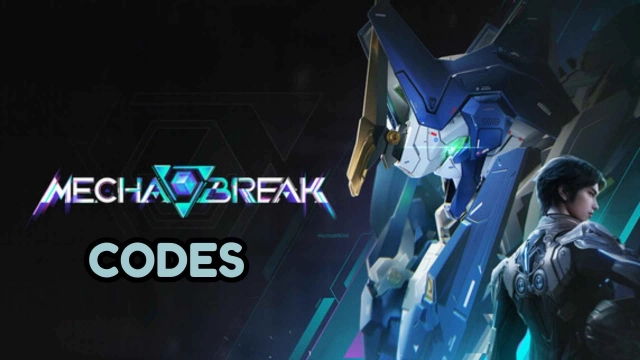
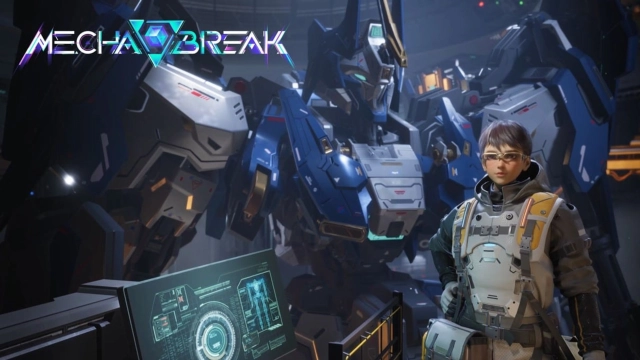
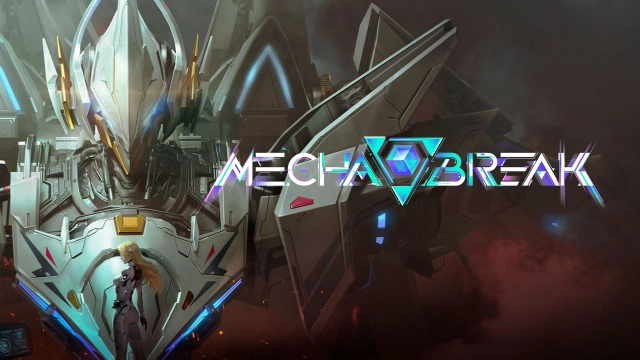
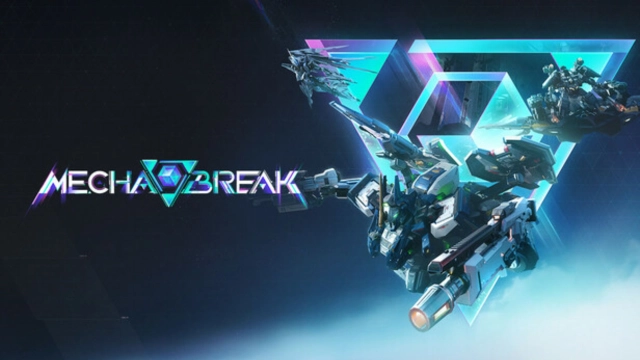
Mecha BREAK is a free-to-play multiplayer third-person shooter developed by Seasun Games, featuring dynamic mech combat and immersive customization.
Game Background and Story
Set in a post-apocalyptic future, Mecha BREAK immerses players in a world where the discovery of a carbon-silicon mineral, Corite, revitalized Earth's energy sources but also led to widespread devastation. As a pilot of a third-generation BREAK Striker, you join forces with the secretive organization S.H.A.D.O.W. to navigate the challenges of this new era and uncover the mysteries surrounding Corite.
Game Features
-
Multiple Combat Modes: Engage in various game modes, including 3v3 Deathmatch, 6v6 Hero Shooter, and the expansive PvPvE Extraction mode known as Mashmak.
-
Diverse Mech Classes: Choose from five distinct mech classes—Assault, Melee, Sniper, Reconnaissance, and Support—each offering unique playstyles and strategic advantages.
-
Extensive Customization: Customize your pilot and mech with a wide array of options, including decals, patterns, and detailed body features, allowing for a personalized gaming experience.
-
Immersive Environments: Battle across diverse terrains, from urban ruins to hazardous zones, each presenting unique challenges and opportunities for tactical gameplay.
Enhance Your Experience with LDPlayer
Playing Mecha BREAK on PC with LDPlayer offers several advantages:
-
Optimized Controls: Customize your controls for precise movements and combat, enhancing your gameplay experience.
-
Enhanced Graphics: Enjoy high-quality visuals and smooth animations, bringing the game's dynamic environments and mech designs to life.
-
Improved Performance: Experience stable gameplay with reduced lag and increased responsiveness, ensuring a seamless gaming session.
Dive into the world of Mecha BREAK, where strategy, customization, and intense combat await. Whether you're leading your team to victory in PvP battles or exploring the depths of PvPvE missions, the game offers a rich and engaging experience. Elevate your gameplay by joining the fight on PC with LDPlayer.