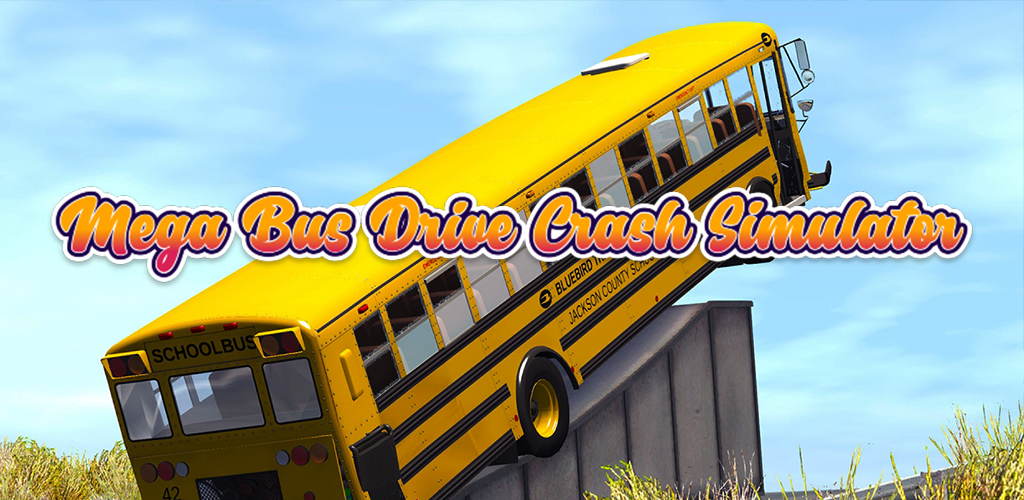
Mega Bus Drive Crash Simulator is a Racing game developed by RedVivo Games. LDPlayer is the best platform for playing Mega Bus Drive Crash Simulator on Windows PC, providing robust features to help you achieve an immersive experience in Mega Bus Drive Crash Simulator.
When playing Mega Bus Drive Crash Simulator on your computer, if you prefer using your own gamepad to control the game, LDPlayer's automatic gamepad detection can assist you in customizing controls with just a few simple clicks, allowing you to enjoy more realistic racing scenes and challenges.
With support for high frame rates, the game's diverse track designs and rich terrain and environmental changes become even more lifelike and detailed.
Additionally, the video recording feature makes it easy for you to capture all the exciting and amusing races and game content, making it convenient to share with friends or create videos. Start downloading and playing Mega Bus Drive Crash Simulator on your computer now!
Experience the thrill and excitement of bus driving in Mega Bus Drive Crash Simulator! Get ready to take on the role of a skilled bus driver and navigate through challenging city streets, highways, and off-road tracks. But beware, as this simulator takes a unique twist by incorporating crash simulations for added adrenaline!Key Features:
1. Realistic Bus Driving Experience: Immerse yourself in the world of bus driving with stunning graphics and realistic physics. Feel the thrill of controlling a massive bus as you pick up and drop off passengers at various locations.
2. Multiple Bus Models: Choose from a wide range of buses, each with its own unique characteristics and handling. Upgrade your buses to enhance their performance and appearance.
3. Challenging Environments: Drive through busy city streets, navigate narrow alleys, and conquer steep mountain roads. Encounter unpredictable weather conditions and dynamic day-night cycles that add to the realism.
4. Crash Simulations: Brace yourself for intense crashes and collisions! This simulator introduces crash scenarios where you'll experience the aftermath of accidents. Witness realistic damage effects and explore the consequences of reckless driving.
5. Exciting Missions and Challenges: Complete a variety of missions and challenges to earn rewards and unlock new levels. Test your skills in precision driving, time-based tasks, and more.
6. Customization Options: Personalize your buses with a wide range of customization options. Choose from different paint colors, apply decals, and modify various parts of the bus to create a unique look.
7. Smooth Controls: Enjoy intuitive and responsive controls that make bus driving a breeze. Tilt, steer, or use buttons to navigate through traffic and handle challenging driving situations.
Get ready for an immersive bus driving experience like no other in Mega Bus Drive Crash Simulator! Download now and become the ultimate bus driver, mastering the roads while facing the unexpected challenges of crash simulations.
Please note: Mega Bus Drive Crash Simulator is a simulation game and should be played responsibly. Always follow traffic rules and prioritize safety both in-game and in real life