Mega Mall Story 2 is a Simulation application developed by Kairosoft, but with the best Android emulator-LDPlayer, you can download and play Mega Mall Story 2 on your computer.
Running Mega Mall Story 2 on your computer allows you to browse clearly on a large screen, and controlling the application with a mouse and keyboard is much faster than using touchscreen, all while never having to worry about device battery issues.
With multi-instance and synchronization features, you can even run multiple applications and accounts on your PC.
And file sharing makes sharing images, videos, and files incredibly easy.
Download Mega Mall Story 2 and run it on your PC. Enjoy the large screen and high-definition quality on your PC!
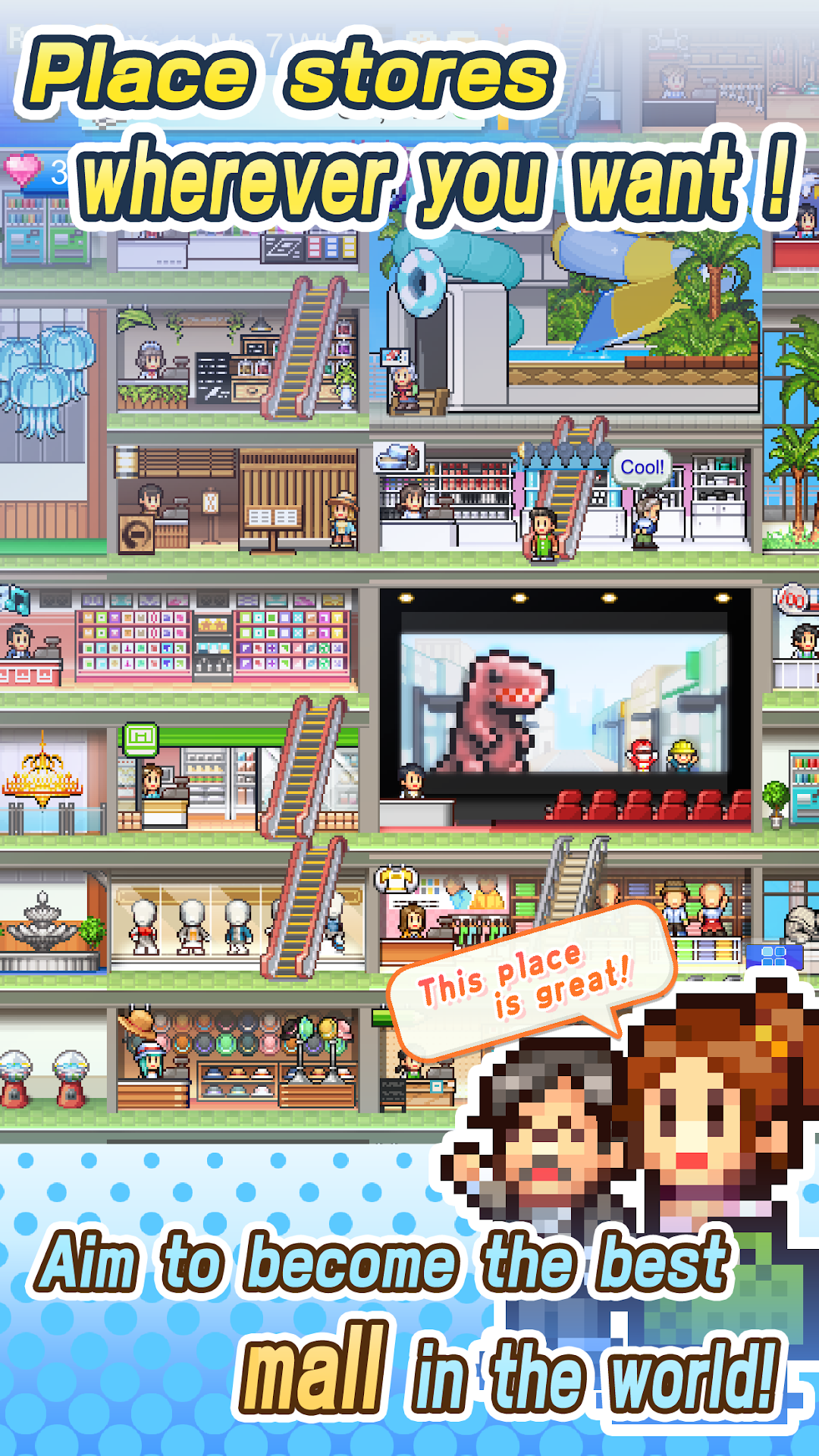
A business management sim where you can make a mall that's right for you!Everything's been expanded since the last game - build bigger, build higher!
Enjoy more freedom and customization than ever.
Add public transport stations to bring in customers from farther away.
Visitors can come by bus, subway, helicopter, and even on UFOs!
Meet new mall visitors bursting with personality.
I could go for a bowl of ramen and a good book...
It's a manager's job to make sure customers leave satisfied.
Build stores that will delight your regulars!
Create enough great stores...
And you can even attract VIPs!
New tenants stores exclusive to this title.
Set up exhibitions, a movie theater, pool and even an indoor farm!
Stores come in different shapes and sizes - the combinations are limitless!
Create combos by placing related stores on the same floor.
Take advantage of weather and scenery to attract more customers
and compete with other stores to be the best mall in town!
A new challenger steps into the world of business management,
dreaming of one day running a 5-star mall...
The sky's the limit in Mega Mall Story 2!
--
All game progress is stored on your device. Save data cannot be restored after deleting or reinstalling the app.
Try searching for "Kairosoft" to see all of our games, or visit us at https://kairopark.jp
Be sure to check out both our free-to-play and our paid games!
Kairosoft's pixel art game series continues!
Follow us on Twitter for the latest Kairosoft news and information.
https://twitter.com/kairokun2010