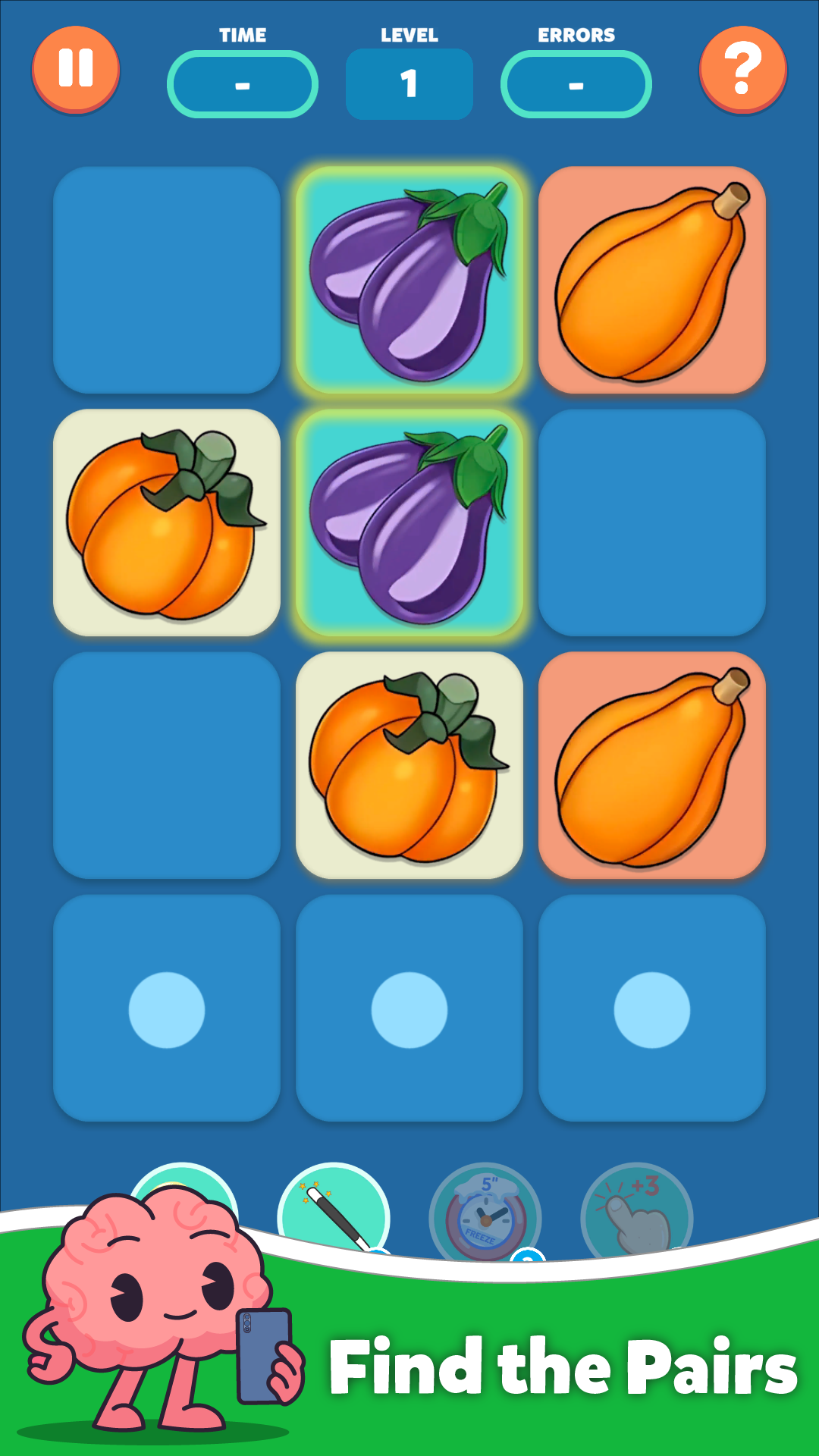
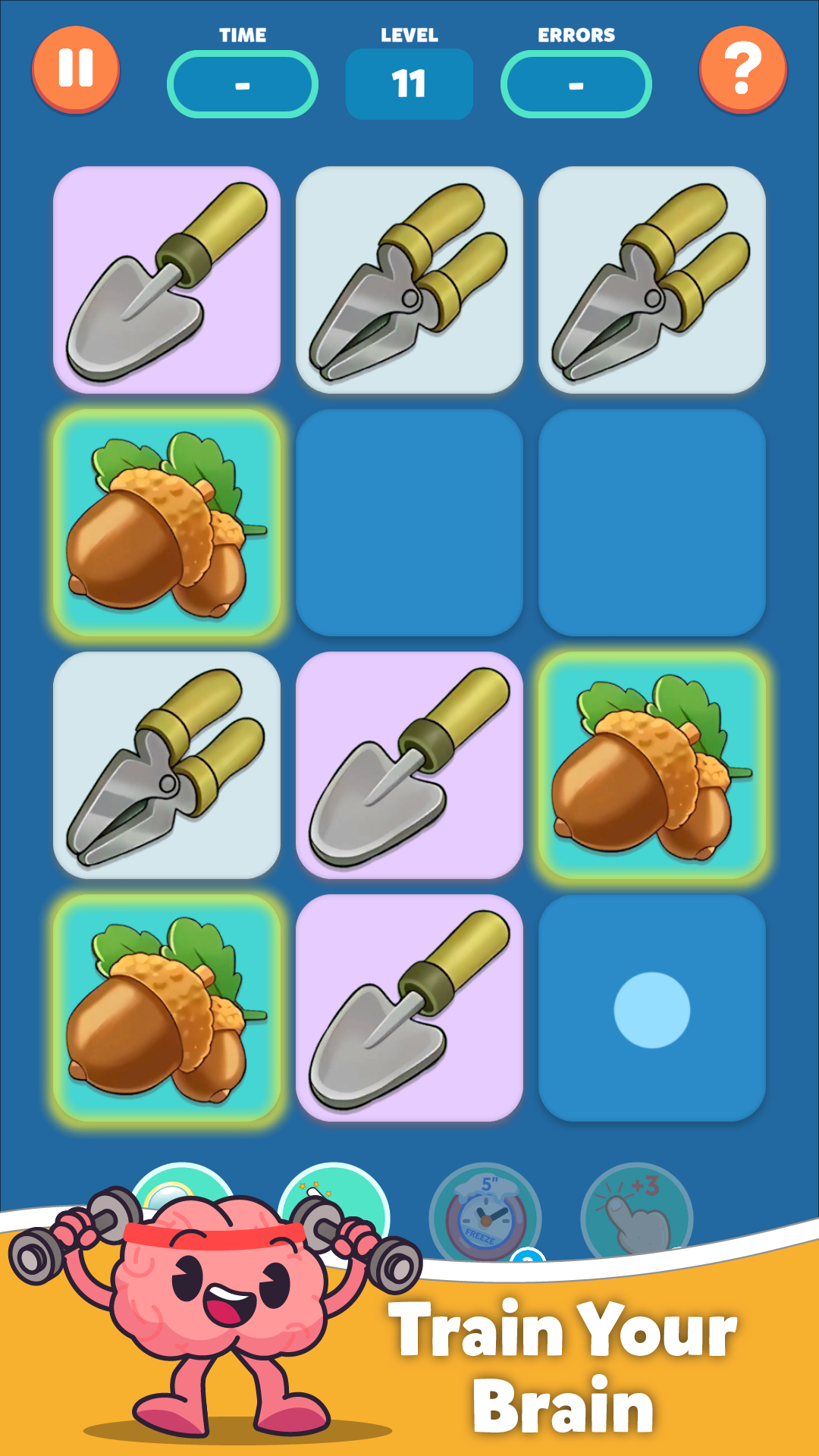
MemoGames: memory match games is a Puzzle application developed by Monkey Games Studios, but with the best Android emulator-LDPlayer, you can download and play MemoGames: memory match games on your computer.
Running MemoGames: memory match games on your computer allows you to browse clearly on a large screen, and controlling the application with a mouse and keyboard is much faster than using touchscreen, all while never having to worry about device battery issues.
With multi-instance and synchronization features, you can even run multiple applications and accounts on your PC.
And file sharing makes sharing images, videos, and files incredibly easy.
Download MemoGames: memory match games and run it on your PC. Enjoy the large screen and high-definition quality on your PC!
Welcome to MemoGames! 🎉 Enjoy free memory games for adults and memorize all pairs while having fun!Are you ready to boost memory and focus with the ultimate memory games? Improve memory, remember key details, and challenge your brain with our engaging memory match game.
MemoGames is the perfect memory card game to enhance your cognitive skills, train memory, and enjoy a fun brain workout. Designed for all ages, it’s ideal for adults, kids, or anyone wanting to improve memory and focus.
💡 How to Play Memory Card Game?
Flip cards on the board to find matching pairs. Memorize their positions to improve your memory and focus. This simple yet fun memory training game helps you remember and match pairs while boosting your brainpower.
🚀 Why Choose MemoGames?
MemoGames offers two exciting game modes: Adventure and Arcade.
- In Adventure Mode, progress through 6 unique styles: Classic, Limited Moves, Time Attack, Mirror, Hidden Pairs, and Countdown. Each style features levels with increasing difficulty, finding pairs x2, x3 and x4.
- In Arcade Mode, enjoy endless fun with random levels that keep your mind sharp and entertained.
Whether you’re seeking structured progression or spontaneous challenges, MemoGames is the perfect choice to train your memory and have fun.
🔹 Benefits of Memory Games:
- Train memory and concentration daily
- Memorize matching pairs and improve cognitive skills
- Enjoy fun and engaging memory games for all ages
MemoGames is your go-to memory card game for training your brain and having fun. It’s designed to challenge your memory, help you remember, and keep your mind sharp.
🎯 Ready to memorize and improve your memory?
Join thousands of players worldwide and download MemoGames today. Start your journey to better memory and cognitive health with our unique brain training game. Remember all pairs and boost your memory today!