Meow Chain Blast is a Puzzle application developed by Kitti Cuts, but with the best Android emulator-LDPlayer, you can download and play Meow Chain Blast on your computer.
Running Meow Chain Blast on your computer allows you to browse clearly on a large screen, and controlling the application with a mouse and keyboard is much faster than using touchscreen, all while never having to worry about device battery issues.
With multi-instance and synchronization features, you can even run multiple applications and accounts on your PC.
And file sharing makes sharing images, videos, and files incredibly easy.
Download Meow Chain Blast and run it on your PC. Enjoy the large screen and high-definition quality on your PC!
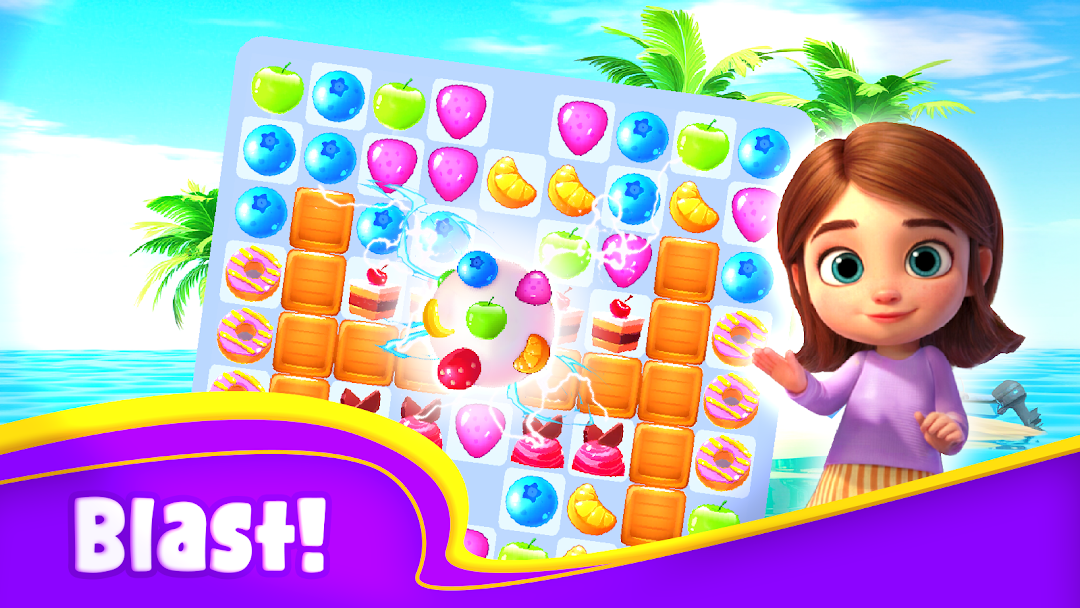
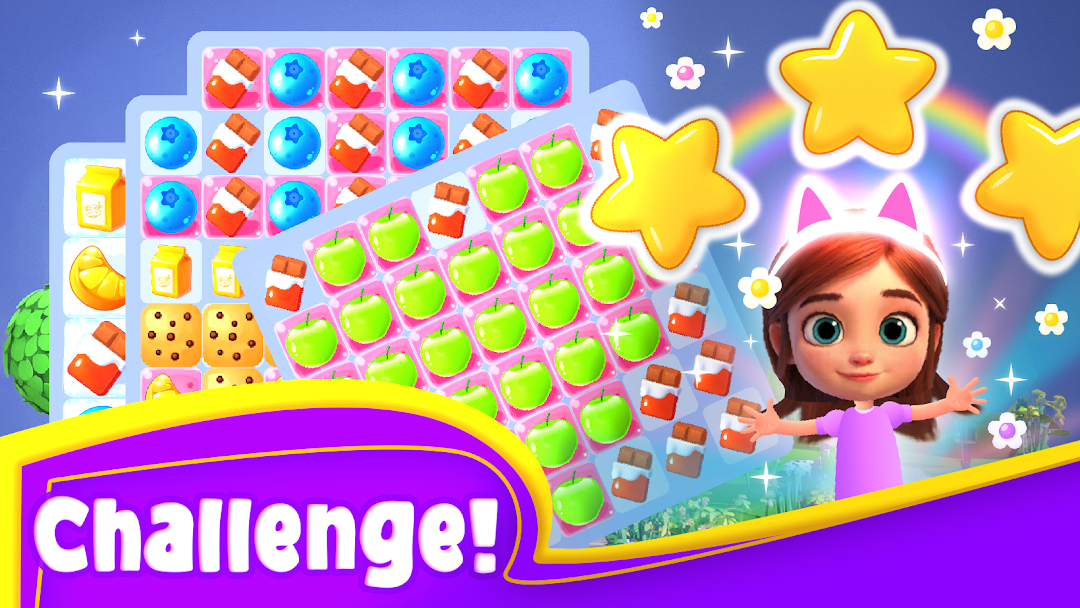
🐾 Meow Chain Blast is the ultimate match-and-blast puzzle game! Connect chains of chocolates, milk bags, sweets, apples, oranges, and blueberries to create explosive combos! 🍫🍬🍎🍊 Use power-ups like Canon 🎯, Color Bomb 🎆, sweet Bomb 💣, and Swap 🔄 to break through tricky levels and explore fun challenges. ✨ Collect cupcakes, donuts, and cakes while smashing biscuits, ice, jelly, and more! With adorable cat-themed designs 🐱 and satisfying gameplay, Meow Chain Blast offers endless fun for puzzle lovers.🌟 Why You’ll Love Meow Chain Blast:
★ Unique Gameplay – Match & blast chocolates, candies, and fruits with ease!
★ Powerful Boosters – Use Canon 🎯, Color Bomb 🎆, Bomb 💣, and Swap 🔄 to tackle challenges.
★ Exciting Challenges – Collect tasty cupcakes 🧁, donuts 🍩, and cakes 🎂 while breaking obstacles like biscuits 🍪 and ice ❄️.
★ Adorable Design – Cute cat-themed visuals and animations to make every move delightful. 🐾
★ Free & Offline – Play anywhere, anytime—no internet required!
★ Unlimited Lives – Play as long as you want without waiting! ⏳
★ Daily Rewards – Unlock surprises every day to boost your gameplay. 🎁
★ Frequent Updates – New levels and features added regularly!
📖 How to Play:
1️⃣ Connect 3 or more treats (chocolates, sweets, or fruits) to create a blast! 🍫🍬
2️⃣ Activate Power-Ups:
Canon 🎯 – Targets obstacles for maximum impact.
Color Bomb 🎆 – Clears all tiles of the same color.
Bomb 💣 – Destroys surrounding items in a powerful explosion.
Swap 🔄 – Switch positions of treats to make strategic moves.
3️⃣ Complete Goals: Collect cupcakes, clear biscuits, or break ice to pass levels!
4️⃣ Challenge Yourself: The longer your chain, the bigger your rewards!
✨ Highlights:
★ Stunning Graphics – Vibrant colors and smooth animations make gameplay magical! 🌈
★ Wide Variety of Levels – Hundreds of puzzles with unique goals and challenges!
★ Addictive Fun – A game that’s easy to play but hard to put down!
★ Family-Friendly – Perfect for kids and adults alike!
📜 Credits: