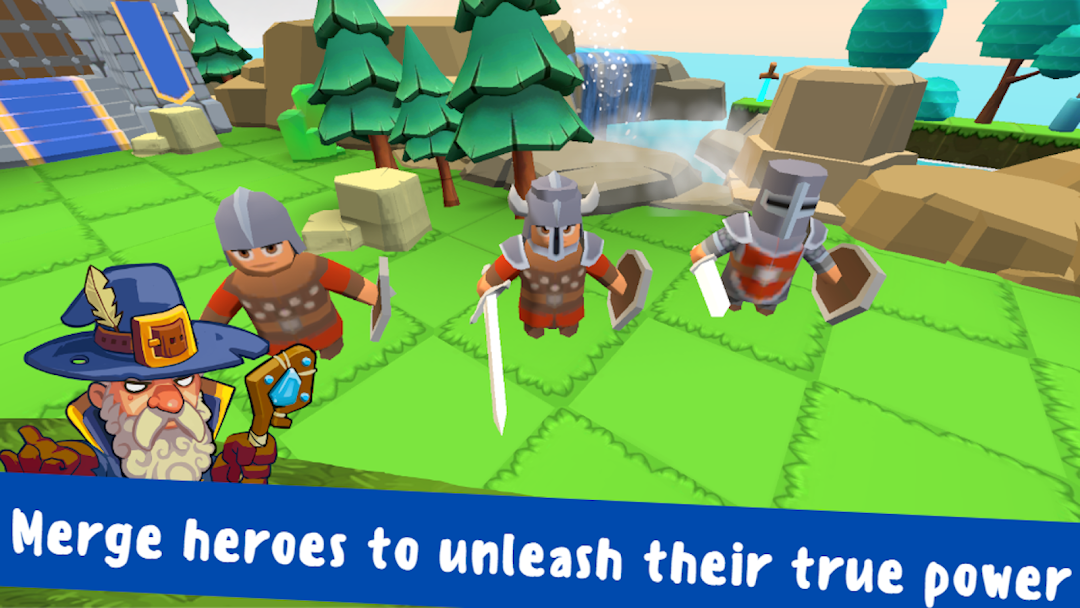
Merge&Fight: Battle for Castle is a Arcade application developed by Electrum Games, but with the best Android emulator-LDPlayer, you can download and play Merge&Fight: Battle for Castle on your computer.
Running Merge&Fight: Battle for Castle on your computer allows you to browse clearly on a large screen, and controlling the application with a mouse and keyboard is much faster than using touchscreen, all while never having to worry about device battery issues.
With multi-instance and synchronization features, you can even run multiple applications and accounts on your PC.
And file sharing makes sharing images, videos, and files incredibly easy.
Download Merge&Fight: Battle for Castle and run it on your PC. Enjoy the large screen and high-definition quality on your PC!
Welcome to an extraordinary merge and battle game that takes you to a medieval castle, where your main mission is to rid the field of pesky monsters in battle and earn valuable coins.Immerse yourself in this captivating gameplay, where merging your knights will create mighty heroes and warriors capable of overcoming even the most challenging combat adventures that lie ahead.
In this game, you face a tough challenge: clearing the path to the castle tower and freeing it from oppressors. Strategically merge your knights to fight against a powerful army, leading them into an exhilarating battle with ruthless hordes of monsters. Each victory brings you closer to achieving your ultimate goal—restoring the kingdom.
As you enter battle and defeat your enemies, you will be rewarded with coins. This valuable resource allows you to upgrade your units and enhance their abilities, making them even more formidable in battle. Unlock new skills, improve their stats, and deliver crushing blows to your opponents, strengthening your dominance in combat.
Dive into the engaging merge mechanics, where you can combine heroes to create a unique and powerful knightly defense in this medieval war. Witness your units transform into unstoppable forces, each possessing unique strengths and attack advantages in battle. Your strategic decisions and merging expertise will determine the outcome of each fight.
The merge game offers an exciting and action-packed experience that tests your strategic understanding. Can you take on the unrelenting army, clear the field of monsters, and free the castle from monstrous captors? The castle's fate is in your hands—don't let them conquer you. It’s time to showcase your skills and pave the way to victory!
This merging game will especially appeal to fans of TD Tower Defense games.
Embark on this thrilling medieval adventure, dive into the fantastical realm of the Merge&Fight: Battle for Castle, and show the world your tactical prowess by leading your army to triumph in the war, restoring peace and freedom to the castle once and for all!
Be sure to regularly collect the game's profits to increase the amount you can allocate for recruiting additional knights, which can quickly become costly. Can you become a master of merging?
If you’re looking for an enjoyable, easy-going adventure that includes tactical obstacles and strategy, then this merging game is the perfect choice. Grab your sword, assemble a formidable army of knights, and fight to defend the kingdom in battle.