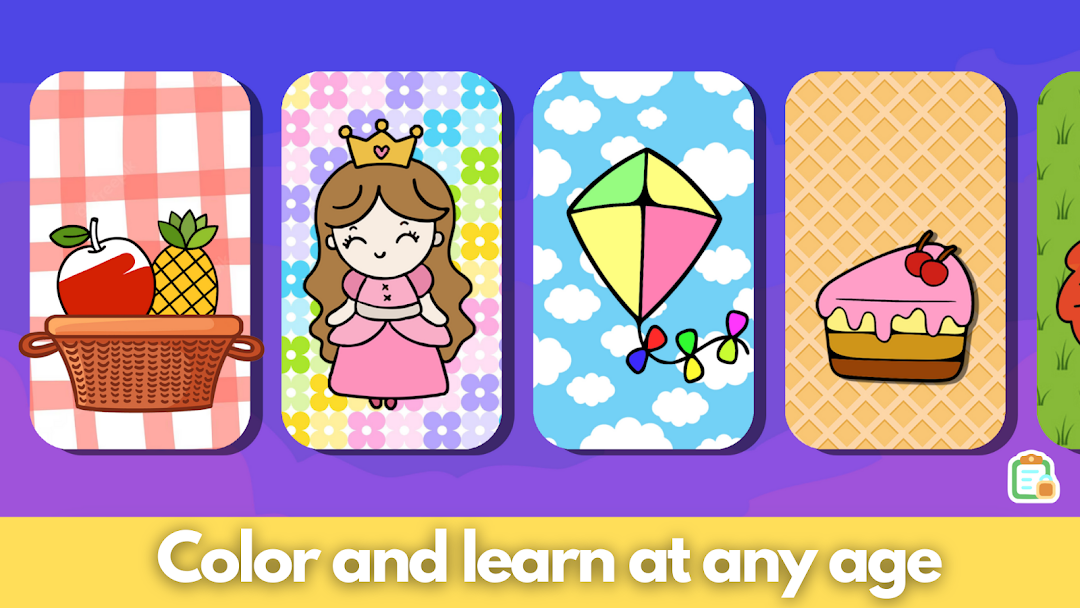
Little Picasso Kids Colouring is a Education application developed by BebiBoo, but with the best Android emulator-LDPlayer, you can download and play Little Picasso Kids Colouring on your computer.
Running Little Picasso Kids Colouring on your computer allows you to browse clearly on a large screen, and controlling the application with a mouse and keyboard is much faster than using touchscreen, all while never having to worry about device battery issues.
With multi-instance and synchronization features, you can even run multiple applications and accounts on your PC.
And file sharing makes sharing images, videos, and files incredibly easy.
Download Little Picasso Kids Colouring and run it on your PC. Enjoy the large screen and high-definition quality on your PC!
Little Picasso Coloring Book, The ultimate coloring experience for kids! This engaging and educational app is perfect for young artists who love to color and express their creativity. With a wide variety of beautiful coloring pages and a user-friendly interface, Little Picasso Coloring Book provides endless hours of fun and artistic exploration for children of all ages.Featuring a vast collection of coloring pages that range from animals and nature scenes to vehicles and fantasy characters, Little Picasso Coloring Book offers a diverse selection of images that will inspire your child's imagination. Each coloring page is carefully designed to be engaging and age-appropriate, and there are multiple coloring tools and a wide color palette to choose from, allowing kids to create unique and colorful masterpieces.
Little Picasso Coloring Book is not just about coloring - it also promotes learning and development in a fun and interactive way. Through coloring, kids can improve their hand-eye coordination, fine motor skills, and color recognition. The app also encourages concentration and focus, as kids carefully select colors and stay within the lines to complete their artwork.
With its intuitive interface and easy-to-use features, Little Picasso Coloring Book is suitable for kids of all ages, from toddlers to older children. The app is also completely safe and kid-friendly.
Key Features:
- Wide variety of coloring pages featuring animals, nature scenes, vehicles, and more
- Multiple coloring tools and a wide color palette
- Promotes learning and development through coloring
Let your child's creativity soar with Little Picasso Coloring Book!