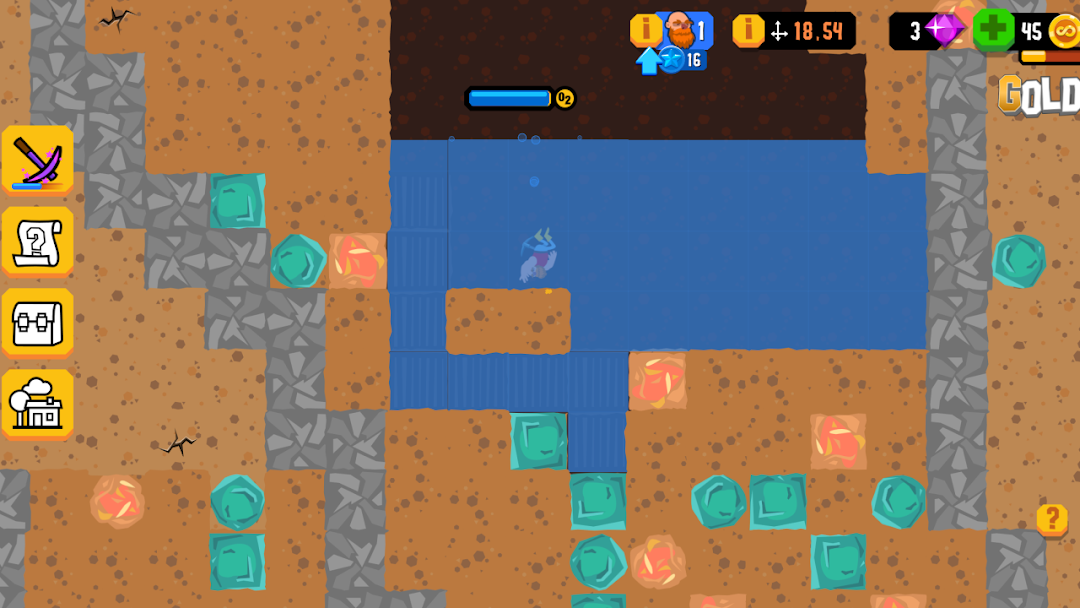
Mine Tycoon is a Adventure application developed by Delicious Potatoes, but with the best Android emulator-LDPlayer, you can download and play Mine Tycoon on your computer.
Running Mine Tycoon on your computer allows you to browse clearly on a large screen, and controlling the application with a mouse and keyboard is much faster than using touchscreen, all while never having to worry about device battery issues.
With multi-instance and synchronization features, you can even run multiple applications and accounts on your PC.
And file sharing makes sharing images, videos, and files incredibly easy.
Download Mine Tycoon and run it on your PC. Enjoy the large screen and high-definition quality on your PC!
Strap on your helmet, grab your trusty pickaxe, and dive into the ultimate mining adventure with Mine Tycoon! 🚀 Embark on an epic journey through an endless mine, teeming with treasures, challenges, and brain-teasing puzzles that only a seasoned mining tycoon like yourself can conquer!💰 Dig, Collect, and Conquer!
Life in the mine is straightforward but exhilarating: dig tirelessly, amass a fortune in gold and uncover hidden treasures if luck favors you. Sell your loot at Joe's shop to earn money for upgrading your gear and preparing for the next daring expedition.
🚧 Beware of Falling Rocks!
Delve into the depths cautiously! Dodge the perilous rocks that lurk in the mine's heart, waiting to crush the unprepared. Wield your pickaxe with precision, forging a path through the stones. Match 3 or more stones of the same color to create explosive combinations, turning the mine into a puzzle-filled adventure!
🕵️♂️ Explore Every Inch of the Cave!
Leave no stone unturned as you explore the cave's hidden corners - who knows what treasures lie beneath the surface? Unearth ancient dinosaur bones, valuable gold nuggets, and even colossal diamonds. No obstacle is too daunting for a dedicated miner like you!
💎 Mine, Dig, Prosper!
Embark on the quest to become the wealthiest miner in the world! Start digging, fill your bag with gold and diamonds, and conquer the depths in the greatest free mining game of all time. Are you up for the challenge of becoming the ultimate Mine Tycoon?
Dive into the Mine Tycoon experience now - where every swing of the pickaxe brings you closer to unimaginable wealth and glory! 💎🌟