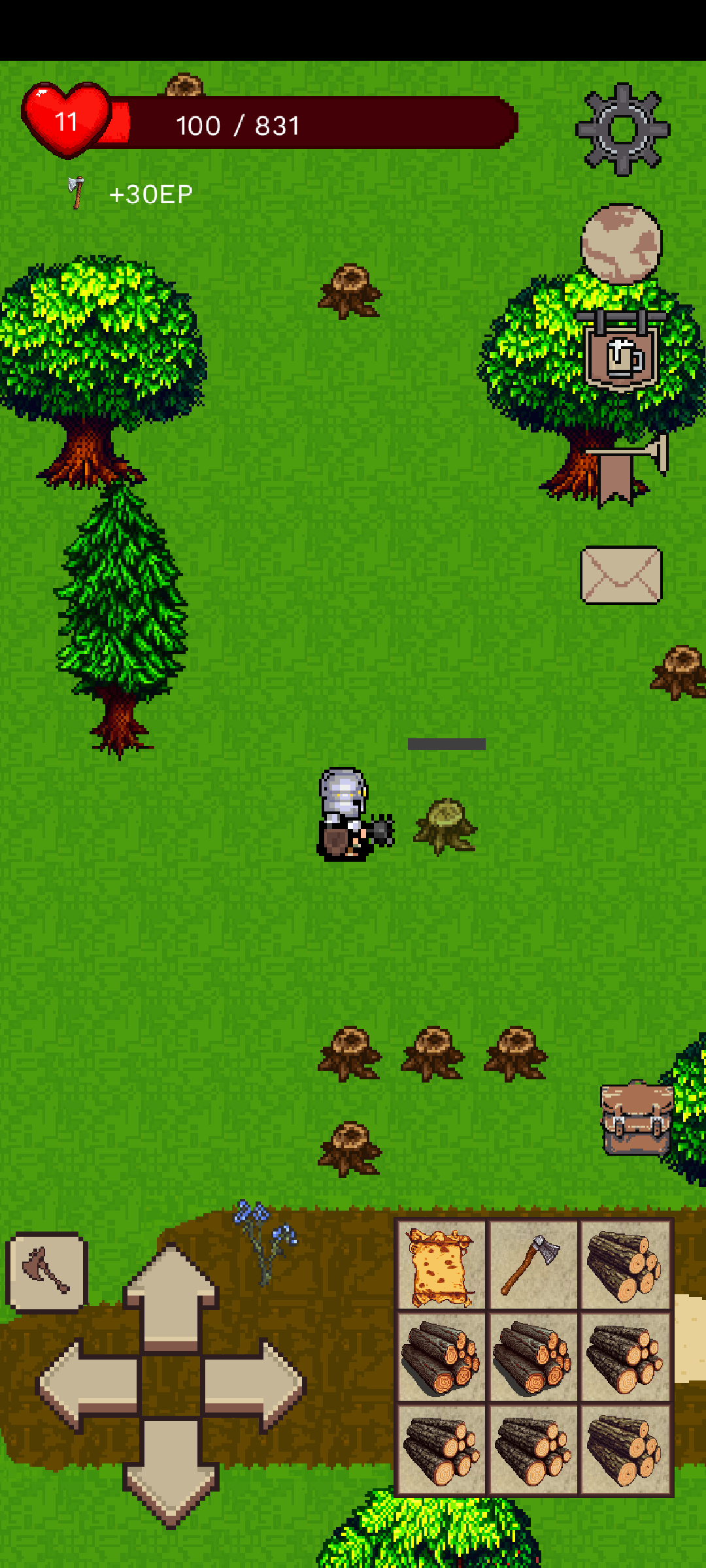
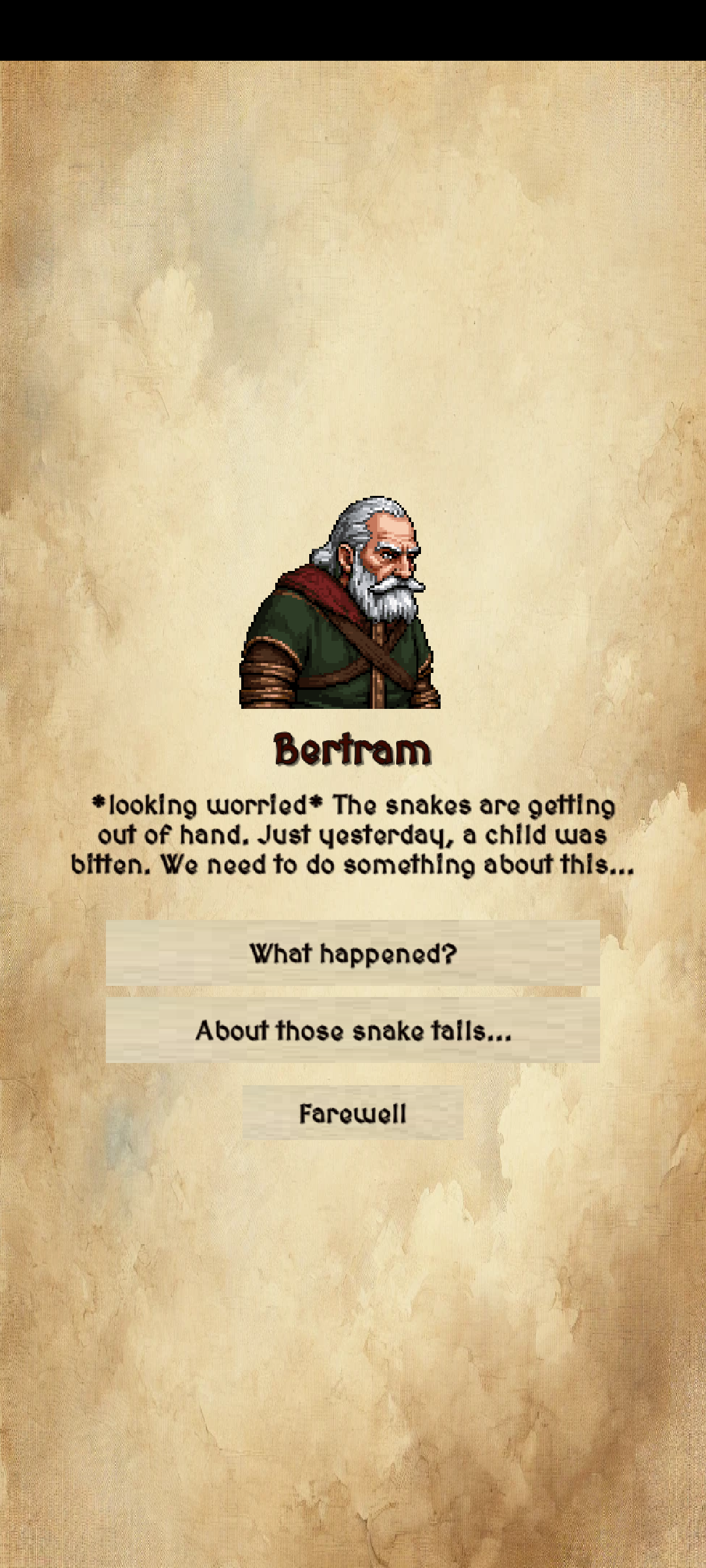
Minikin Knight is a Role Playing game developed by software4me, and LDPlayer is the best platform for playing Minikin Knight on Windows PC, offering powerful features for an immersive experience.
When playing Minikin Knight on PC, as a new player looking to start with a fresh account, the multi-instance and sync features are extremely useful for rerolls. You can use them to run multiple instances and begin the synchronization process. Bind your account until you draw the desired heroes.
In addition, operation recorder is great for games that require you to level up and complete tasks! Run the sync and record your actions, then repeat the main instance's actions in real-time. By doing so, you can run 2 or more accounts simultaneously. You can always get the heroes you want before others by faster rerolls and more efficient summoning! Start downloading and playing Minikin Knight on your computer now!
Minikin Knight is an immersive RPG that invites you to embark on an epic adventure in a vibrant and dynamic world filled with endless opportunities to explore, fight, and thrive. Whether you're a valiant knight battling fierce monsters or a skilled artisan perfecting your trade, the choice is yours in this multifaceted game.A World of Adventure
Set foot in a sprawling world teeming with life, mysteries, and challenges. Embark on countless quests that will test your courage, wit, and determination. Discover hidden treasures, solve ancient puzzles, and make your mark on a world filled with lore and legends.
Monstrous Battles
Take up arms and face off against a diverse range of monsters, each with unique strengths, weaknesses, and treasures to uncover. Defeat formidable foes to earn rare materials and craft powerful armor or weapons to bolster your strength. The more you fight, the stronger you become—master the art of combat to reign supreme.
Fishing and Cooking
Unwind from battle by trying your hand at fishing. Cast your line into tranquil rivers or the open sea and reel in a variety of fish. Each catch can be cooked into nourishing meals or crafted into special potions to aid you on your journey. Experiment with recipes, and see how your culinary skills can turn the tide in both battles and exploration.
Alchemy and Herbology
Harness the power of nature by gathering rare herbs scattered across the land. Use your findings to brew potions and tonics, enhancing your abilities or providing unique advantages. Each potion you create raises your herbology level, unlocking even more powerful concoctions to help you overcome the toughest challenges.
Master the Art of Crafting
For those who prefer skill over combat, Minikin Knight offers a deep and rewarding crafting system. Venture into the mines to unearth precious ores, smelt them into sturdy bars, and forge exquisite armor and weapons. As you refine your skills, you'll craft increasingly powerful gear, allowing you to support yourself or even trade with other players.
Choose Your Path
Minikin Knight allows you to shape your journey. Become a fearsome warrior, a talented craftsman, or a master of both! Switch seamlessly between roles, mixing and matching skills to suit your style. The game encourages creativity, offering multiple ways to tackle challenges and achieve your goals.
Immersive Exploration
Every corner of the world is worth exploring. Whether you're traversing lush forests, scaling treacherous mountains, or delving into dark dungeons, you'll always find something new to discover. Dynamic events and surprises keep the adventure fresh and exciting.
Endless Growth
With a robust leveling system, you’ll always find ways to grow stronger and more skilled. Unlock new abilities, discover rare tools, and upgrade your equipment to face ever-greater challenges. There's no limit to how far you can progress!
Minikin Knight is more than just a game—it's an adventure waiting to unfold. Dive into a world where every choice matters, every challenge rewards you, and every moment feels alive. Whether you’re battling monsters, perfecting your trade, or simply enjoying the beauty of the world, Minikin Knight offers something for everyone.
Will you rise to the challenge and become the ultimate Minikin Knight? The journey begins now—are you ready?