

Monster Fishing RPG is a Adventure application developed by YohiyukiNakashima, but with the best Android emulator-LDPlayer, you can download and play Monster Fishing RPG on your computer.
Running Monster Fishing RPG on your computer allows you to browse clearly on a large screen, and controlling the application with a mouse and keyboard is much faster than using touchscreen, all while never having to worry about device battery issues.
With multi-instance and synchronization features, you can even run multiple applications and accounts on your PC.
And file sharing makes sharing images, videos, and files incredibly easy.
Download Monster Fishing RPG and run it on your PC. Enjoy the large screen and high-definition quality on your PC!
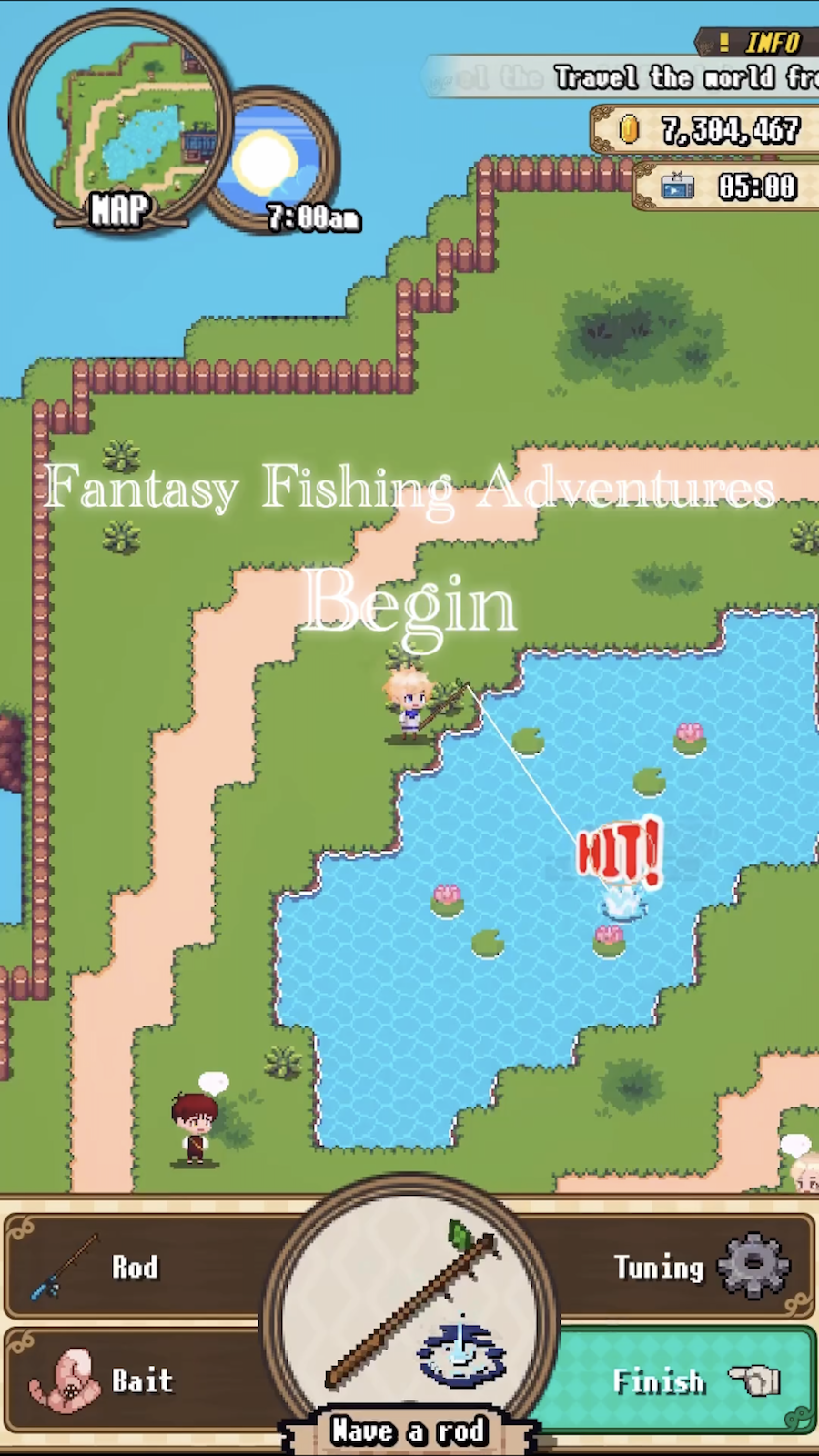
New sensation, Fishing x Fantasy RPG!Catch monster Fish in an open world of 2D dots!
=========================
Story
=========================
The main character and his friend, who live on a country island, leave the island and set off on a journey to catch "Monster Fish" (Mon-Fish) from all over the world.
During their journey, their friend is eaten by a frog-shaped Monster Fish and taken away!
Why was my friend taken away?
There was actually a secret...!
Fishing RPG! Fishing for Monster Fish and saving the world!
=========================
Unique Monster Fish
=========================
Let's catch many kinds of Monster Fish!
There are many kinds of Monster Fish, from small to large!
If you catch all of them and fill up the picture book, something good may happen...?
=========================
Fishing Action
=========================
Fishing for Monster Fish is easy!
Move your cursor toward the shadow of the fish you see on the surface of the water!
Once the cursor is aligned with the shadow of the fish, swing the fishing rod to start the action!
If the fish's energy (hearts) is lost in time with the timing of the gauge, you've successfully caught it!
=========================
Tools to aid in fishing
=========================
・Fishing Bait
Fishing bait can be equipped to give you an advantage in the fishing action!
(It is a consumable item, so be careful how many you have!)
・Fishing Rods
Each fishing rod has a different performance.
To obtain a fishing rod with better performance, collect and produce Monster Fish materials!