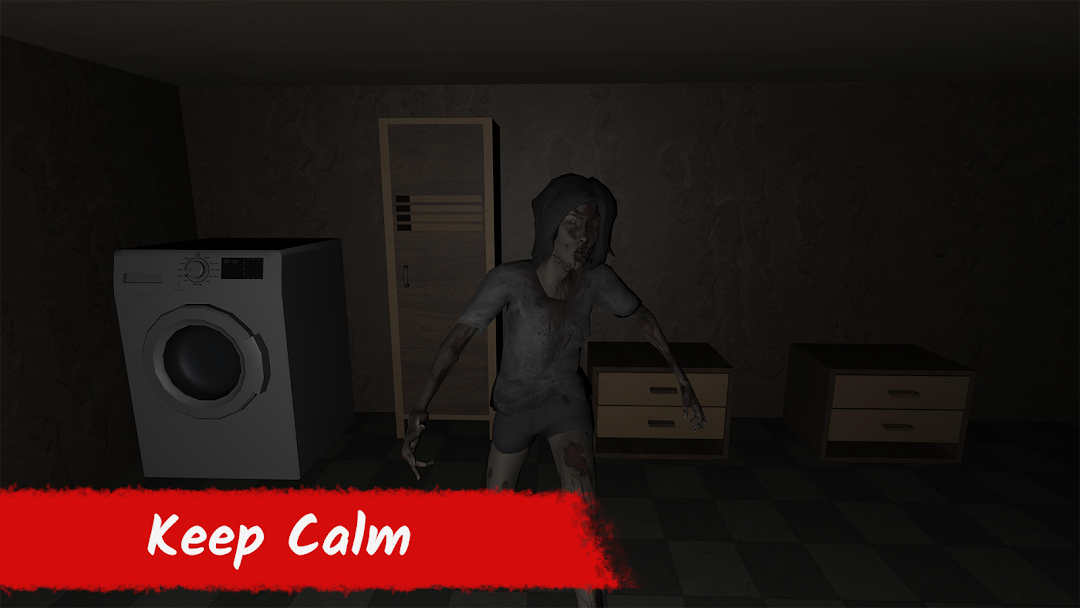
Mr. Gorexpan - Horror Game is a Action game developed by İkibilimci studio, and LDPlayer is the best platform for playing Mr. Gorexpan - Horror Game on PC, offering powerful features to immerse you in the game.
When playing Mr. Gorexpan - Horror Game on computer, you can adjust frame rate settings for smooth gameplay and stunning visuals.
LDPlayer also provides pre-configured keyboard mapping for convenient control of the entire game. Continuous optimization of keyboard mapping enhances key sensitivity and skill accuracy. Additionally, LDPlayer offers special buttons like shoot, hide mouse, and continuous key press for an enhanced gaming experience.
If you prefer using a gamepad, the automatic gamepad detection allows you to customize controls with just a few clicks, enabling you to freely maneuver your hero. Start downloading and playing Mr. Gorexpan - Horror Game on your computer now!
"Embark on a chilling journey in the heart-pounding horror game, 'Mr. Gorexpan.' Face the relentless pursuit of the fearsome Mr. Gorexpan, an extraordinarily fast and intelligent enemy. Your only hope of survival is to outsmart him by hiding in closets or distracting him with well-aimed hammer throws.Explore a haunting environment filled with spine-chilling puzzles waiting to be unraveled. Immerse yourself in an atmospheric world as you race against time to find the key and escape from the clutches of Mr. Gorexpan.
Features:
Intense and thrilling gameplay: Experience a heart-racing adventure as you evade the relentless Mr. Gorexpan and unravel the mysteries that lie ahead.
Cunning enemy AI: Encounter an enemy AI with exceptional speed and intelligence that will stop at nothing to catch you.
Solve captivating puzzles: Put your wits to the test and solve a variety of mind-bending puzzles to progress through the game.
Atmospheric horror: Immerse yourself in a chilling atmosphere with detailed visuals and eerie sound design that will keep you on the edge of your seat.
Uncover the secrets: Dive deep into the dark lore of 'Mr. Gorexpan' as you discover the truth behind the haunting presence that torments your every move.
Are you ready to face your fears and challenge the intelligence of Mr. Gorexpan? Can you solve the intricate puzzles and escape his clutches? The clock is ticking. Your journey begins now!"