Mukiz - Guess the song is a Music application developed by Mukiz, but with the best Android emulator-LDPlayer, you can download and play Mukiz - Guess the song on your computer.
Running Mukiz - Guess the song on your computer allows you to browse clearly on a large screen, and controlling the application with a mouse and keyboard is much faster than using touchscreen, all while never having to worry about device battery issues.
With multi-instance and synchronization features, you can even run multiple applications and accounts on your PC.
And file sharing makes sharing images, videos, and files incredibly easy.
Download Mukiz - Guess the song and run it on your PC. Enjoy the large screen and high-definition quality on your PC!
Think You Know Music? Prove it with Mukiz!Dive into the captivating musical world of Mukiz! Put your music knowledge to the test and challenge your friends in this addictive music quiz game. Whether you’re alone and just looking to level up your music knowledge or with your friends and want to see who is the number one music expert, Mukiz is the perfect app for every quiz lover!
Choose a playlist, guess the song and the artist as quickly as possible to win more points!
FEATURES
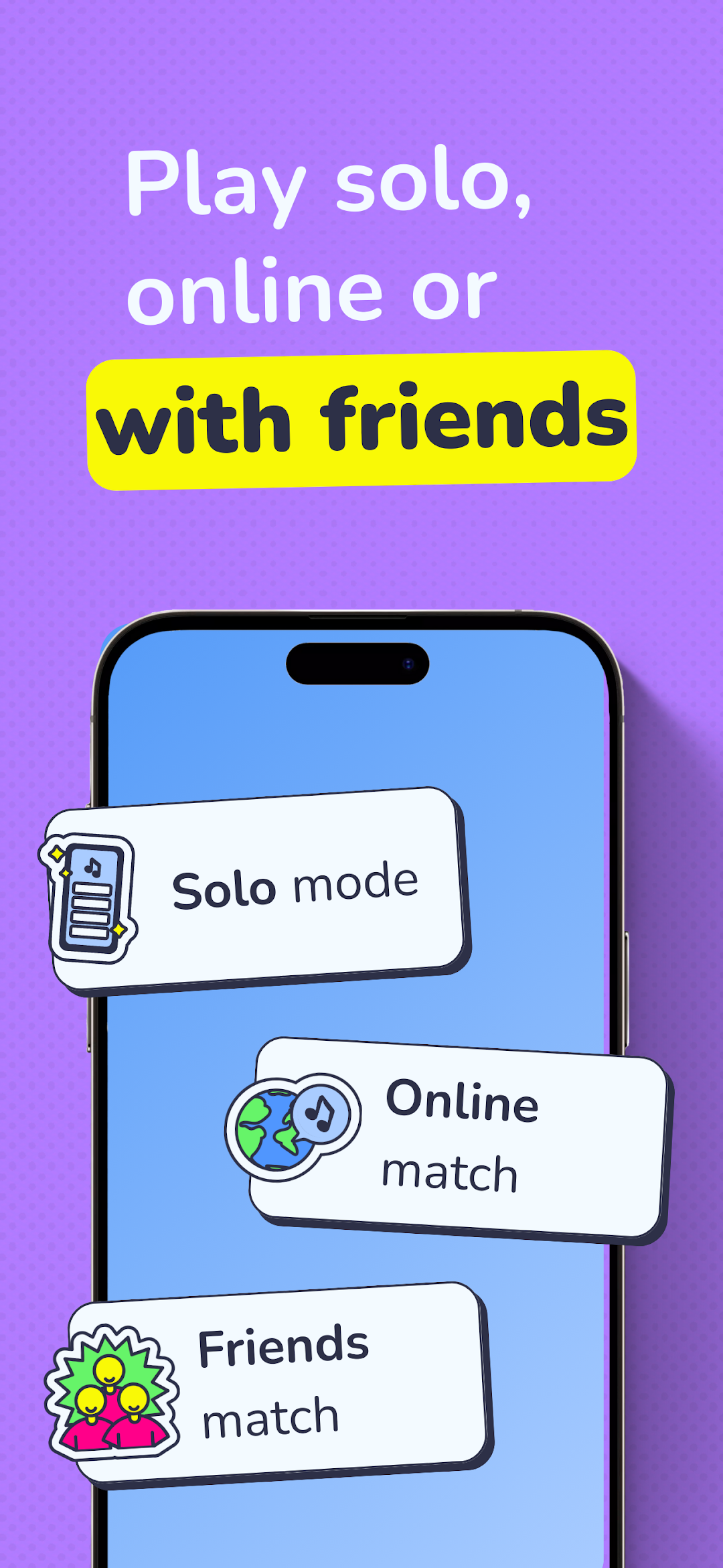
- Game modes 📳 : Alone, as a duo or with a group, you have different game modes to choose from! Will you go for the classic mode, the multiple-choice mode or for the knockout mode where only one of you will survive?
- Thousands of playlists 🎵 : With Mukiz, you have the choice between thousands of playlists to play with! From Movie music to Disney, we even have 7 genres of music to choose from: pop, rock, metal, rap, R&B, Electro and even country! Unlock the playlists with coins and compete with friends to find out who has the best musical knowledge.
- Playlist 100% artist 👩🎤 :You asked and we listened!You can find a dedicated category full of playlists of artists YOU asked for!From Michael Jackson to Celine Dion passing by Eminem, you can find all of your favorite singers there! And don’t worry if your favorite artist doesn’t have a playlist, we add to the category every week and you can even suggest artists in our Discord.
- Earn trophies and coins 🏆 : Showcase your musical expertise in Mukiz's classic mode to earn trophies, demonstrating your skills to other players and unlocking exciting features. Win coins by securing trophies, which can be used to customize your avatar and unlock playlists.
- Live games 🌎 : Everyday join hundreds of people in dozens of live games. Many times a day, you can compete with other players to find out who is the best music lover.
Mukiz is the ultimate party game for unforgettable evenings with friends and family. With its easy installation process, simply download the app, add your loved ones to your party, and let the fun begin!