My Food Universe is a Simulation application developed by Alkame Games, but with the best Android emulator-LDPlayer, you can download and play My Food Universe on your computer.
Running My Food Universe on your computer allows you to browse clearly on a large screen, and controlling the application with a mouse and keyboard is much faster than using touchscreen, all while never having to worry about device battery issues.
With multi-instance and synchronization features, you can even run multiple applications and accounts on your PC.
And file sharing makes sharing images, videos, and files incredibly easy.
Download My Food Universe and run it on your PC. Enjoy the large screen and high-definition quality on your PC!
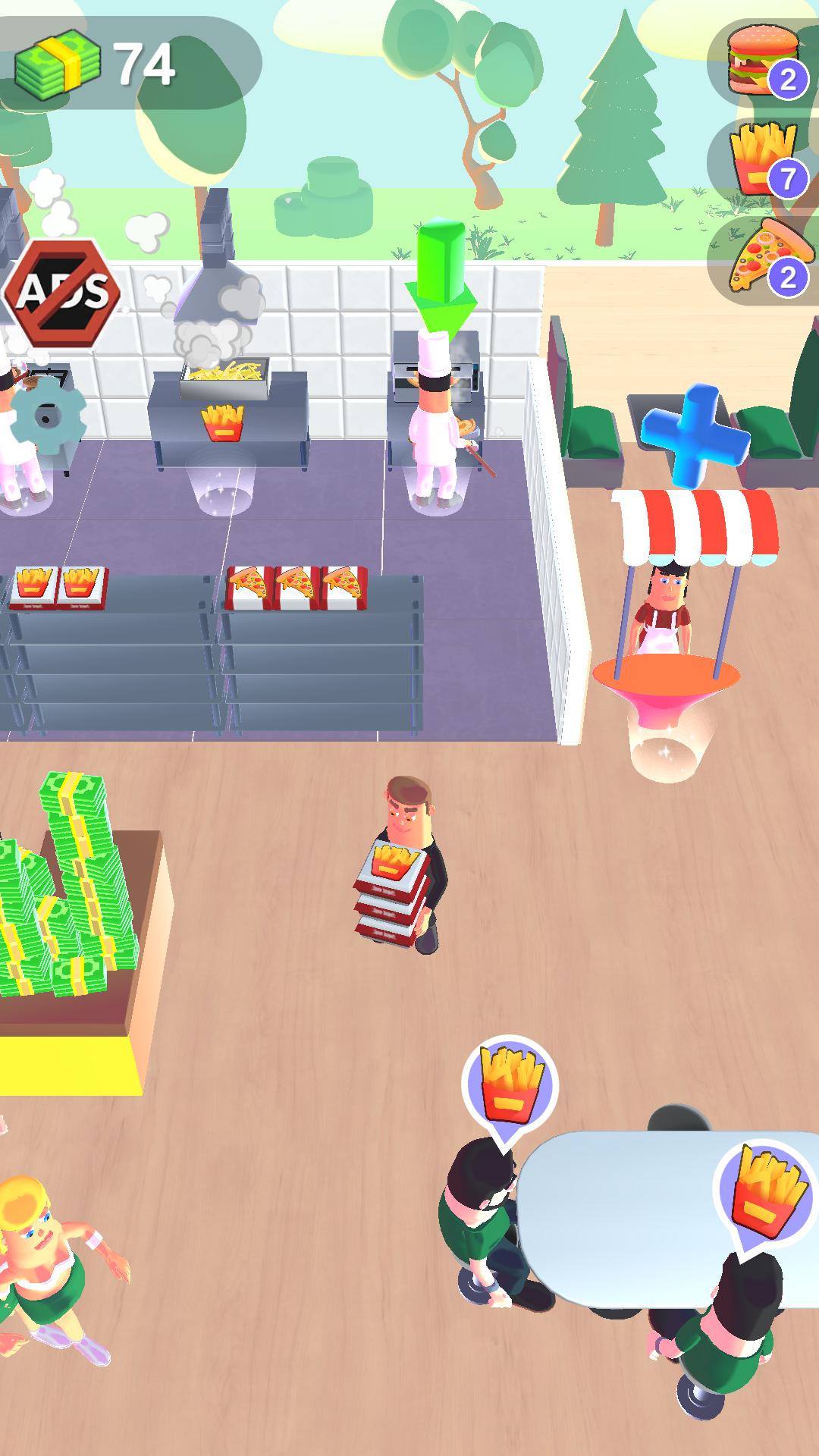
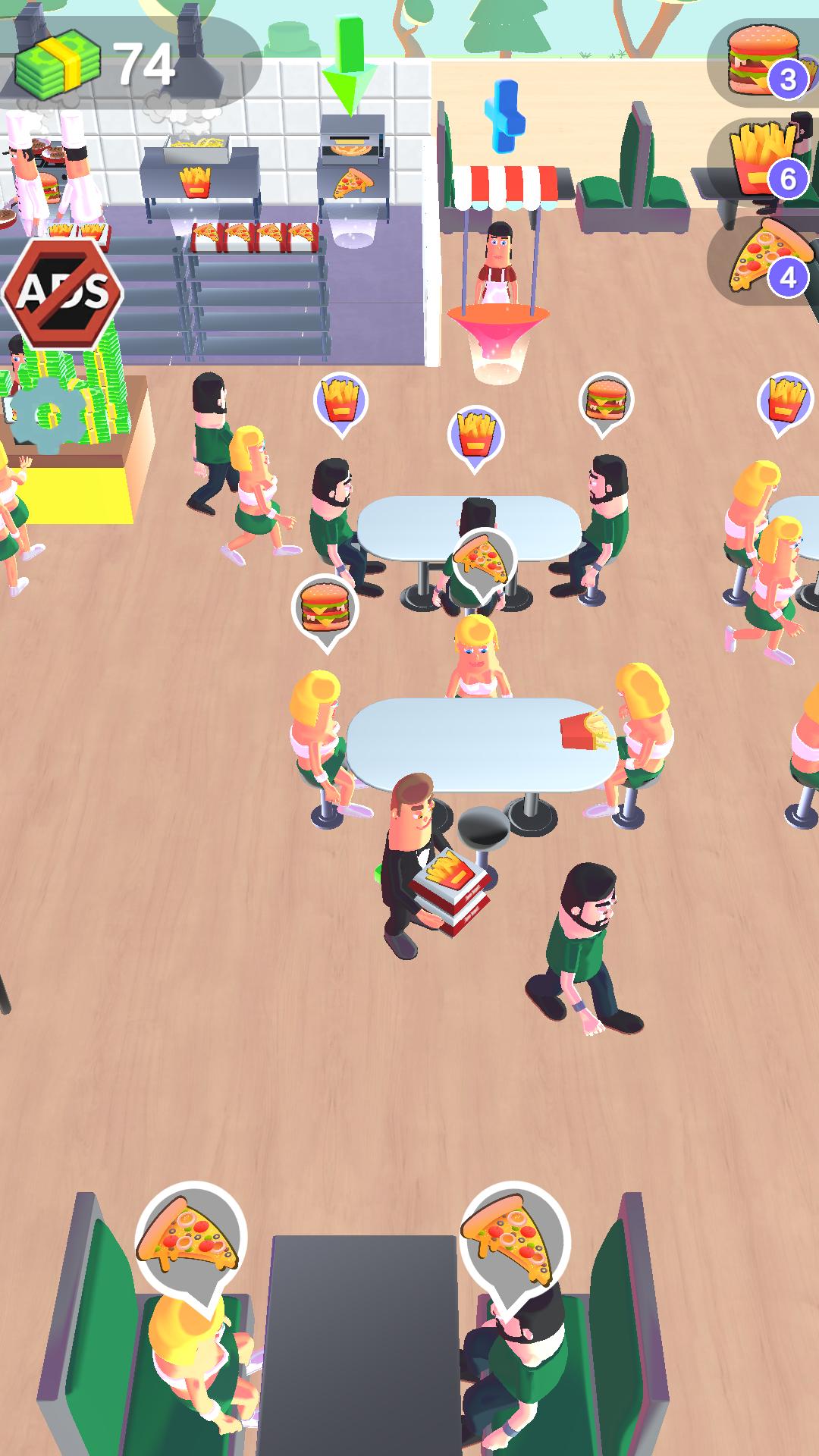
Introducing My Food Universe, the ultimate food simulation game! 🍲Are you ready to become the master of your own food empire? This game will immerse you in the world of a food universe and teach you everything about running a food business, from cooking and serving to cleaning and even managing staff!
🍲 Run your own Food Universe!🍲
As the boss of a food universe, you'll be responsible for everything from making and serving dishes like pizza, hamburgers, drinks, ice cream, fried fries, and French fries to managing store and hiring & upgrading your ability. Your goal is to make your store the top-selling food universe and become rich!
🚗 Two Sales Windows: Counter and Drive-Thru! 🍽
Experience the thrill of taking orders not only at the counter but also at the Drive-Thru! Serve your hungry customers efficiently and witness your food business flourish. With two sales windows, the possibilities for success are doubled!
💪 Grow Your HR Skills, Hire, and Upgrade Employees!💼
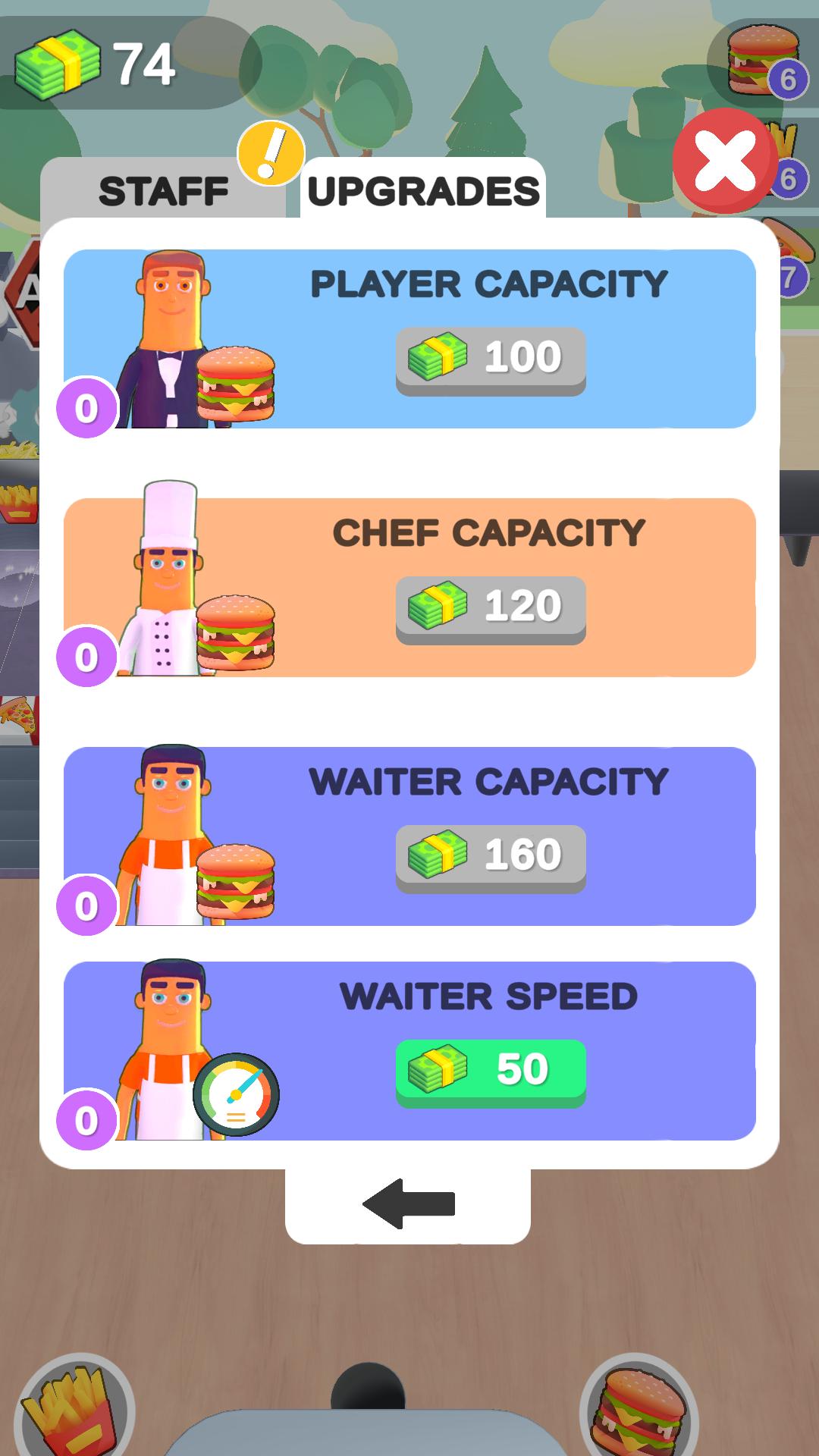
Unleash your inner HR guru by hiring talented employees and upgrading their skills. Build a dream team that will help take your food business to new heights!
🔥 Unlimited Expansion, Chain Stores in Every State!🔥
My Food Universe offers boundless opportunities for expansion. Not only can you expand your store, but you can also establish chain stores in every state! Become a nationwide food tycoon and dominate the industry like never before.
😄 Endless fun & Completely Free! 😄
My Food Universe is all about fun and enjoyment. It's completely free to play, ensuring that everyone can join in on the food-making excitement.
Download My Food Universe now and experience the joy of running your own food universe!
Whether you're a fan of idle games, cooking, or simply love food, this game is for you. Solve your craving for excitement, challenge, and delicious food all in one! Get ready to serve the world, one dish at a time!