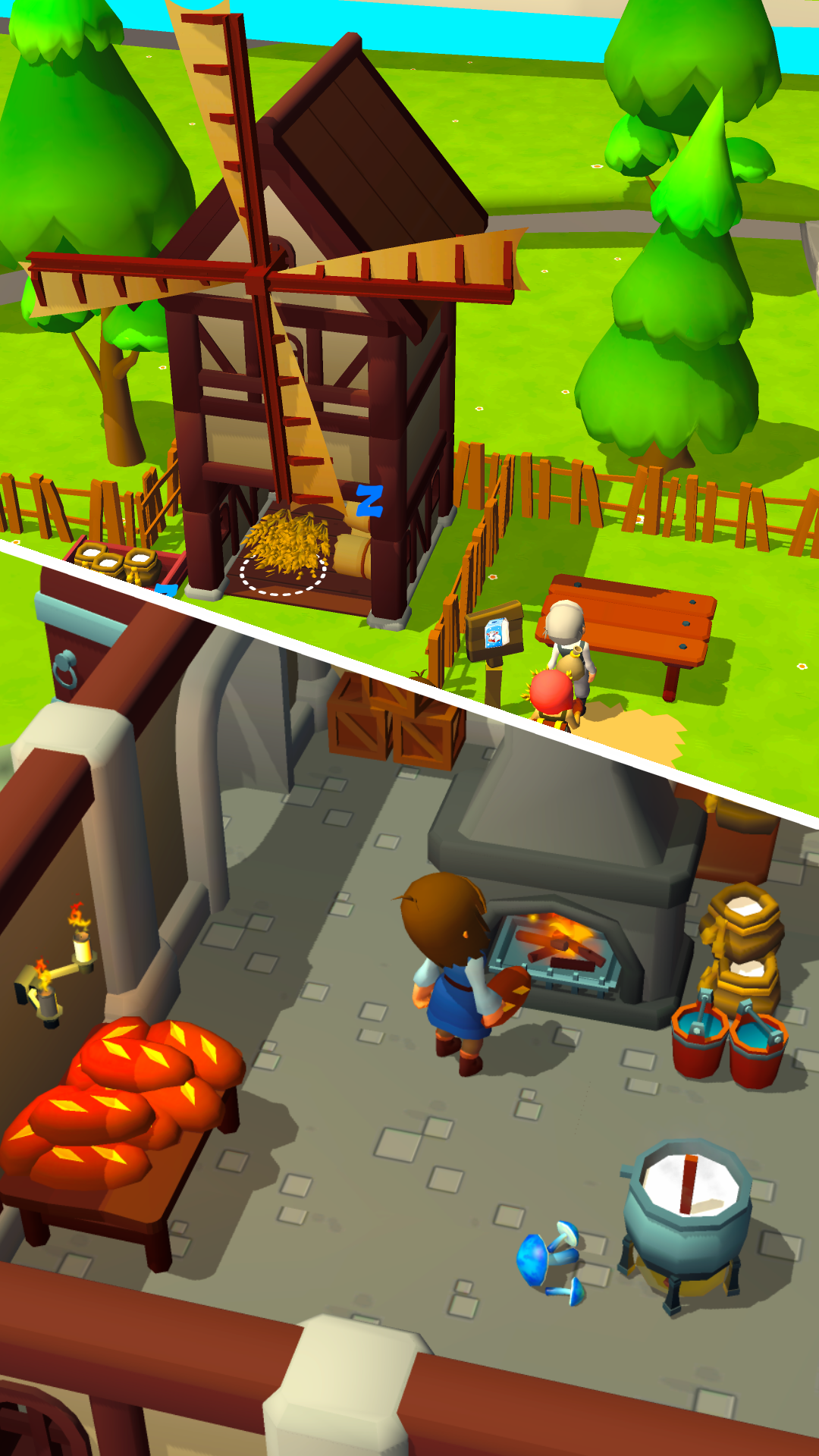
My Medieval Mart: Idle Tycoon is a Strategy game developed by GGDS - Idle Tycoon Games, and LDPlayer is the best platform for playing My Medieval Mart: Idle Tycoon on Windows PC, offering powerful features for an immersive experience.
When playing My Medieval Mart: Idle Tycoon on your computer, you can enjoy long game sessions using the operation recording feature to record repetitive operations to complete the same tasks automatically. It allows you to level up faster and makes resource grinding much more efficient.
In addition, if you want to execute combo moves or the game requires repeated skill actions, the macro feature is your best helper. It enables you to complete kills with just one click!
If you want to manage multiple accounts, LDMultiplayer and Synchronizer will assist you. You can run multiple alternative accounts at the same time to assist the leveling of your main account. Download and play My Medieval Mart: Idle Tycoon on PC with LDPlayer now!
Become a medieval tycoon! My Medieval Mart: Idle Tycoon is the ultimate idle empire building simulation game you've been longing for. Immerse yourself in the vibrant world of medieval markets as you become the manager of your very own mart. Sell wood, stone, apples, wheat, and more in this 3D colorful adventure. 🌾From the moment you step into the shoes of an idle tycoon, your decisions will shape the destiny of your medieval market empire. In this simulation game with stunning 3D graphics and addictive gameplay, you'll watch your market flourish as you optimize stall operations, maximize profits, and expand your empire even when you're offline 🏰
Game Features:
🔨 Build and manage your own medieval market empire in this immersive idle tycoon simulation game.
📈 Experience the thrill of growing as a medieval tycoon, overseeing every aspect of your bustling mart.
🌐 Enjoy offline gameplay that keeps your medieval market thriving even when you're away.
🛍️ Strategically manage every stall in your mart, from selling wood and stone to trading apples and wheat.
👨💼 Master multitasking while handling all manager responsibilities of the market.
🎨 Enjoy beautiful colorful 3D graphics that bring your medieval market to life.
🐵 Join the ranks of tycoons worldwide and become the ultimate Idle market leader. Even monkey would be envious of your thriving business! Download My Medieval Mart: Idle Tycoon today and embark on your journey to build the most prosperous medieval market empire!