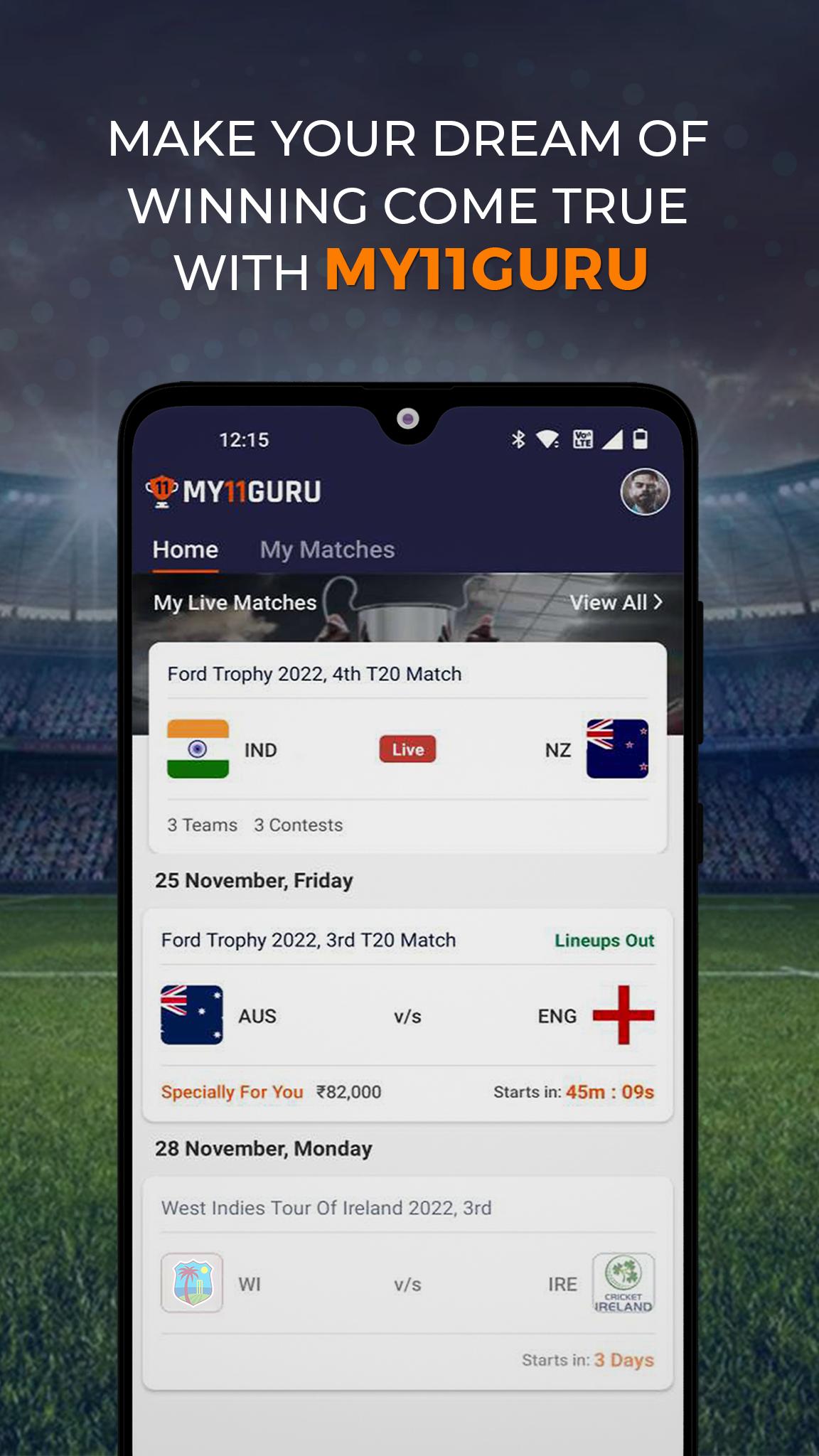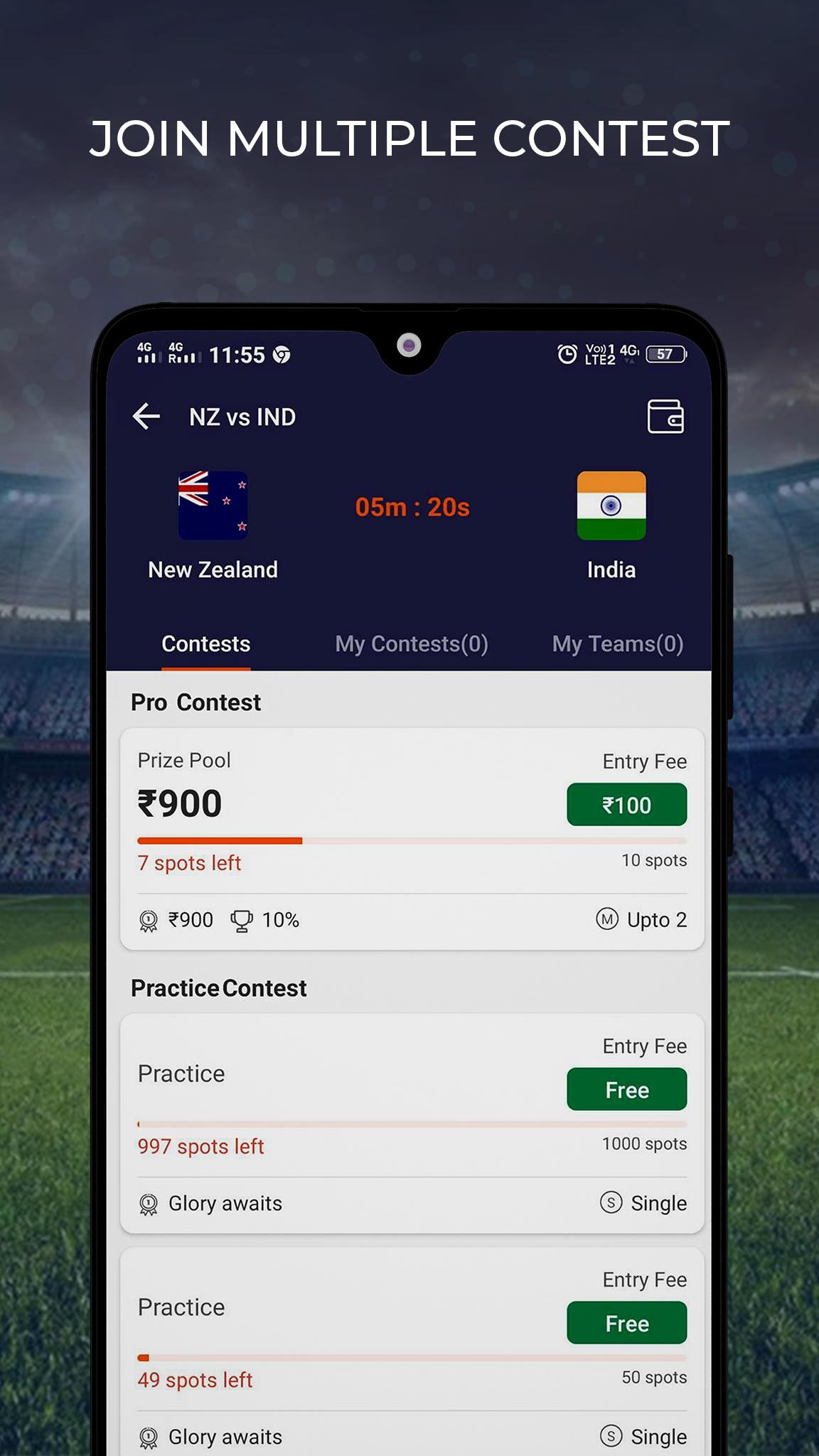


My11Guru is a Sports game developed by . LDPlayer is the best platform for playing My11Guru on Windows PC, offering powerful features to enhance your immersive experience in My11Guru.
When playing My11Guru on your computer, the larger screen and more powerful graphics performance enable you to enjoy clearer and smoother game visuals, enhancing the visual experience of the game.
The operation of peripherals such as gamepads is emulated to better mimic the feel of real sports, providing more precise control and richer operation options.
Furthermore, if you wish to execute a series of continuous key combinations, the one-click macro feature will be the functionality you've been dreaming of, allowing you to effortlessly stay one step ahead with one-touch operation. Start downloading and playing My11Guru on your computer now!
My11Guru on PC
My11Guru, coming from the developer My11Guru, is running on Android systerm in the past.
Now, You can play My11Guru on PC with LDPlayer smoothly.
Download it in the LDPlayer library or search results. No more eyeing the battery or frustrating calls at the wrong time any more.
Just enjoy My11Guru PC on the large screen for free!
My11Guru Introduction
My11Guru is India’s leading fantasy sports app for fantasy cricket
Fantasy Cricket:
Fantasy cricket is a skill-based online sports game where players create a virtual team of cricketers playing in real matches. You earn points based on the performances of these players in actual matches. You must pick your best team of 11 players from the teams playing and score higher than your opponents on MY11GURU. MY11GURU is one of the leading fantasy cricket apps for Indian sports fans. On the MY11GURU app, you can play and win with fantasy cricket.
Help & Support: Have an issue? We will resolve it for you! MY11GURU’s 24x7 ‘Email Us’ option provides solution-based FAQs and prompt customer care assistance.
We deeply care about our user's safety. Therefore, we strive each and every day to make our user's experience safe with utmost transparency and trust. MY11GURU’s Responsible Play policy is our stringent endeavour towards safeguarding our users. Please play responsibly. For further assistance, please contact us at: info@my11guru.com.