MythWalker is a Role Playing game developed by NantGames, and LDPlayer is the best platform for playing MythWalker on Windows PC, offering powerful features for an immersive experience.
When playing MythWalker on PC, as a new player looking to start with a fresh account, the multi-instance and sync features are extremely useful for rerolls. You can use them to run multiple instances and begin the synchronization process. Bind your account until you draw the desired heroes.
In addition, operation recorder is great for games that require you to level up and complete tasks! Run the sync and record your actions, then repeat the main instance's actions in real-time. By doing so, you can run 2 or more accounts simultaneously. You can always get the heroes you want before others by faster rerolls and more efficient summoning! Start downloading and playing MythWalker on your computer now!
Immerse yourself in this geolocation fantasy RPG adventure and explore the world! Will you save Earth and Mytherra?Step into Mytherra, a parallel world to Earth, where mystical creatures have inspired human myths. Now, Mytherra faces an unknown threat that endangers both worlds. A powerful being reaches out for help, recruiting you – the Mythwalker, to uncover the truth, explore the connection between the worlds, and lead Mytherra’s heroes in their defense. Will you answer the call and save both planets?
MythWalker is a geolocation fantasy RPG adventure mobile game that brings Mytherra to life through an overworld traversal system, using real locations to tell the stories of Earth’s myths and legends. With narrative-driven quests tied to an intriguing storyline, a cast of magical and memorable characters, a deep progression system, and robust multiplayer modes, MythWalker will connect players worldwide through meaningful global gameplay.
PLAY AS EPIC HEROES
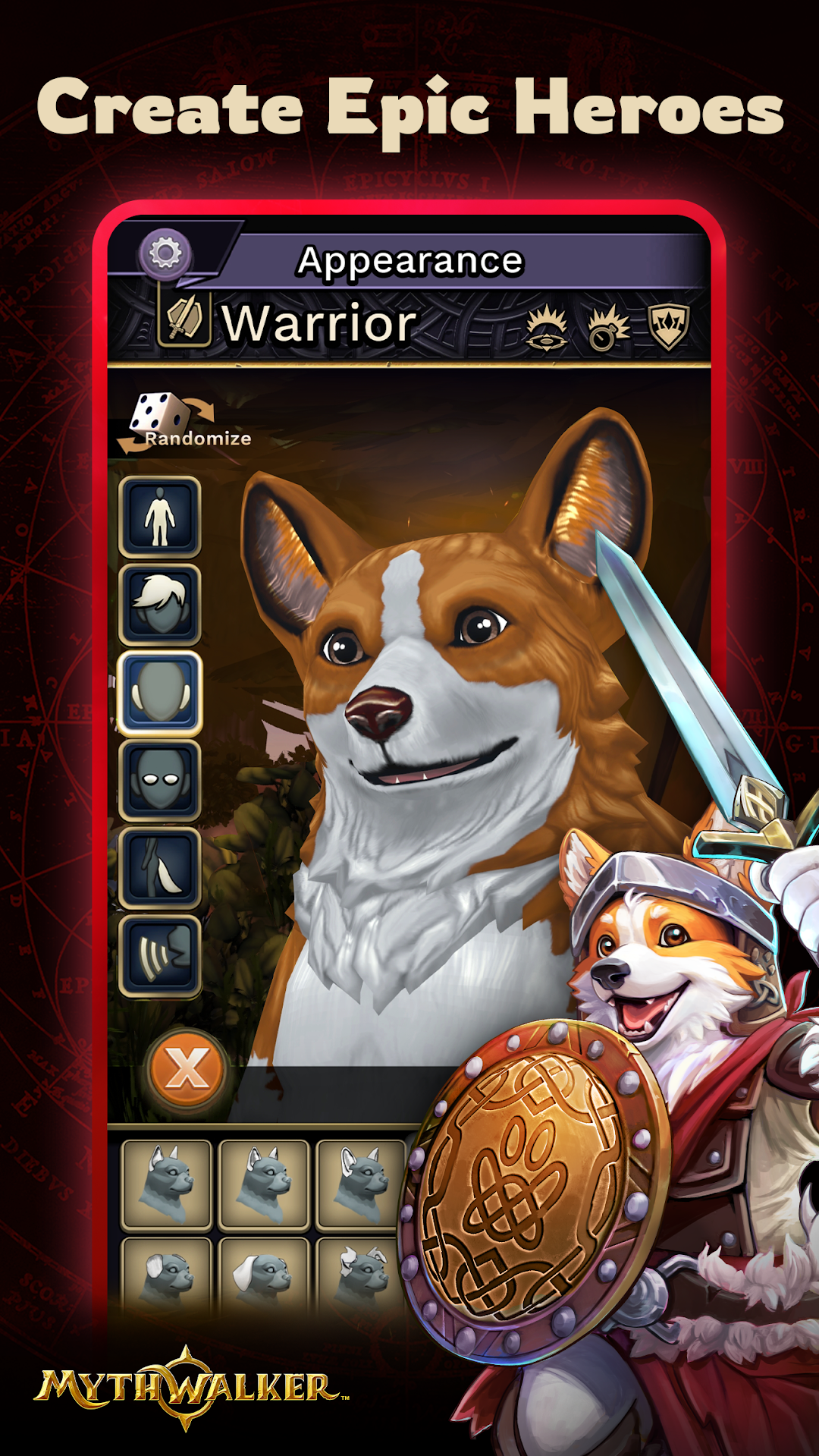
With three species to choose from there is a character to match your playstyle. The Wulven are loyal dog-folk, small but hearty, whose cheerful nature and ferocity in battle make them valuable team players. The Annu are a feathered, birdlike people, driven by pride, whose strength lies in wielding powerful magic. Finally, there are Humans, a well-balanced and versatile people, who can excel in any role.
Players will have a choice of three playable classes. The Warrior is a classic mix of defense and powerful attacks. The Spellslinger is a fast-moving ranged combat specialist. The Priest is a healer and support fighter, focused on endurance and protection.
Can’t choose just one? MythWalker allows multiple characters to be created so players can experience any combination of species and class they want to try.
NAVIGATORS AND TAP-TO-MOVE
Players are paired with an ethereal Navigator, their spirit guide on Mytherra. By gathering Portal Energy, they can transform into their Navigator, unlocking the tap-to-move feature. This allows interaction with points of interest and combat without physical movement, marking the first of many upcoming accessibility features.
CO-OP PARTY PLAY
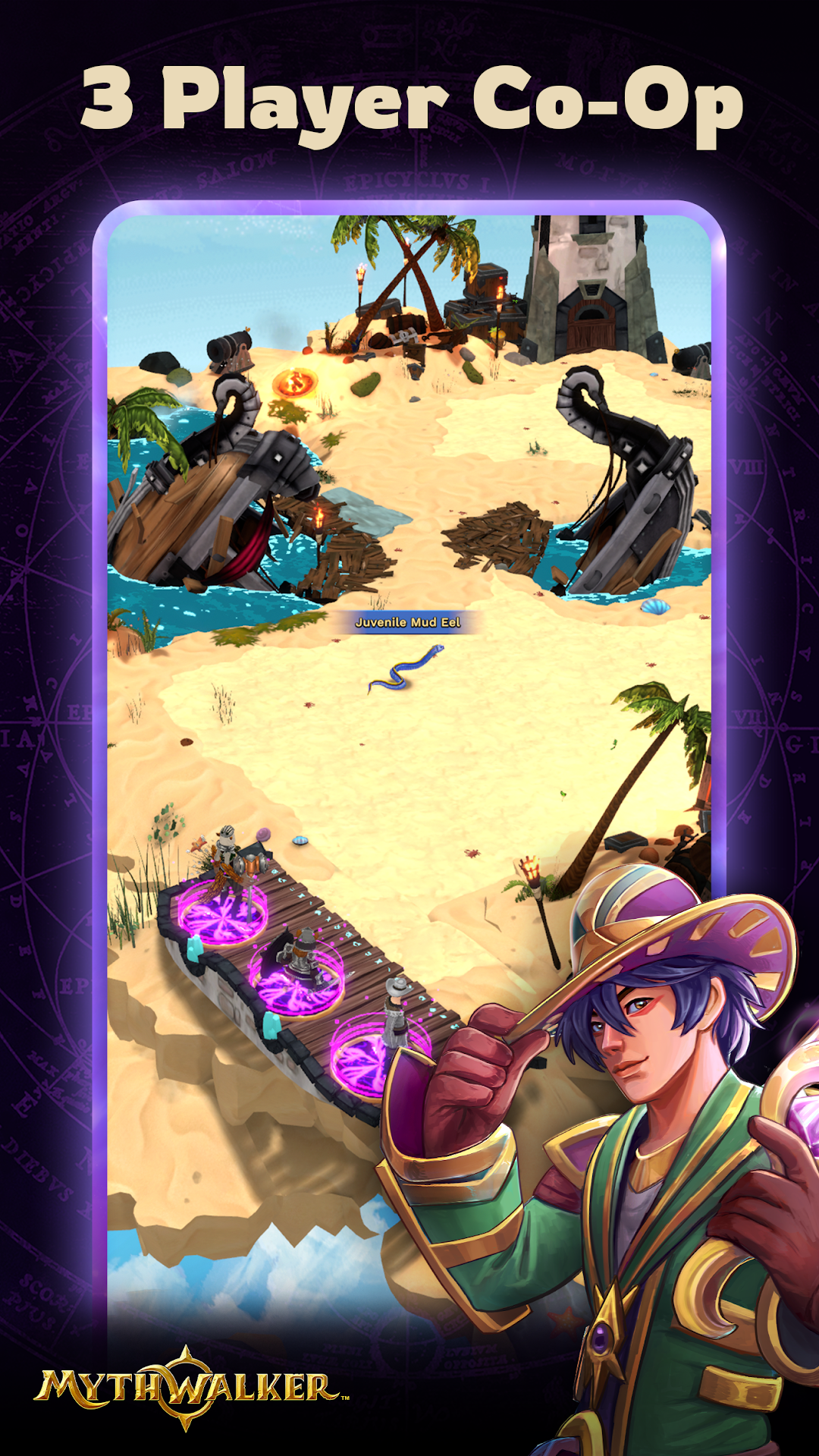
Form a party with up to three local players to tackle tougher enemies and earn extra XP, gold, and rewards. Mix and match classes and species with friends to conquer over 80 enemies across nine unique environments. No time limits, just endless adventure!
HYPORT: AN EMERGING CITY
Welcome to Hyport, the heart of Mytherra! This bustling hub offers various activities to aid your adventures. Meet Madra “Mads” MacLachlan, a retired Wulven adventurer, at Mads’ Market for all your goods. Visit Stanna’s Forge, where Gem Stanna the Blacksmith crafts and upgrades your gear.
EXCITING MINI GAMES
Swing your Pickaxe in the Mining mini-game for rewards, including rare stones for crafting armor and weapons. In the Woodcutting mini-game, precise swipes chop down trees, yielding wood and materials for your adventures.