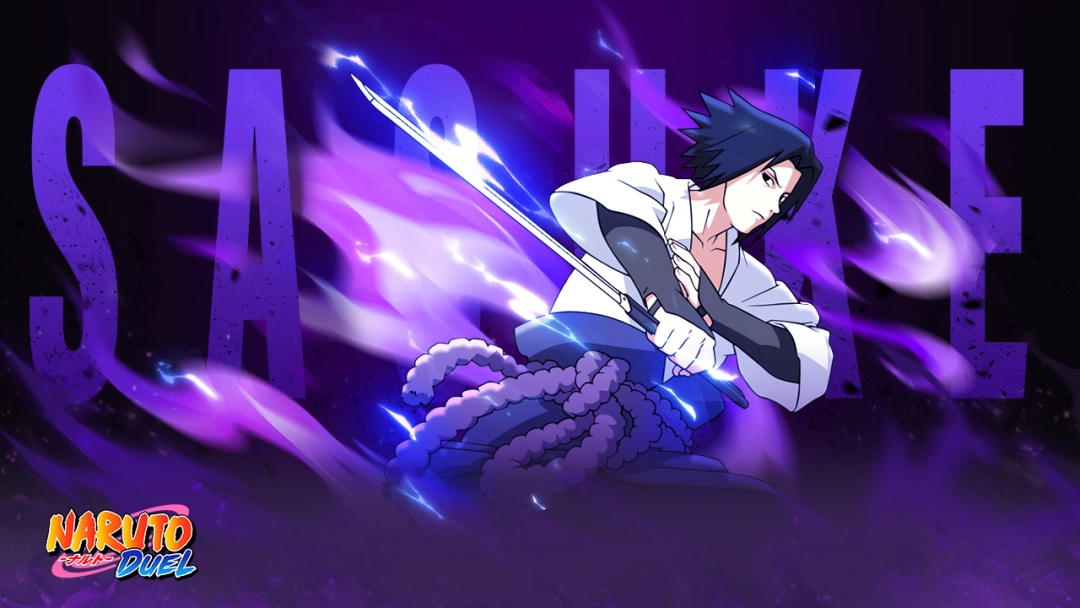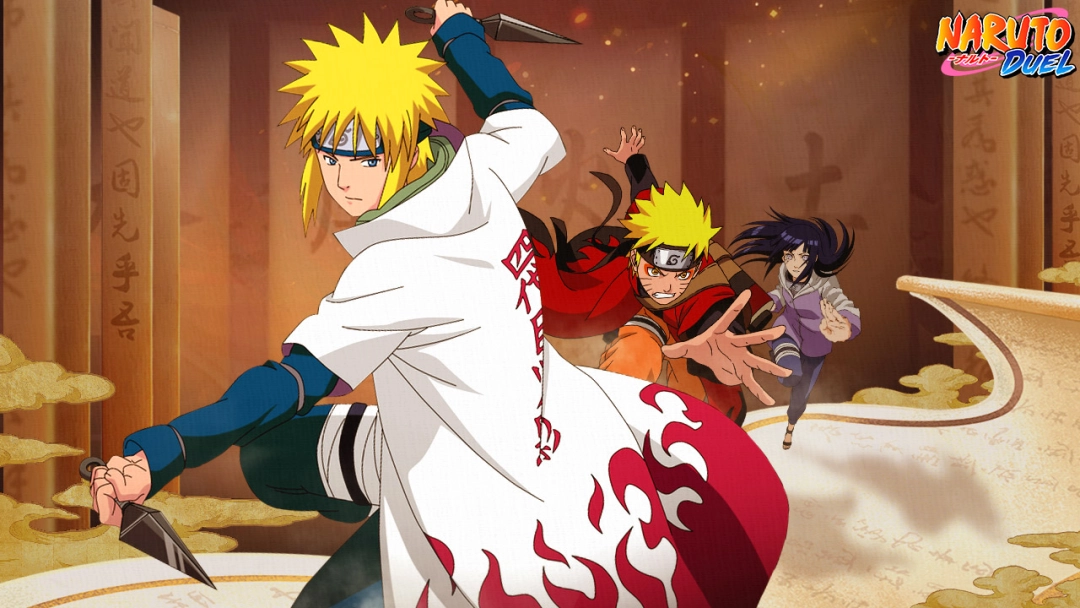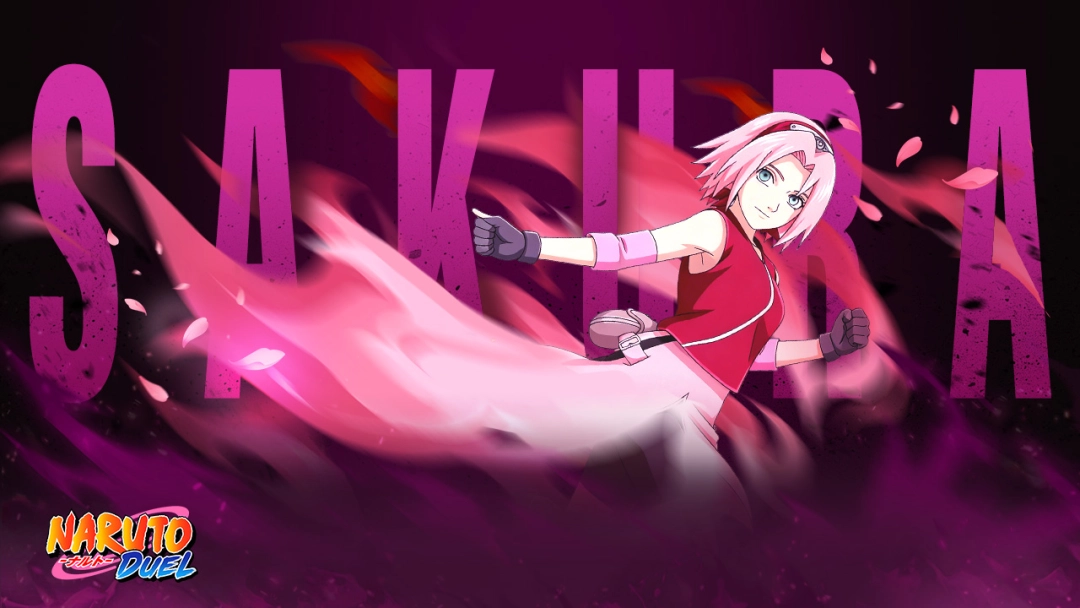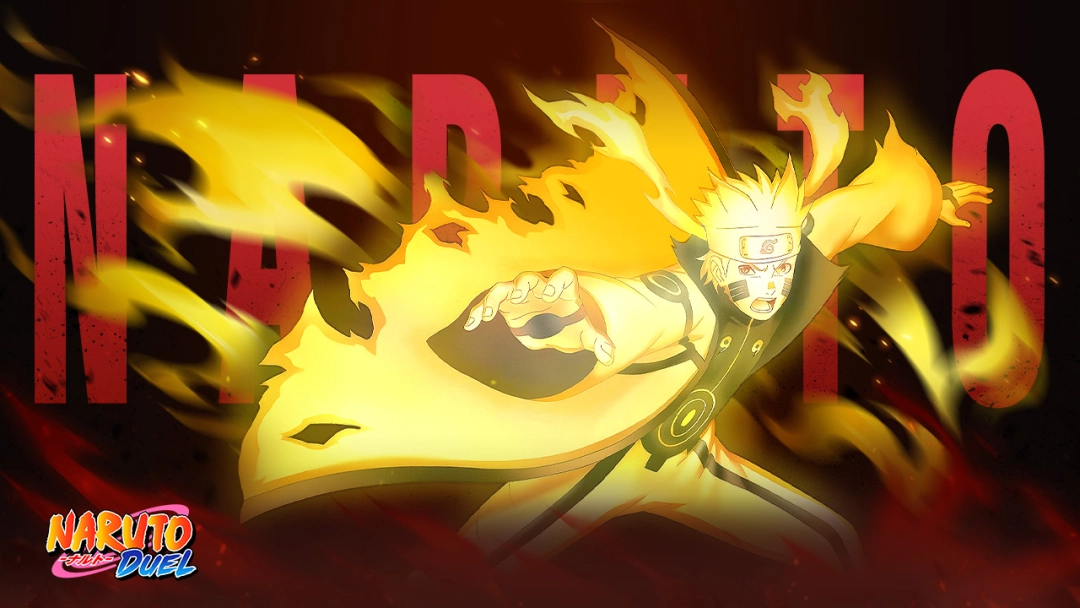


Naruto: Duel is an action RPG game set in reimagined Ninja world, focusing on team-based combat, idle progression, and steady character groth. The game has been officially licensed by Pierrot Co., Ltd. Offering streamlined yet evocative gameplay, it invites fans of the original series to engage in fast-paced duels and character-collection action.
Core Gameplay & Features
-
Collect Your Favourite Ninjas: Use a gacha-style recruitment or summoning system to acquire iconic characters from the Ninja world. Many classic Ninja are available to add into your roster.
-
Engage in Idle Battles: Battles in many modes proceed automatically or semi-automatically, allowing resource gains and character progression even when you’re not actively playing.
-
Build and Customize Your Team: Combine different Ninjas to form powerful teams; strategize team composition to maximize synergy and strengths.
-
Participate in PvP Duels & Events: Compete against other players' teams or take part in limited-time events to test your squad’s strength and earn rewards.
-
Progress Even Offline: Thanks to the idle-oriented design, the game allows players to accumulate resources over time without constant online engagement.
Play Naruto: Duel on PC with LDPlayer for Best Experience
Ultra Screen: Experience Naruto: Duel on PC with bigger screen, allowing you to admire wonderful characters, enjoy smoother combat and unleash more impressive skills!
Custom Controls: Naruto: Duel offers idle battles, though, you can simplify controls like opening Menu, switching Characters and setting shortcuts through Keyboard Mapping.
Multi-instance & Sync: Want to manage multiple accounts or reroll for the best? LDPlayer provides exclusive Multi-instance & Sync feature so that you can simultaneously summon Ninjas, farm materials and complete events with multiple accounts.
Uninterrupted performance: No overheating, battery drain, or mobile notifications interrupting your grind sessions.