Neko Atsume 2: Kitty Collector is a Simulation application developed by Hit-Point Co.,Ltd., but with the best Android emulator-LDPlayer, you can download and play Neko Atsume 2: Kitty Collector on your computer.
Running Neko Atsume 2: Kitty Collector on your computer allows you to browse clearly on a large screen, and controlling the application with a mouse and keyboard is much faster than using touchscreen, all while never having to worry about device battery issues.
With multi-instance and synchronization features, you can even run multiple applications and accounts on your PC.
And file sharing makes sharing images, videos, and files incredibly easy.
Download Neko Atsume 2: Kitty Collector and run it on your PC. Enjoy the large screen and high-definition quality on your PC!
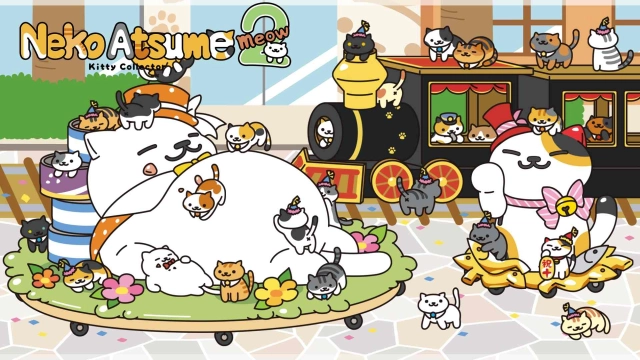
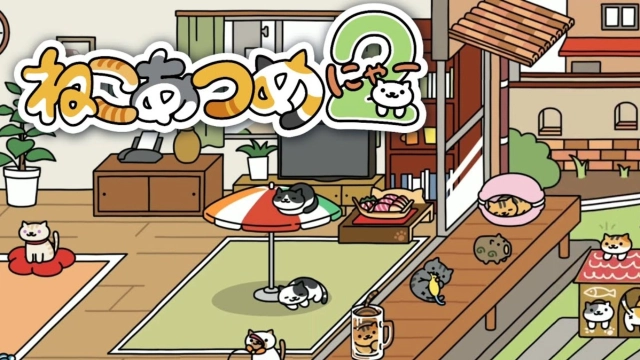
"Neko Atsume 2 (meow)" is here, with even more of what makes "Neko Atsume" so great!● New features for even more fun!
Not only can you observe cats playing with toys, but now there are more features to enhance your "Neko Atsume" experience!
You can visit other users' yards or invite them to your own yard. Plus, you might meet new cats while going out...!?
Get some help from cats to make your "Neko Atsume" life more comfortable! You can welcome support cats called "Helpers" who assist you, or even a special cat that could become your ideal "Myneko."
● Start with "2" with confidence! How to play "Neko Atsume"
The gameplay remains the same! Collect cats with easy controls!
Step 1: Place playthings and snacks in your yard.
Step 2: Wait for cats to visit!
Attract cats with food and then watch them romp with your toys! More than 40 varieties of cats—white and black, tabby and calico—might stop by. Rare cats are rumored to roam the neighborhood too, but you'll need particular items to entice those elusive felines. Each visitor is logged in your Catbook. Become a master kitty collector and fill it up!
*Note: Cat's Club Support is a subscription-based service.
*Some features require internet connectivity, and data charges may apply.
If you encounter any issues or have any questions, please contact our support team.
[Neko Atsume Support]
support-cat@hit-point.co.jp
* Please note that we may contact you after your inquiry. If you have spam filters enabled, please adjust your settings to allow emails from hit-point.co.jp.