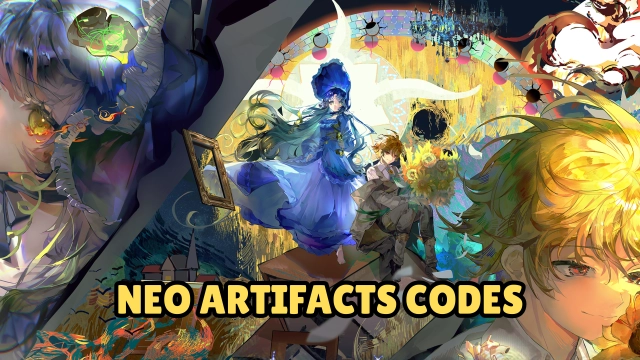
Neo Artifacts is a captivating urban fantasy Strategy RPG (SRPG) that breathes life into historical relics, transforming them into stunning characters known as "Artifacters." As the Curator of the Kantie Foundation, you are tasked with leading these awakened spirits to defend a modern metropolis from reality-warping anomalies called "Distortions." Featuring deep tactical gameplay, rich character lore, and a star-studded Japanese voice cast, Neo Artifacts offers a highly immersive blend of hero collection, grid-based strategy, and engaging visual novel-style storytelling.
Core Gameplay & Features
-
Artifact Personification: Collect and command a diverse cast of Artifacters, each representing distinct eras and cultures with unique abilities, personalities, and deeply interwoven backstories.
-
Strategy-First Tactical Combat: Engage in deep grid-based battles where terrain and elevation dictate the flow of combat. Switch seamlessly between manual commands for challenging boss fights and auto-battle for convenient farming.
-
Urban Exploration & Lore: Investigate Distortions across various cityscapes—from quiet suburbs to bustling districts. Uncover the hidden truths of the Artifacters and the Kantie Foundation through character-driven storylines.
-
Deep Customization: Tailor your ultimate team with a freeform progression system. Enhance skills, mix-and-match equipment, and build powerful synergies to match your specific tactical playstyle.
-
Star-Studded Voice Cast: Experience an immersive narrative brought to life by renowned voice actors including Yui Horie, Kikuko Inoue, Daisuke Namikawa, Toshiyuki Toyonaga, and many more.
Players are drawn to Neo Artifacts for its perfect marriage of brain-teasing tactical combat and high-quality anime aesthetics, making every strategic victory and character interaction deeply rewarding.
Play Neo Artifacts on PC with LDPlayer for Best Experience
-
Multi-Instance for Easy Rerolling: As a character collection RPG, securing top-tier Artifacters early is a huge advantage. Use LDPlayer's Multi-Instance feature to run several accounts simultaneously, drastically speeding up your reroll process at launch.
-
Precise Tactical Controls: SRPGs require exact unit placement. A mouse setup allows you to navigate complex terrain grids and issue movement commands with precision, eliminating the frustrating misclicks that can happen on smaller mobile touchscreens.
-
Stunning Visuals on a Big Screen: Appreciate the beautiful character art, intricate UI designs, and flashy combat animations in full high-definition on a large PC monitor.
-
Lag-Free & Battery-Free Gaming: Enjoy long sessions of story reading, urban exploration, and material grinding without worrying about your phone's battery dying or the device overheating. LDPlayer ensures smooth, high-FPS performance during intense District battles.
Uncover the secrets of the past and protect the future of the city—download Neo Artifacts on PC and orchestrate your tactical victories flawlessly with LDPlayer.