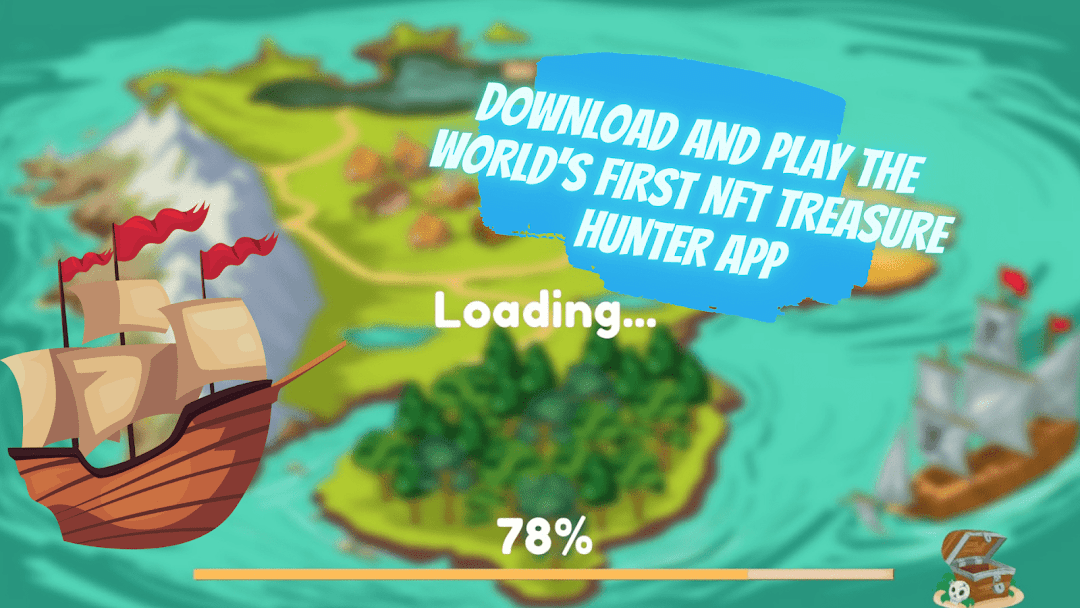
NFT Hunter is a Casual game developed by Fullcorestudios. LDPlayer is the best platform for playing NFT Hunter on Windows PC, offering powerful features to enhance your immersive experience in NFT Hunter.
When playing NFT Hunter on your computer, if you find repetitive actions or tasks tedious and time-consuming, fret not! Macro can alleviate your concerns. Simply record your actions with a click of the screen recording feature and let macros take care of the rest. Macros automate your operations, allowing you to effortlessly conquer the game with minimal effort! Start downloading and playing NFT Hunter on your computer now!
User-friendly interface, the game is easy to navigate and highly engaging.What you need to know about this game:
NFTs, also known as non-fungible tokens, are unique ownership documents for digital
Players who use NFTs have the option of becoming the sole owner of an in-game object and
having the option to trade, sell, or hang onto it. Although the concept of players making
money from games is not new, NFTs are more dependable and adaptable.
NFT Hunter is a highly interactive play-to-earn game which can potentially contribute greatly
to the internal market and economy. Players can claim ownership of in-game goods in NFT
Play and Win! Here’s how it works:
Join in on the hunt for the Pirate's lost treasure on this unique quest, utilizing your unique
avatar resources to dig for NFTs. The best part is, you get to discover new NFTs every two
weeks!
Grab the chance to explore mysterious Pirate's coves, ancient temples, and remote islands.
The beautifully designed classic point-and-click adventure puzzle game ensures that you
remain engaged in your quest till the very end!
And that's not all. As you progress in your quest, you can locate gems leading to power-ups
that upgrade your ability to grab bonus wins of one-of-a-kind NFTs!
Here’s what NFT Hunters offers:
Custom-made, exquisite HD graphics!
A specially created musical score and sound effects!
A dynamic map that displays your present location and the screens you've visited
A camera that records symbols and hints as you find them.
Countless riddles, items, and hints.
Use Fast-travel to go across the map right away and save time.
NFT Hunters auto-saves your progress as you play, and the app is compatible with cell
phones as well as tablets!
NFT Hunter is a one-of-a-kind NFT-based treasure hunting app. Explore the realistically
simulated island, with the help of power-ups and dig around the landscape to claim gems or an NFT!
With a
goods. In-game objects, trinkets, and avatars are some examples of this in games.
Hunters.