Ninja Fishing is a Adventure application developed by Gamenauts, Inc., but with the best Android emulator-LDPlayer, you can download and play Ninja Fishing on your computer.
Running Ninja Fishing on your computer allows you to browse clearly on a large screen, and controlling the application with a mouse and keyboard is much faster than using touchscreen, all while never having to worry about device battery issues.
With multi-instance and synchronization features, you can even run multiple applications and accounts on your PC.
And file sharing makes sharing images, videos, and files incredibly easy.
Download Ninja Fishing and run it on your PC. Enjoy the large screen and high-definition quality on your PC!
The #1 fishing hit game is now available on Android! Join over 16 MILLION Ninja Fishing players for FREE!★ Featured by Google as Staff Picks! ★
★ "Higher than Angry Birds! An instantly addictive game." - WIRED
★ "A perfect example of what I love about mobile games." - IGN
★ "It’s insanely-addicting." - Gamepro
★ "Takes that Fruit Ninja concept and then profoundly expands on it." - Gamezebo
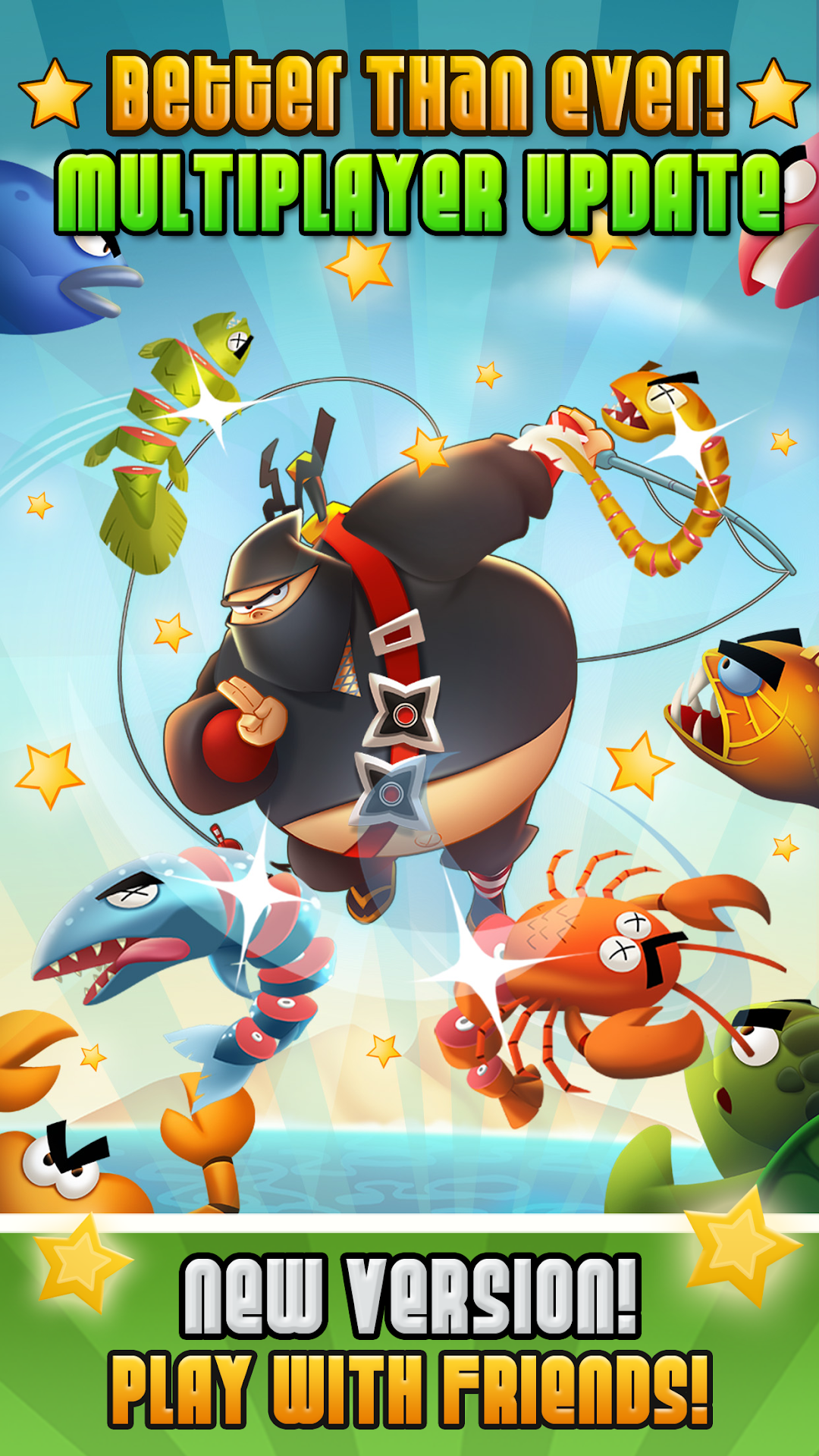
Otoro, a fitness challenged ninja, might not be the best fighter, but he sure has mad skills when it comes to fishing!
Cast your hook as deep as possible into the ocean, then use the tilt controls to reel back as many fish as you can. Finally, use the katana-powered touch technology to slice the scaly fish right out of the sky for maximum gold profit (watch out for the Dynamites).
★ NINJA FISHING FEATURES
-------------------------------------------
✔ Super addictive FISH & SLASH gameplay!
✔ Master both tilt & touch controls to perfection.
✔ Over *130* fish species to collect.
✔ Earn GOLD to buy lots of super upgrades like katanas, boats, fishing guides & more.
✔ Collect over 80 RARE TREASURES!
✔ Construct cool buildings in the NINJA VILLAGE
✔ Go fishing in 6 ISLANDS (+ more coming soon)
✔ Hunt rare Elemental DRAGONS!
✔ Find TREASURE CHESTS with goodies.
✔ Super-sharp HD graphics.
✔ Achievements & Leaderboards for Google Play!
We're working on more free updates, please support us and tell all your friends about Ninja Fishing!
Like us on Facebook to get a sneak peek of the next updates: http://goo.gl/cxE7t
Follow us on Twitter: http://twitter.com/Gamenauts