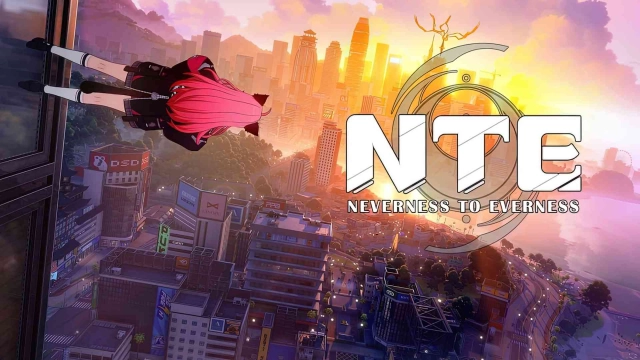
Welcome to Hethereau! Neverness to Everness (NTE) is a highly anticipated supernatural open-world RPG developed by Hotta Studio. Step into a dazzling, neon-lit metropolis where the paranormal seamlessly blends with daily urban life. As the city's first unlicensed Anomaly Hunter operating out of the rundown Eibon antique shop, you will take on odd gigs, investigate supernatural mysteries, and carve out your own legend. Seamlessly blending high-octane action combat, deep urban life simulation (including driving and real estate), and stunning anime-style aesthetics, NTE lets you live your ultimate supernatural city life.
Core Gameplay & Features
-
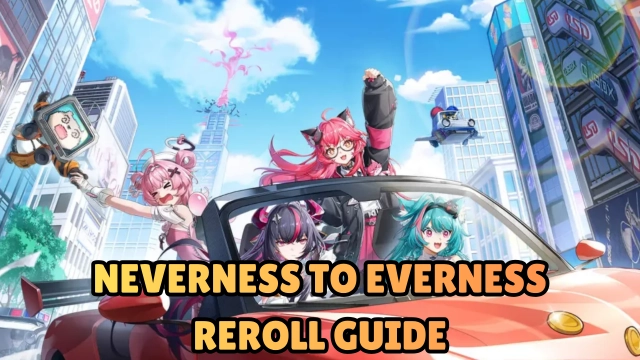
Explore a Living Metropolis: Hethereau is your playground. Cruise through vibrant street markets, kick back by the campus, or hit the open road for high-speed joyrides in customizable vehicles.
-
Build Your Urban Empire: It’s not just about fighting; it’s about living. Grind your way up from managing a hole-in-the-wall café to purchasing luxury penthouses overlooking the city skyline.
-
Hunt Supernatural Anomalies: From glowing cursed umbrellas in dark alleys to roaring blue flames on midnight streets, track down paranormal threats. Engage in explosive, fast-paced action combat to keep the city safe.
-
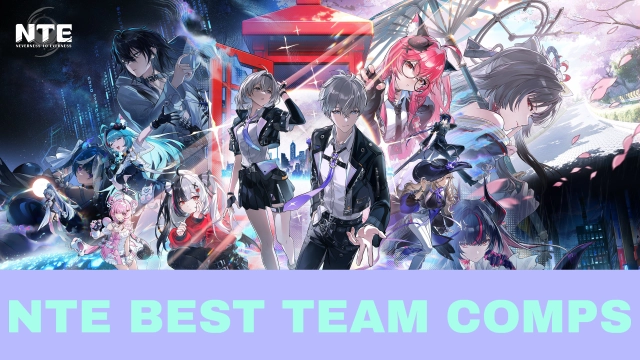
Squad Up with Unique Espers: Recruit a diverse crew of extraordinary companions, each bringing their own wild supernatural powers, distinct combat styles, and unforgettable personalities to your team.
Players are incredibly hyped for Neverness to Everness because it perfectly combines the exploration of a modern, GTA-style urban open world with high-quality anime RPG mechanics and thrilling supernatural combat.
Play Neverness to Everness on PC with LDPlayer for Best Experience
-
Immersive Big Screen Exploration: An intricately designed metropolis like Hethereau deserves to be experienced in full HD or 4K. Appreciate the stunning neon cityscapes, vehicle details, and cinematic combat effects on a large PC monitor.
-
High FPS for Driving & Combat: Whether you are drifting through downtown traffic or perfectly dodging an Anomaly's attack, LDPlayer ensures buttery-smooth frame rates without the thermal throttling or battery drain that plagues mobile devices.
-
Precision Controls with Keyboard or Gamepad: Map your driving controls, camera movements, and combat combos perfectly to your mouse and keyboard, or plug in your favorite controller for a flawless AAA console gaming experience.
-
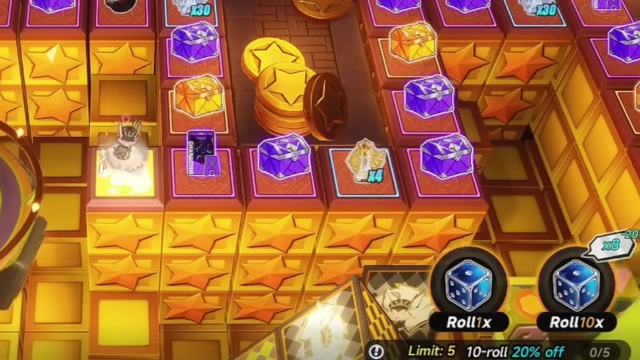
Multi-Instance for Easy Rerolling: Want to start your journey with the best Anomaly Hunters? Use LDPlayer’s Multi-Instance feature to run several accounts simultaneously, making the gacha reroll process incredibly fast and efficient.
-
Stable Long-Term Grinding: Building your business empire and farming upgrade materials takes time. Let the game run smoothly in the background while you multitask on your PC.
Tear through the streets, uncover urban mysteries, and build your empire—download Neverness to Everness on PC and experience the ultimate supernatural metropolis with LDPlayer!