Number 99: Find Hidden Objects is a Puzzle application developed by Alex2022UA, but with the best Android emulator-LDPlayer, you can download and play Number 99: Find Hidden Objects on your computer.
Running Number 99: Find Hidden Objects on your computer allows you to browse clearly on a large screen, and controlling the application with a mouse and keyboard is much faster than using touchscreen, all while never having to worry about device battery issues.
With multi-instance and synchronization features, you can even run multiple applications and accounts on your PC.
And file sharing makes sharing images, videos, and files incredibly easy.
Download Number 99: Find Hidden Objects and run it on your PC. Enjoy the large screen and high-definition quality on your PC!
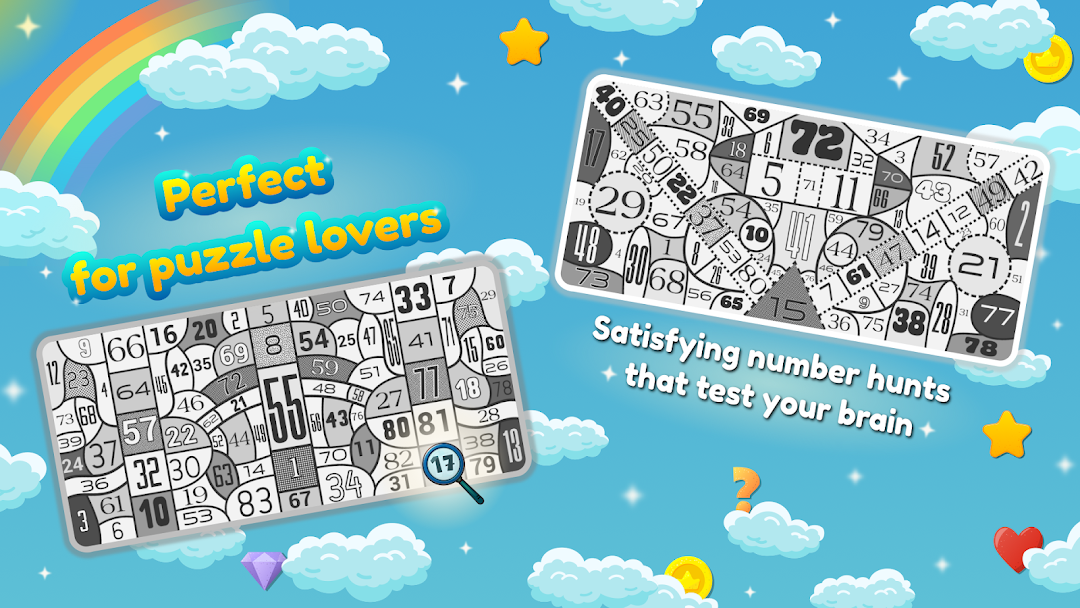
🔍 Ready to test your eyes and focus?Dive into Number 99: Hidden Objects – a unique hidden object puzzle game where your goal is simple: find the hidden numbers in each beautifully designed scene!
Welcome to the world of hidden number puzzles, where every level trains your brain, sharpens your vision, and relaxes your mind. It’s the perfect mix of search and find gameplay, visual attention challenges, and satisfying discoveries.
Why you'll love Number 99:
🧠 Brain-training gameplay: improve concentration and observation skills while having fun.
🔍 Find numbers, not just objects: A fresh twist on classic hidden object games.
🎨 Gorgeous visuals: Every scene is packed with detail and designed to keep you hooked.
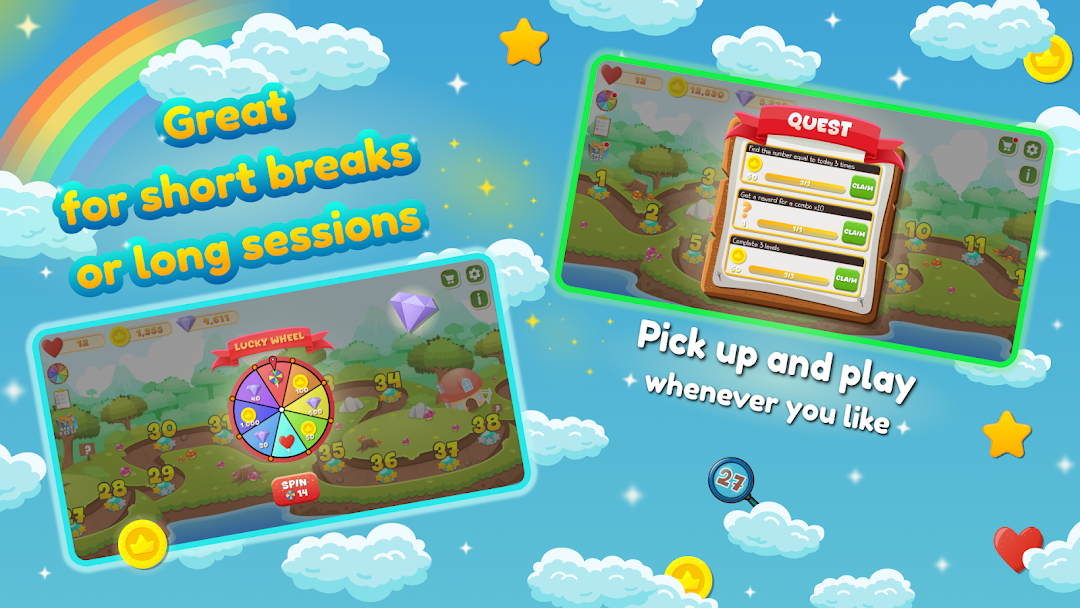
⏱️ Play your way: relax with no time limit or aim for 3 stars on each stage.
🏆 Levels for all ages: From easy to expert, there’s a challenge for everyone.
✈️ Works offline: Play anytime, anywhere — no Wi-Fi needed.
If you love puzzle games, hidden object challenges, or brain teasers, Number 99: Hidden Objects is your next favorite download. Whether you're unwinding or testing your focus, this relaxing and rewarding number hunt will keep you engaged.
🎯 Can you find all 99 hidden numbers?
🆓 Download now for free and begin your journey!