Number Clash - Math Game is a Puzzle application developed by NewPubCo, but with the best Android emulator-LDPlayer, you can download and play Number Clash - Math Game on your computer.
Running Number Clash - Math Game on your computer allows you to browse clearly on a large screen, and controlling the application with a mouse and keyboard is much faster than using touchscreen, all while never having to worry about device battery issues.
With multi-instance and synchronization features, you can even run multiple applications and accounts on your PC.
And file sharing makes sharing images, videos, and files incredibly easy.
Download Number Clash - Math Game and run it on your PC. Enjoy the large screen and high-definition quality on your PC!
Discover the exciting new app, Number Clash - Math Game! Match your way to a higher score with this fun and challenging number game. Find pairs of numbers to clear the board in the best way to test your memory, improve your math skills, and have a blast with our addictive number puzzle.Number Clash - Math Game is an engaging number puzzle app with straightforward rules: score and win by finding pairs of numbers and removing them from the board. Spend your free time wisely with Number Clash. Develop logical thinking, test your problem-solving skills, and enhance your focus—all by playing this classic number match game.
This classic numbers game, also known as "make ten", "collect ten", "numbers", "seeds" or "column", will appeal to all number puzzle lovers.
Do you play and enjoy Sudoku or regular and Japanese crosswords and other number games? This number game app is perfect for you to boost brain power in your free time. Unobtrusive music and pleasant graphics add to the relaxing game experience.
Number Clash - Math Game is an engaging number puzzle app with simple rules. This game allows users to relax while matching pairs of numbers in grids. It helps develop basic math and arithmetic skills, improves concentration, and enhances problem-solving abilities. That's why Number Clash is an excellent learning tool for younger players!
How to play Number Clash - Math Game
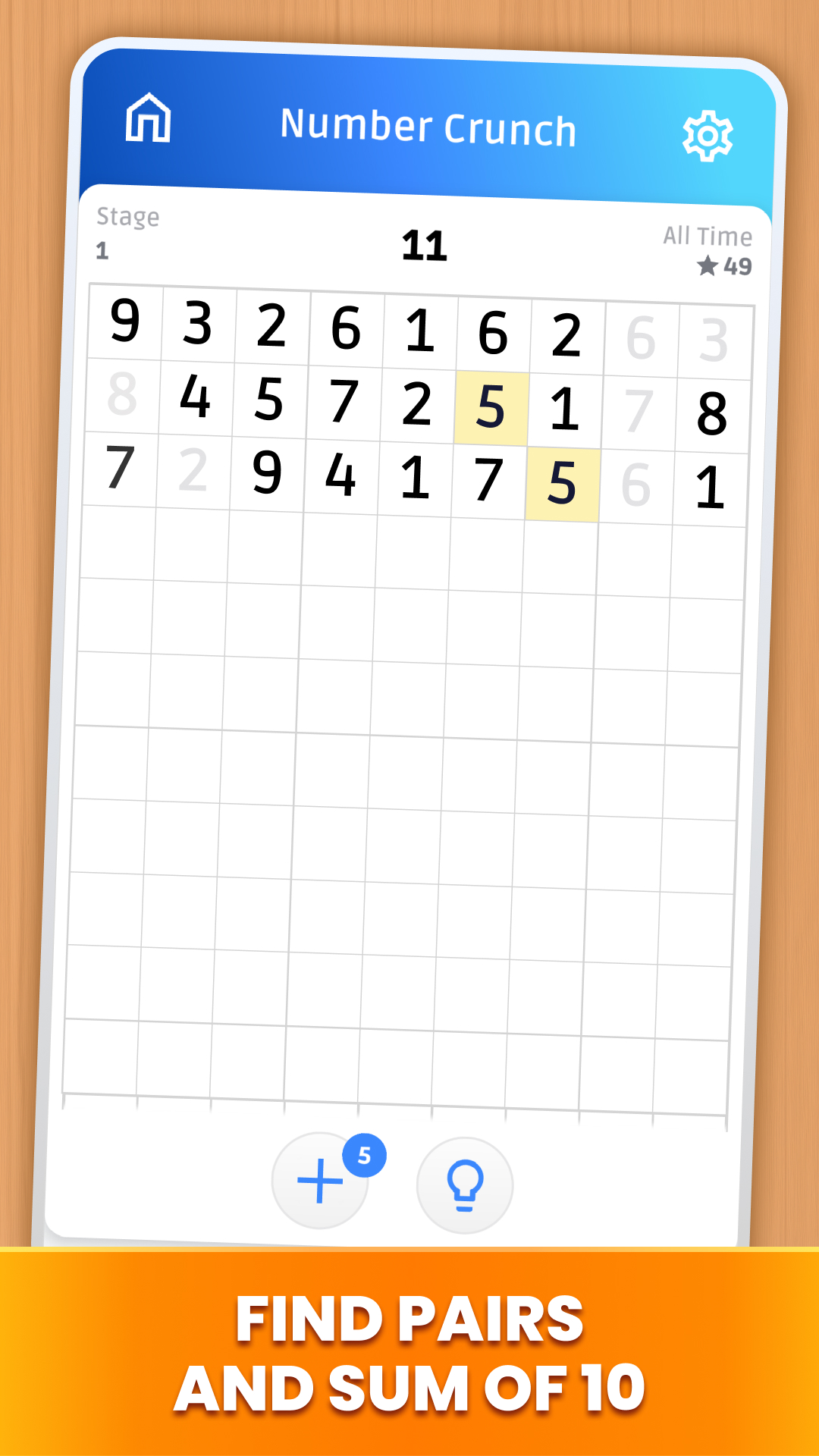
- Cross out the pairs of the same numbers (6-6, 3-3, 8-8) or those which add up to 10 (2-8, 3-7 etc). Two numbers can be removed by tapping on them one by one.
- The pairs must be located side by side, and you can cross out them vertically, horizontally and also, if one number stands on the last cell in the line and another stands on the first cell in the following line of the grid. There can also be empty cells between the 2 numbers.
- When there are no more numbers to remove, the remaining numbers can be added to the end.
- The goal is to cross out all the numbers and empty the board.
- You win when there are no numbers left on the field.
Beat your Number Clash - Math Game record!
Such a logical puzzle with numbers can be solved in many different ways. But this is not so easy to achieve. Give your brain a workout and have fun!
What awaits you when you download Number Clash - Math Game:
• An easy-to-learn puzzle with numbers
• Many hours of exciting gameplay
• Daily challenges. Play every day, complete daily tasks for a month and get unique trophies
• Hints with which you can quickly come to victory
• No time limit — there is no hurry, decide at your own pace
Get ready for a fun and exciting number match game! Install Number Clash - Math Game, give it a try, and share your feedback with us. Your opinion can make a difference!