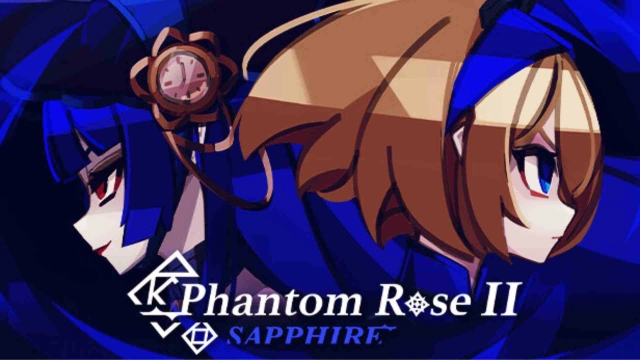
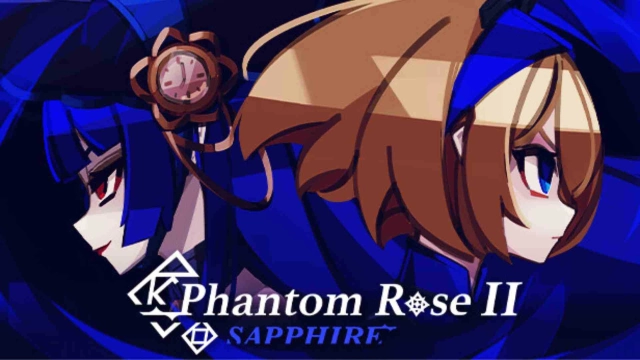
Phantom Rose 2 Sapphire is a Card application developed by Studio Maka, but with the best Android emulator-LDPlayer, you can download and play Phantom Rose 2 Sapphire on your computer.
Running Phantom Rose 2 Sapphire on your computer allows you to browse clearly on a large screen, and controlling the application with a mouse and keyboard is much faster than using touchscreen, all while never having to worry about device battery issues.
With multi-instance and synchronization features, you can even run multiple applications and accounts on your PC.
And file sharing makes sharing images, videos, and files incredibly easy.
Download Phantom Rose 2 Sapphire and run it on your PC. Enjoy the large screen and high-definition quality on your PC!
Experience a roguelike deckbuilder with a unique twist: No random card draws in battle.In Phantom Rose 2, you manage your card's cooldown to strategically defeat foes. The decision is in your hands.
◆ A Special Card Adventure
Phantom Rose is an indie game by solo developer & artist makaroll. Fight and collect powerful cards as Aria, trying to survive in her cherished school that’s being ravaged by evil creatures.
◆ Defeat and Collect
By defeating Phantoms and rescuing other students in distress, you can collect over 200+ cards to craft your ideal deck and a slew of powerful items to aid your journey.
◆ Multiple Difficulties, Modes and Ways to Play
Play through the adventure in increasing levels of difficulty to experience the story and world of Phantom Rose 2. The Arcade mode lets you rush through bosses for attractive rewards and you can even create your own challenges in Custom mode.
◆ New Class System for More Varied Gameplay
Unlike the previous game, Phantom Rose 2 comes with two playable classes, the Blade class and the Mage class. Each class has their own unique cards and mechanics, allowing you to experience the game in more ways than one.
◆ Encounter Other Survivors and Events
Explore and discover other survivors along your adventure. Take time to interact with them, learn their stories, and carefully decide on your actions in each event. Who knows, you may receive a helping hand when least expected.
Languages:
English
日本語 (Japanese)
한국어 (Korean)
Simplified Chinese
Traditional Chinese
Official Twitter:
https://twitter.com/phantomrosegame
Official Discord:
https://discord.gg/phantomrose