Home/

Games/

Role Playing/

Shadows of Sapphire

Shadows of Sapphire
5.0100+

Shadows of Sapphire

LPGAME
How to Download&Play Shadows of Sapphire on PC?
Last Updated: 2026-07-09
com.nwgrzy.ld
Download apk
Share:
  • Overview

  • FAQ

Use LDPlayer to Play Shadows of Sapphire on PC

Shadows of Sapphire is a Role Playing game developed by LPGAME, and LDPlayer is the best platform for playing Shadows of Sapphire on Windows PC, offering powerful features for an immersive experience.

When playing Shadows of Sapphire on PC, as a new player looking to start with a fresh account, the multi-instance and sync features are extremely useful for rerolls. You can use them to run multiple instances and begin the synchronization process. Bind your account until you draw the desired heroes.

In addition, operation recorder is great for games that require you to level up and complete tasks! Run the sync and record your actions, then repeat the main instance's actions in real-time. By doing so, you can run 2 or more accounts simultaneously. You can always get the heroes you want before others by faster rerolls and more efficient summoning! Start downloading and playing Shadows of Sapphire on your computer now!

Do you have what it takes to triumph against evil? Destroy the monsters hiding in "Shadows of Sapphire" and become a hero to the people! The most captivating magical RPG mobile game has arrived. Choose your character, complete quests, and join a team of heroic figures to wipe out terrifying monsters together. Explore the magical world, hone your skills, and become the most valiant warrior ever known!

Stunning Visuals
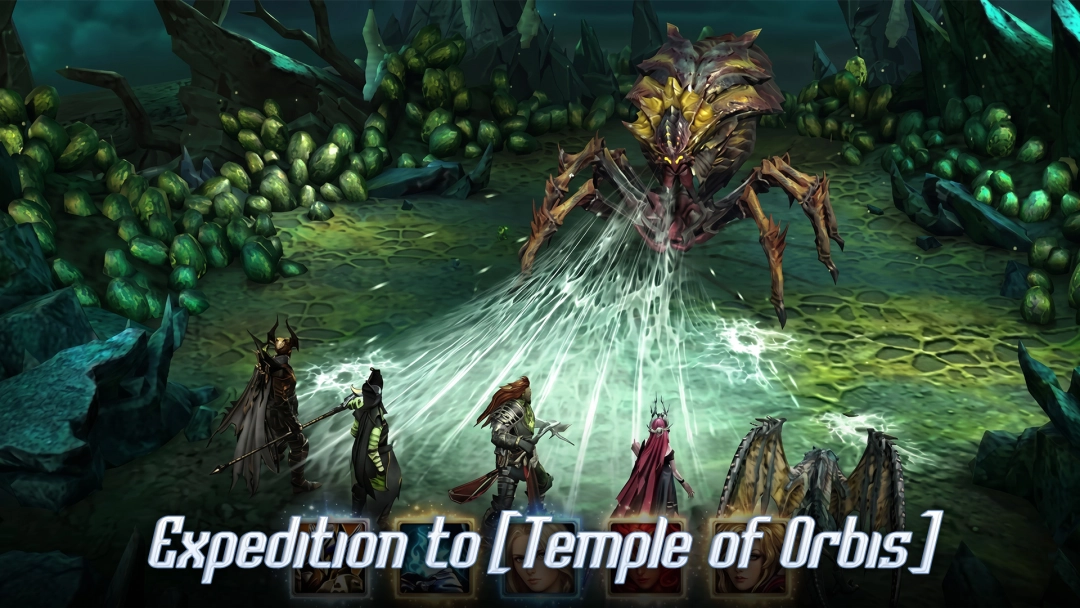
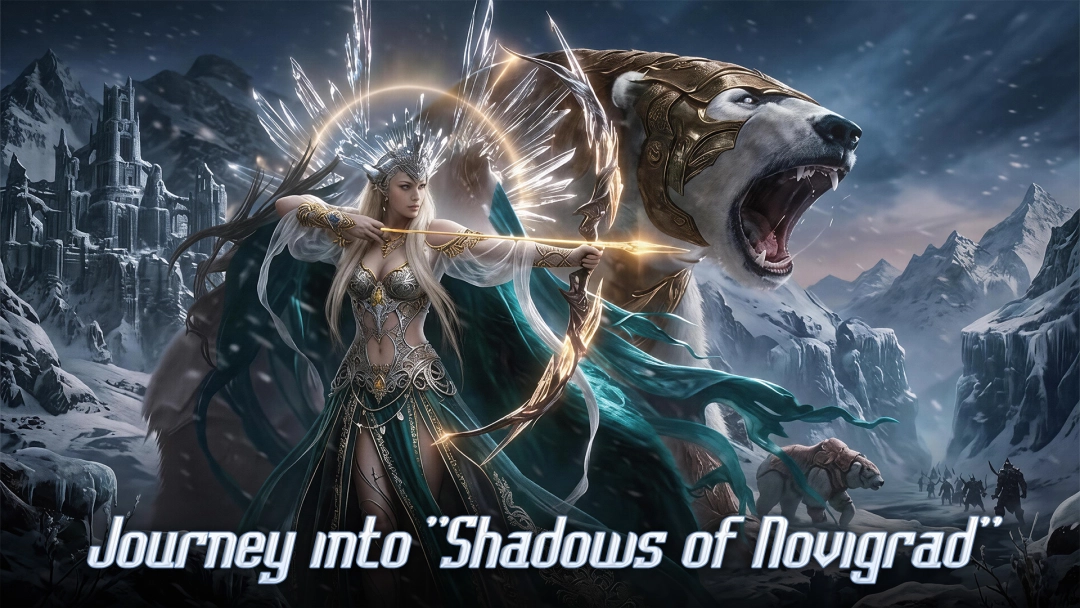
"Shadows of Sapphire" features console-quality graphics that will fully immerse you in its world. Why not take some beautiful photos between battles and enjoy the wonders of this realm?

Diverse Maps and Quests
From Skylark Plains to Shadow Island, complete quests across the tormented lands of "Shadows of Sapphire" to combat evil and darkness. The engaging storylines make this action RPG rich and colorful—it’s more than just simple hack-and-slash!
Open up

Screenshots and Videos of Shadows of Sapphire PC

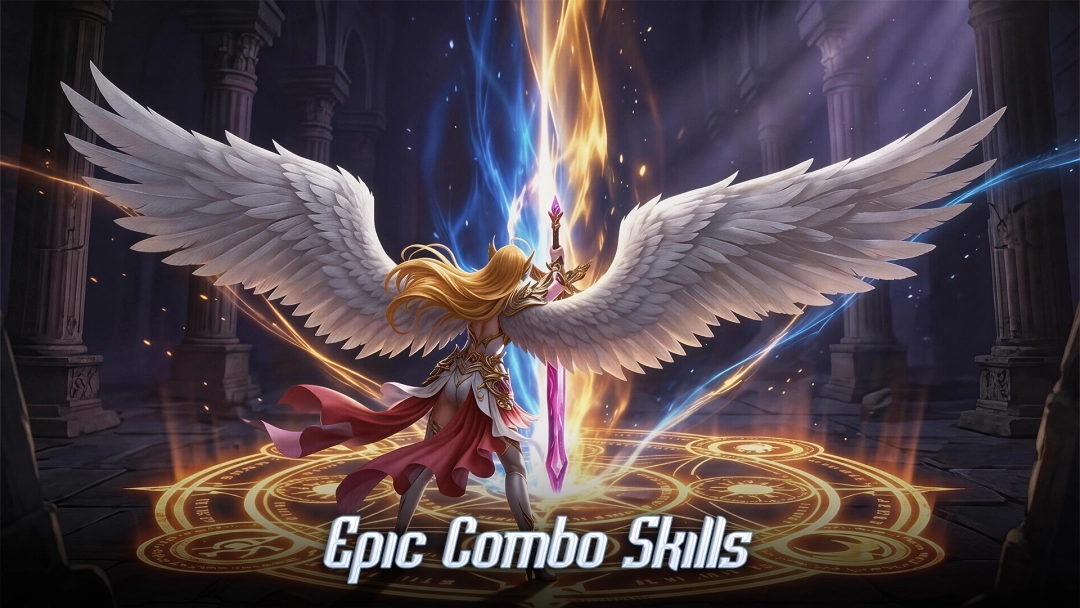
Experience a wider field of view, exquisite game graphics, and cooler combat skills and effects by downloading and playing Shadows of Sapphire on PC with LDPlayer. Enjoy the ultimate gaming experience with LDPlayer.

Why Play Shadows of Sapphire on PC with LDPlayer?

LDPlayer offers unique emulator features including multi-instance support, macros, operation recorder, and other functions not available on mobile devices.

Multi-Instance & Sync

Remote Control

Operation Recorder

Multi-Instance & SyncRemote ControlOperation Recorder

Effortlessly clone multiple instances and initiate synchronization until you draw the desired hero before binding your account, enhancing efficiency in rerolls in Shadows of Sapphire.

  • High FPS

    With support for high FPS, Shadows of Sapphire's game graphics are smoother, and actions are more seamless, enhancing the visual experience and immersion of playing Shadows of Sapphire.
  • Keyboard & Mouse

    In Shadows of Sapphire, players frequently perform actions such as character movement, skill selection, and combat, where keyboard and mouse offer more convenient and responsive operation.

How to Download&Play Shadows of Sapphire on PC?

  • 1

    Download and install LDPlayer 9 on your PC.

  • 2

    Enter Shadows of Sapphire in the search bar to search for the game.

  • 3

    Choose Shadows of Sapphire developed by ZZZ from the search results and click on "Install".

  • 4

    Once the installation is complete, click the game icon in LDPlayer to launch it.

  • 5

    Log in to LDGame with Google, Line, Facebook or Email account to start playing the game.

  • 6

    Enjoy exclusive top-up discounts and free redeem codes in LDPlayer version of Shadows of Sapphire!

More From LPGAME