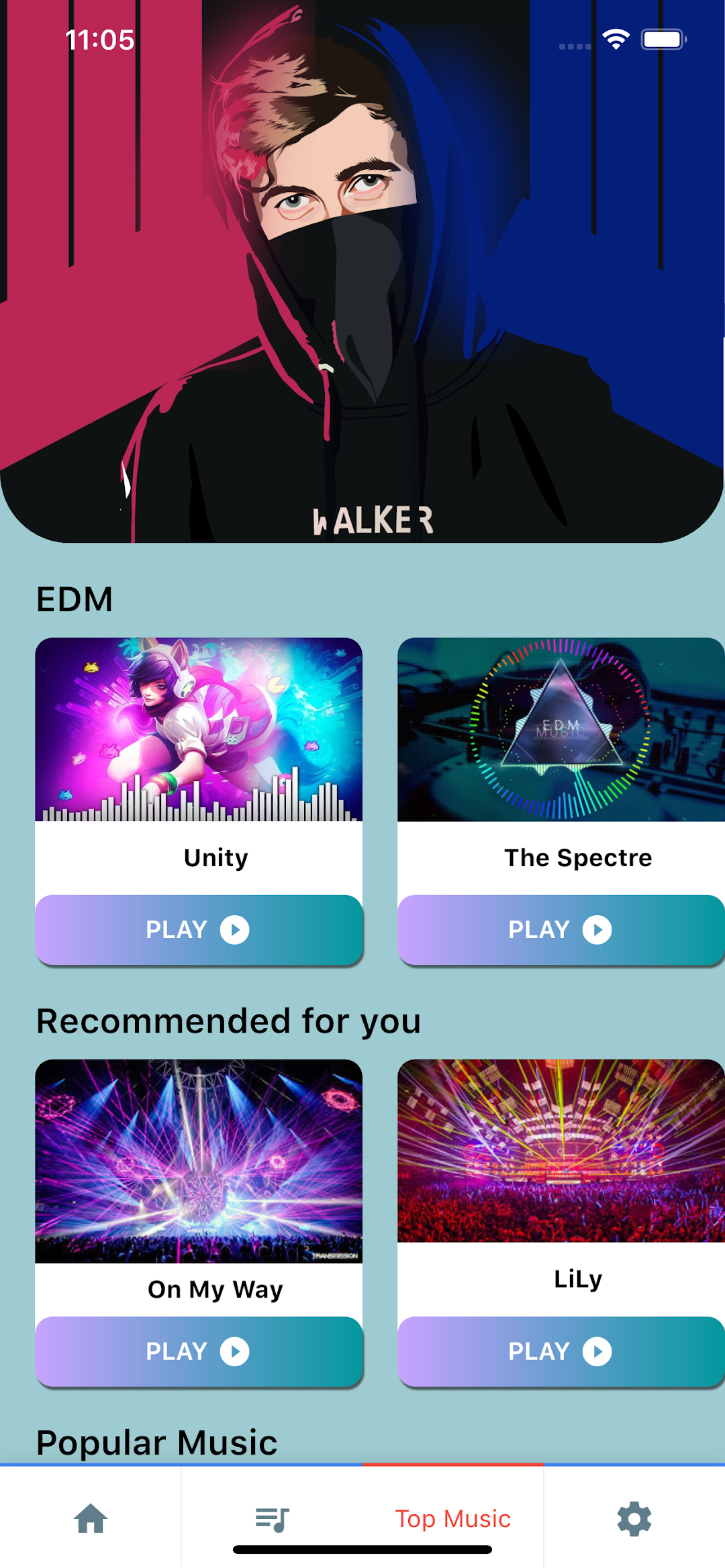


Piano Tiles 3 - Piano Tic Tic is a Music application developed by Piano Tiles 3: Music Games, Tiles Hop, EDM Rush, but with the best Android emulator-LDPlayer, you can download and play Piano Tiles 3 - Piano Tic Tic on your computer.
Running Piano Tiles 3 - Piano Tic Tic on your computer allows you to browse clearly on a large screen, and controlling the application with a mouse and keyboard is much faster than using touchscreen, all while never having to worry about device battery issues.
With multi-instance and synchronization features, you can even run multiple applications and accounts on your PC.
And file sharing makes sharing images, videos, and files incredibly easy.
Download Piano Tiles 3 - Piano Tic Tic and run it on your PC. Enjoy the large screen and high-definition quality on your PC!
Get control of the song beat - Feel the music as you tap Explore the game and be the winner of our online piano game challenges.Piano Tiles 3 - Piano Tic Tic Music
How to play:
🎵Tap on the dark tiles (piano keys) to feel the rhythm and chords in order to form a pleasant rise-and-fall pattern of sounds.
🎵For a complete music experience, headphones are recommended 🎧
Game Features:
1.Master's challenge kicks off! Reach the peak experience of speed challenge.
2.There are more albums and songs of various styles.
3.Easy to master with visual effect incomparable.
4.Enjoy a brand-new level of sound quality.
5.Various instruments for you to play: keyboard, saxophone, drum, guitar, piano, violin, flute, etc.
🎵Various genres, styles, & types of music: electronic, EDM, 8bit, pop, rock, blues, classic, band, etc.
🎵The beat and speed of the notes are interactive and controlled by your moves. So it might be easy to tap the tiles, but difficult to master!
🎵 Diverse list of songs from classic ones to the most popular ones, in piano versions. The songs are updated every week. You can choose from classical works like Fur Elise, Waltz, Canon in D, Moonlight Sonata, Turkish March, masterpieces of Mozart, Schubert, Tchaikovsky, Sebastian Bach, Franz Liszt, Debussy, Rachmaninoff, Mendelssohn, or top hits from the US, UK, J-Pop, K-Pop - You name it!
🎵Song request: Suggest any piano songs you love, we will find and introduce it to the game as quickly as possible.
🎵Lightweight to install.
Any problem, please send email to : musicpiano@outlook.com!