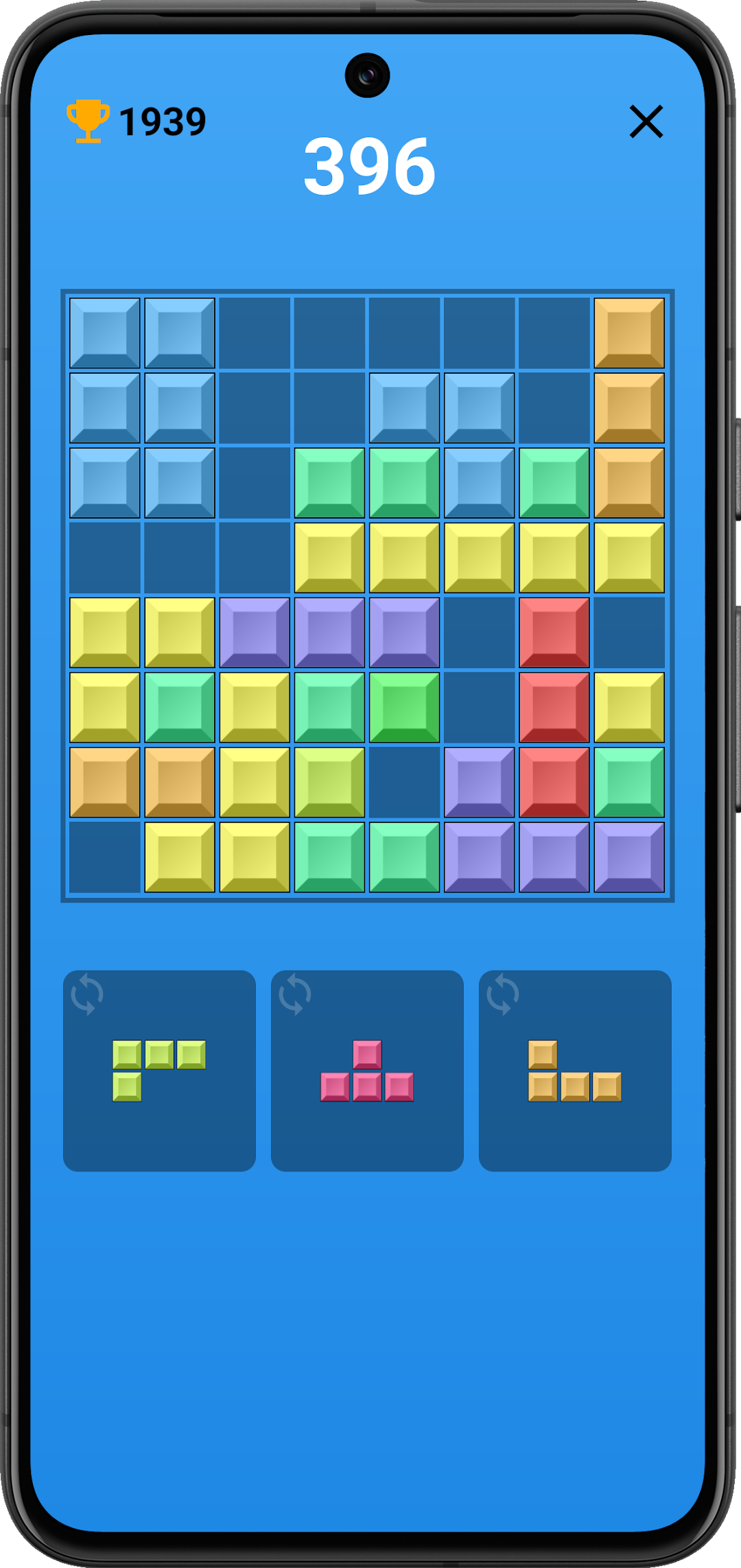
Block Game is a Puzzle application developed by MB4ANDROID2, but with the best Android emulator-LDPlayer, you can download and play Block Game on your computer.
Running Block Game on your computer allows you to browse clearly on a large screen, and controlling the application with a mouse and keyboard is much faster than using touchscreen, all while never having to worry about device battery issues.
With multi-instance and synchronization features, you can even run multiple applications and accounts on your PC.
And file sharing makes sharing images, videos, and files incredibly easy.
Download Block Game and run it on your PC. Enjoy the large screen and high-definition quality on your PC!
Block Game: An addictive logic puzzle for everyoneBlock Game is a classic logic game that captivates players of all ages. Its simple rules combined with increasing difficulty make it perfect for short moments of relaxation as well as long hours of challenge.
Game rules:
The goal of the game is to arrange blocks of different shapes in such a way that they create complete horizontal lines. Completed lines disappear, freeing up space for new blocks and increasing your score. The game ends when the blocks fill the entire board.
Key features:
Simple and intuitive gameplay: The rules are easy to understand, making the game accessible to everyone, regardless of age and experience.
Addictive and relaxing: Arranging blocks and watching the lines disappear provides a rewarding experience.
Mental challenge: The game requires logical thinking, planning moves, and quick decision-making.
Variety of block shapes: Different block shapes make each game different and require you to adapt your strategy.
Increasing difficulty: As the game progresses, the blocks fall faster and faster, making it more challenging.
High score mode: Compete with other players and try to achieve the highest score.
Aesthetic graphics: Colorful blocks and a minimalist design make the game pleasing to the eye.
Why is it worth playing Block Game?
Brain training: The game helps develop logical thinking, concentration, and spatial thinking skills.
Relaxation and stress relief: Stacking blocks can be a great way to break away from everyday worries and relax.
Fast and enjoyable entertainment: The game is perfect for short breaks, travel, or waiting.
For everyone: Simple rules and addictive gameplay make Block Game an ideal game for players of all ages.
Block Game is a classic puzzle that never gets boring. Its versatility and simplicity make it the perfect game for anyone looking for an addictive and relaxing pastime.