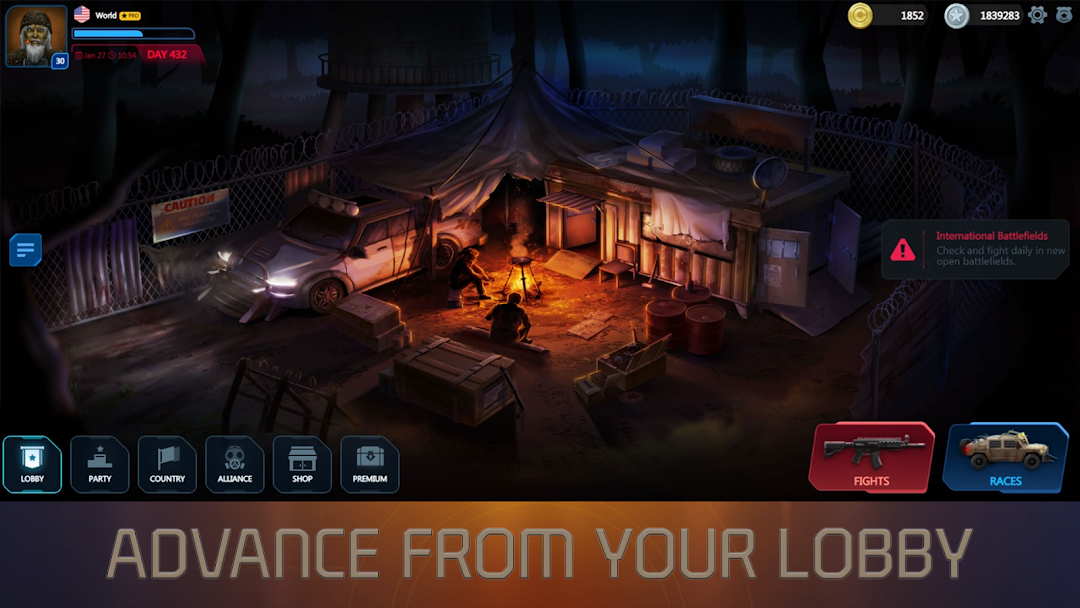
Planet Fights is a Simulation application developed by SCLITIFY IT, but with the best Android emulator-LDPlayer, you can download and play Planet Fights on your computer.
Running Planet Fights on your computer allows you to browse clearly on a large screen, and controlling the application with a mouse and keyboard is much faster than using touchscreen, all while never having to worry about device battery issues.
With multi-instance and synchronization features, you can even run multiple applications and accounts on your PC.
And file sharing makes sharing images, videos, and files incredibly easy.
Download Planet Fights and run it on your PC. Enjoy the large screen and high-definition quality on your PC!
Join the battle for world domination in Planet Fights, an online country management and war game where hundreds of US citizens come together to fight against other countries. With a giant world simulator at your fingertips, conquer territories, establish alliances, and become a powerful leader. Planet Fights is a gigantic online sandbox, in which USA can be conquered by Russia and Russia can be conquered by the USA... unless the USA elects a smart President and good politicians.● Features:
☆ Country management game
☆ War game
☆ Real-time multiplayer
☆ President simulator
☆ Online and real-time strategy
☆ World simulation
☆ Space colonies strategy
☆ World alliances game
☆ Economy simulator
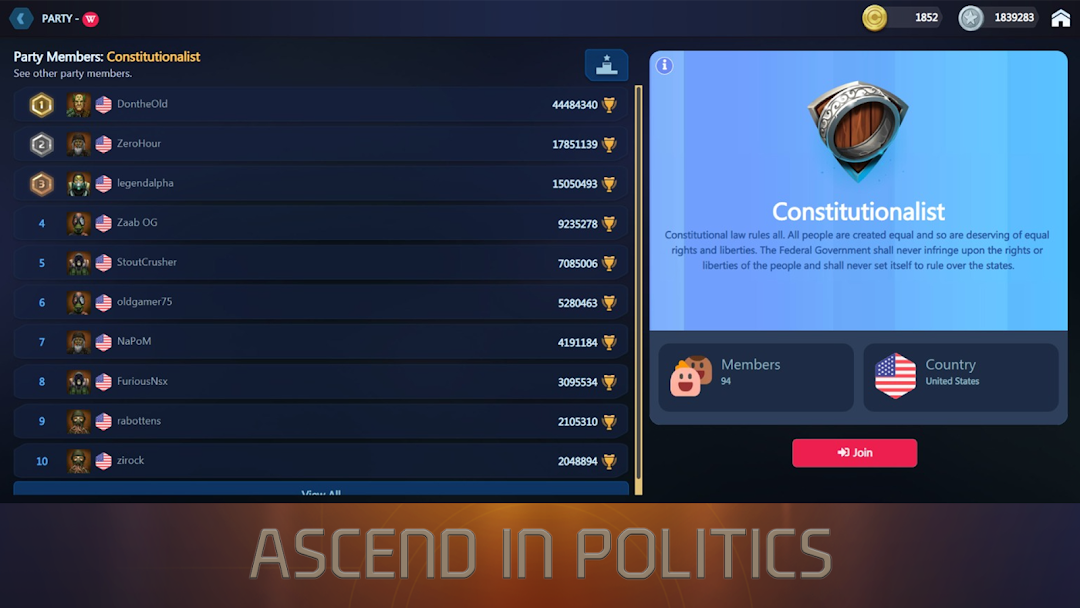
In Planet Fights, the balance of power may be different from the real world, but you'll have the chance to elect a smart President and good politicians to lead your country to victory. Manage your economy, buy and sell products on the market, and upgrade your capital city by donating resources or helping your fellow citizens.
Create and manage your own space colony, earn special items, and increase your profits. Be part of global alliances, decide which fight to take part in, and choose between Agent Fights, Battlefields, Space Colonies, or Races. Only time will tell if you and your alliance could dominate the world in Planet Fights.
Experience the ultimate war sandbox game and take part in epic battles for world domination. Play Planet Fights now and show the world what you're made of!
With Planet Fights, you'll be able to immerse yourself in a unique and engaging world simulation that puts you in control of your country's destiny. Experience the thrill of conquering territories and making strategic alliances as you compete with other players in real-time multiplayer mode.
As a President simulator, you'll be able to lead your country to victory and earn money from all the fights happening around the world. And with an online and real-time strategy game, you'll have the chance to create the perfect balance between military, economy, and political career.
Whether you're looking for a country theme, country war simulator, or a war sandbox game, Planet Fights has it all. You can even become a space colonies strategy expert and grow your own colony in your country's space territory.
Join the massive community of players who are already online, trade money on the market, and make money transactions in real-time. With a country management game at your fingertips, you can buy or sell your products on the market, help upgrade the capital city, and donate resources to your fellow citizens.
As a war game, Planet Fights is not just about military might but also about making smart political moves. The game's economy simulator lets you make money and build a thriving business, while the world alliances game allows you to forge alliances and compete for dominance.
Experience the thrill of a country war simulator, where countries are part of global alliances that fight for world domination. Take part in epic battles on Agent Fights, Battlefields, and Space Colonies, and see if you and your alliance have what it takes to rule the world.
With its engaging gameplay, stunning graphics, races simulators, world alliances games, and economy simulators, Planet Fights is the perfect game for anyone who loves a good strategy game. So why wait? Play Planet Fights now and start your journey to world domination today!