Pocket Cars Championship is a Arcade application developed by MAD PIXEL GAMES LTD, but with the best Android emulator-LDPlayer, you can download and play Pocket Cars Championship on your computer.
Running Pocket Cars Championship on your computer allows you to browse clearly on a large screen, and controlling the application with a mouse and keyboard is much faster than using touchscreen, all while never having to worry about device battery issues.
With multi-instance and synchronization features, you can even run multiple applications and accounts on your PC.
And file sharing makes sharing images, videos, and files incredibly easy.
Download Pocket Cars Championship and run it on your PC. Enjoy the large screen and high-definition quality on your PC!
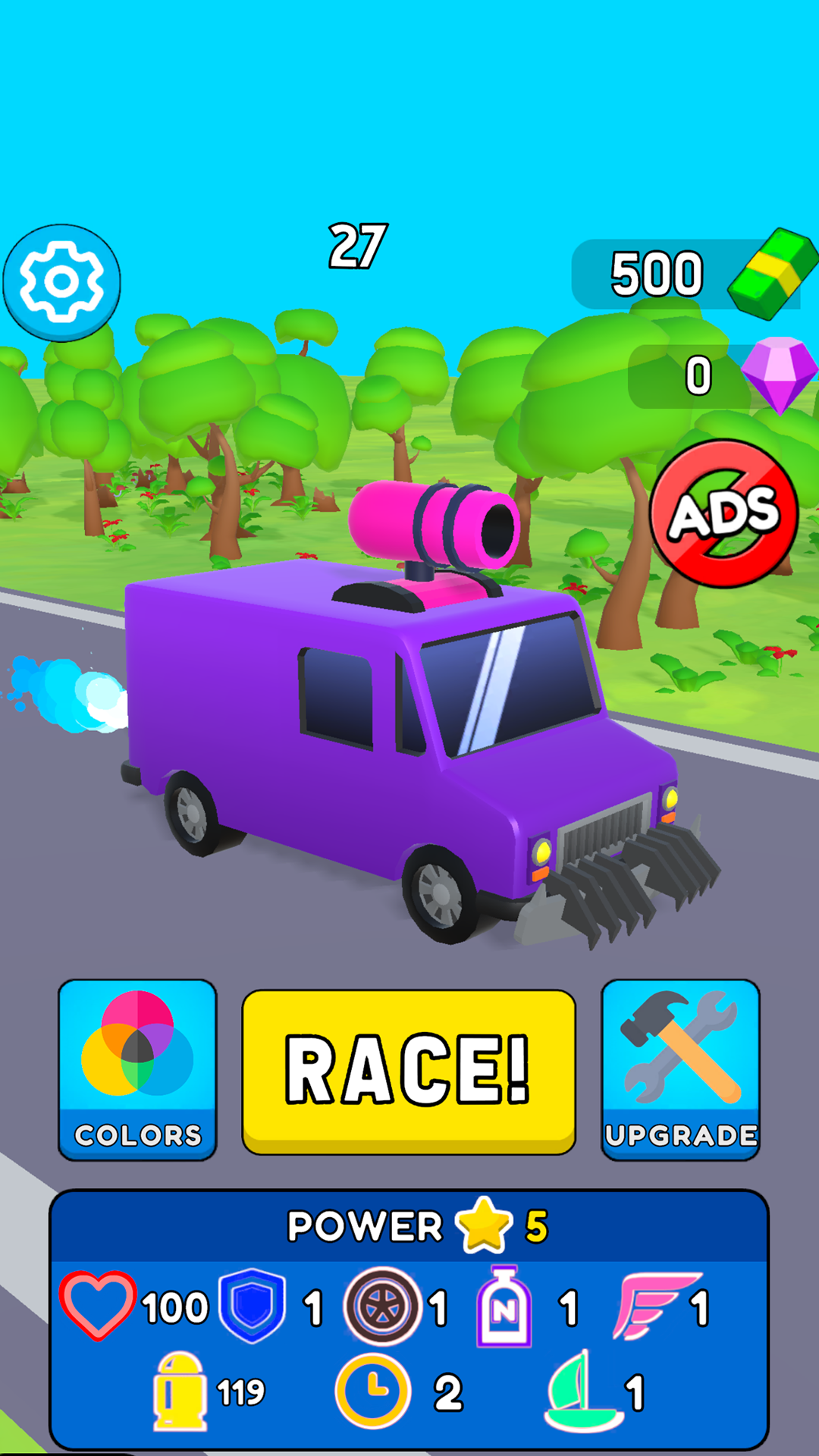
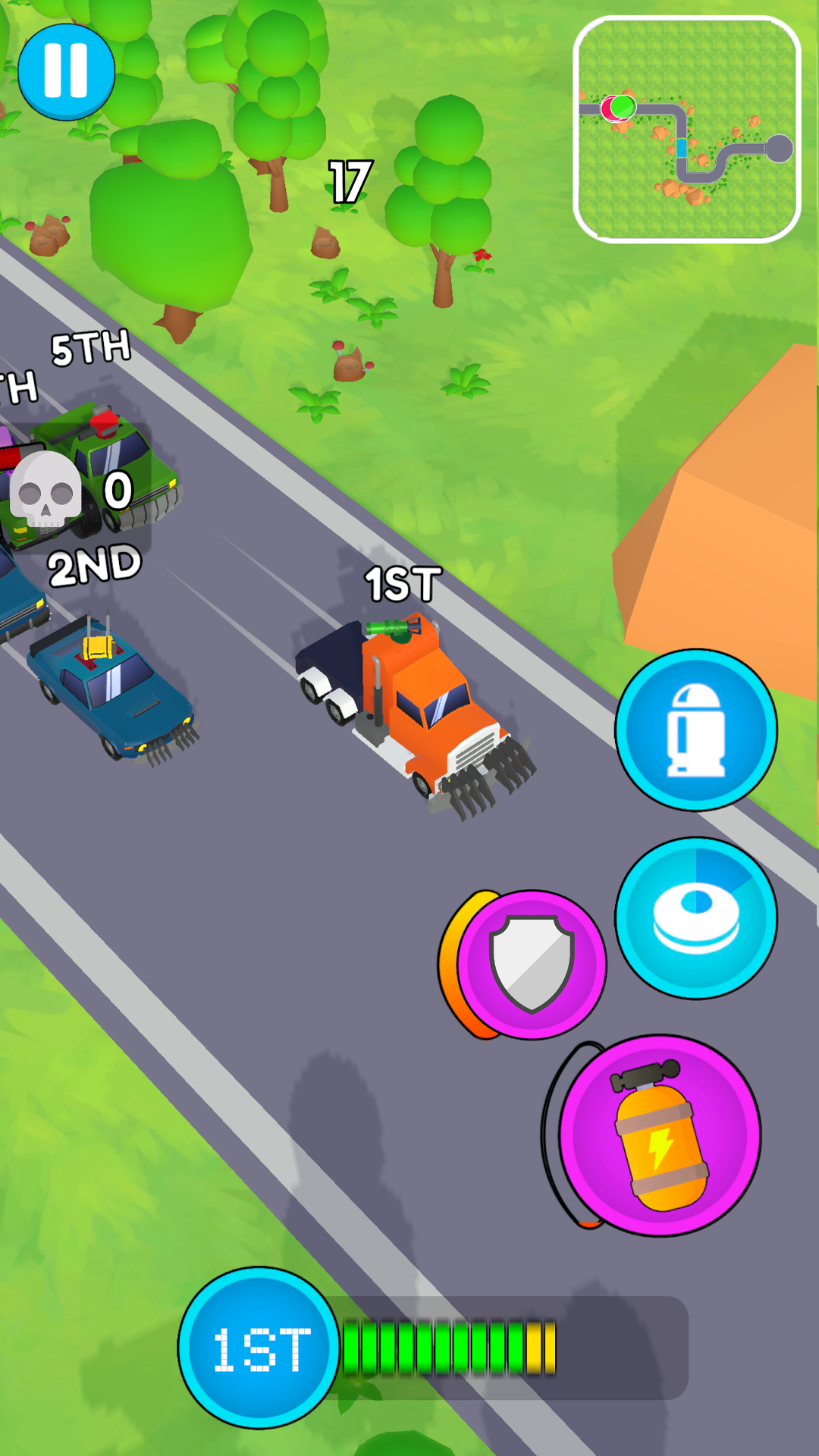
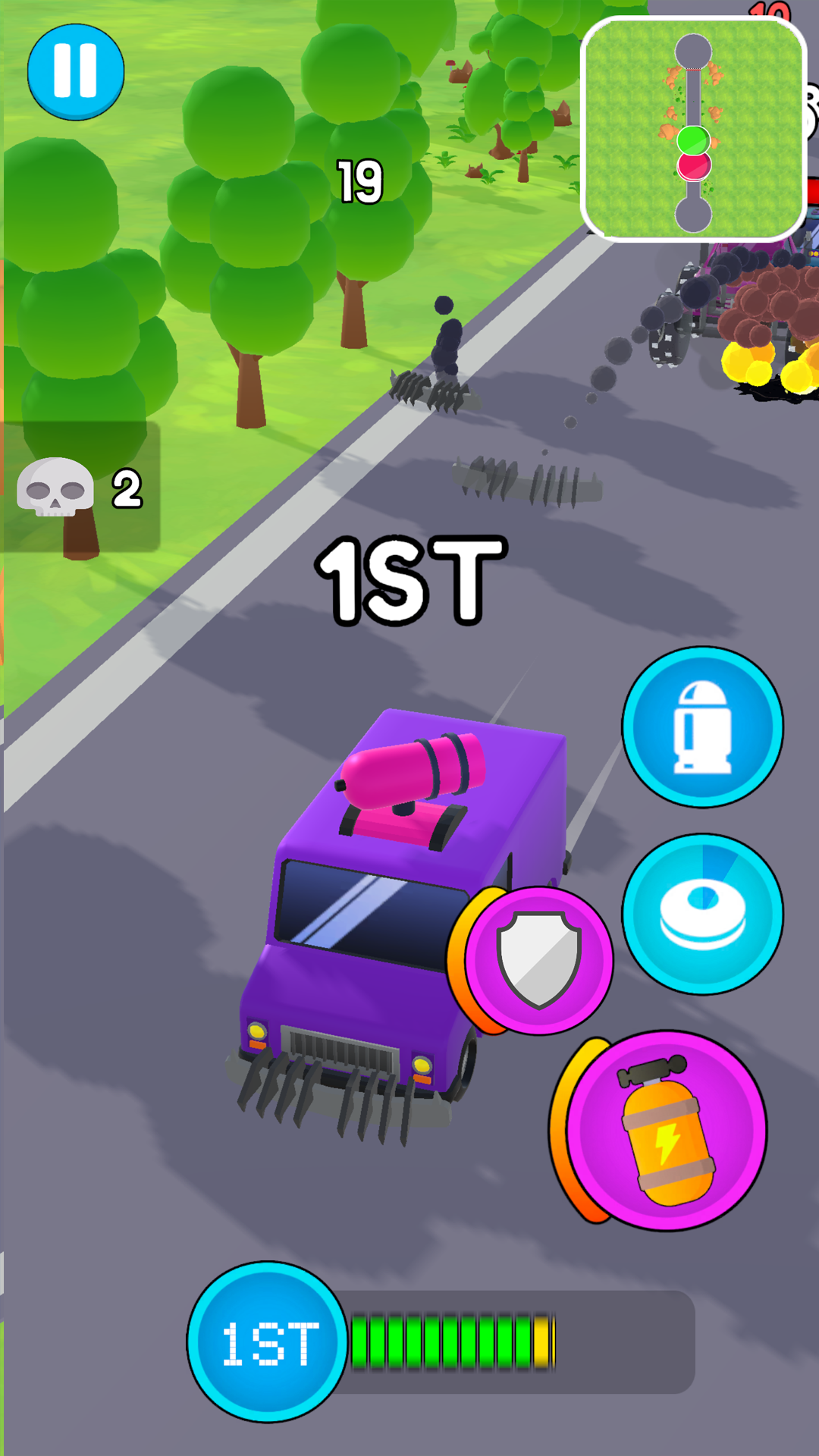
Hey! Another one bites the dust on the way to become the Champion! Do you have it to become number one? Find out in the Pocket Cars Championship!We are taking the most fun parts of racing and kart games to create the ultimate casual car arcade! Take your eye off the road, there’s mines, bullets and rocket launchers coming your way. Quick, raise your shields. But be carefull, don’t run out of power… or else! Fire back full force! Do strategic shots at your rivals to get into the top numbers in the race! Use strategy and tactic to trick your foes. Sometimes it takes more than cool gear to become a champion!
Speaking of gear… Unlock new and exciting upgrades as you win races! Collect cash prizes for the first place and buy new parts for your car. Merge them together to reach new levels of rarity and get a better boost! Become faster, stronger and turn your venice into an unstoppable machine!
To get all the money necessary you have to win and get to the top! Race on the road, race in the sky and even in the water! Traverse different terrain… perhaps, you can gain an advantage by having the biggest sail? The most powerful engine? Explore all the tracks and plan ahead!
FEATURES:
Customize your 3D car with different parts, colors and frames!
Every part of the tuning matters. Become an ultimate mechanic!
Colorful and simple 3D graphics!
Easy controls! Play with only one hand!
Enjoy a merge mechanic alongside the racing!
You don’t have to pay attention to the road in this one
Start your engines and get ready to claim the title of Pocket Car Champion!