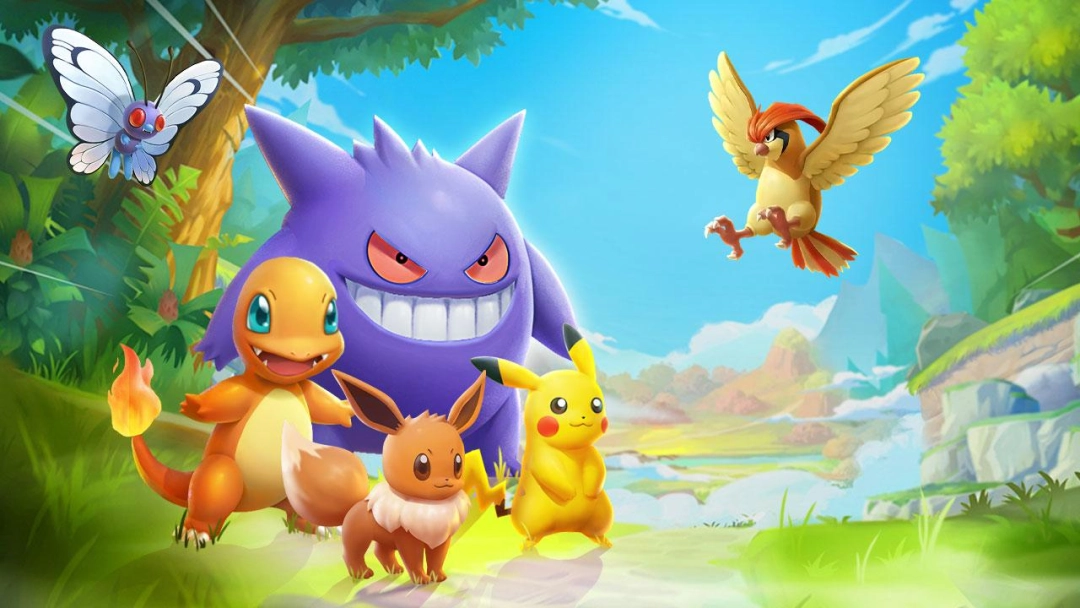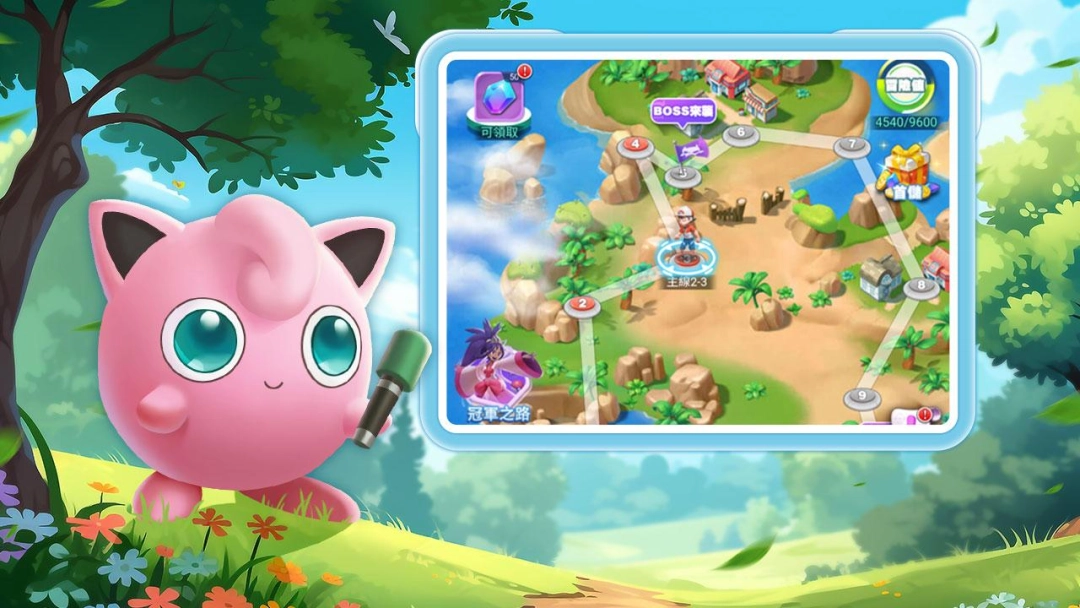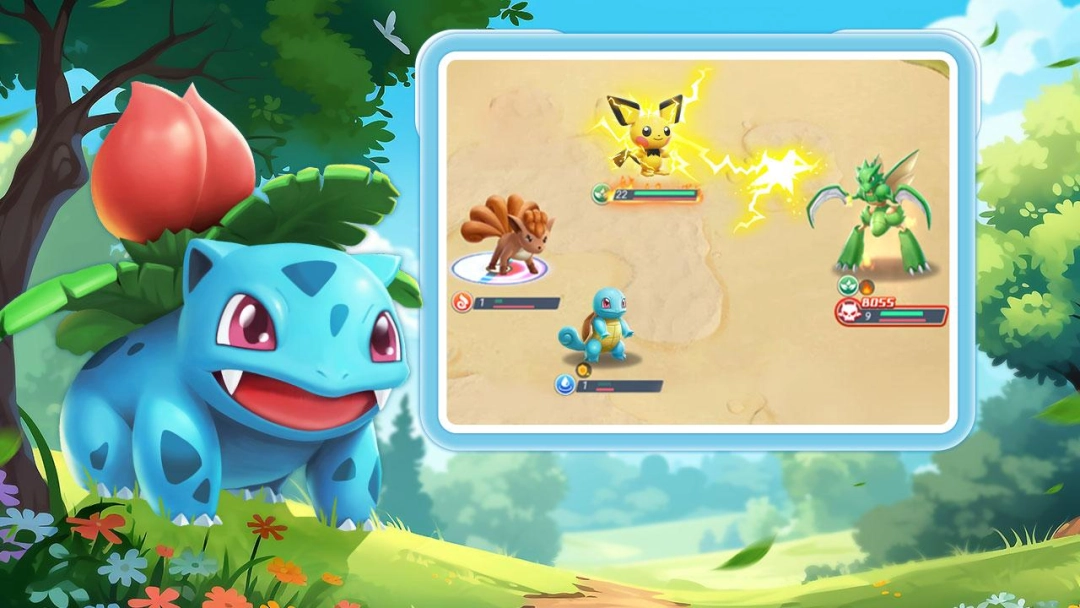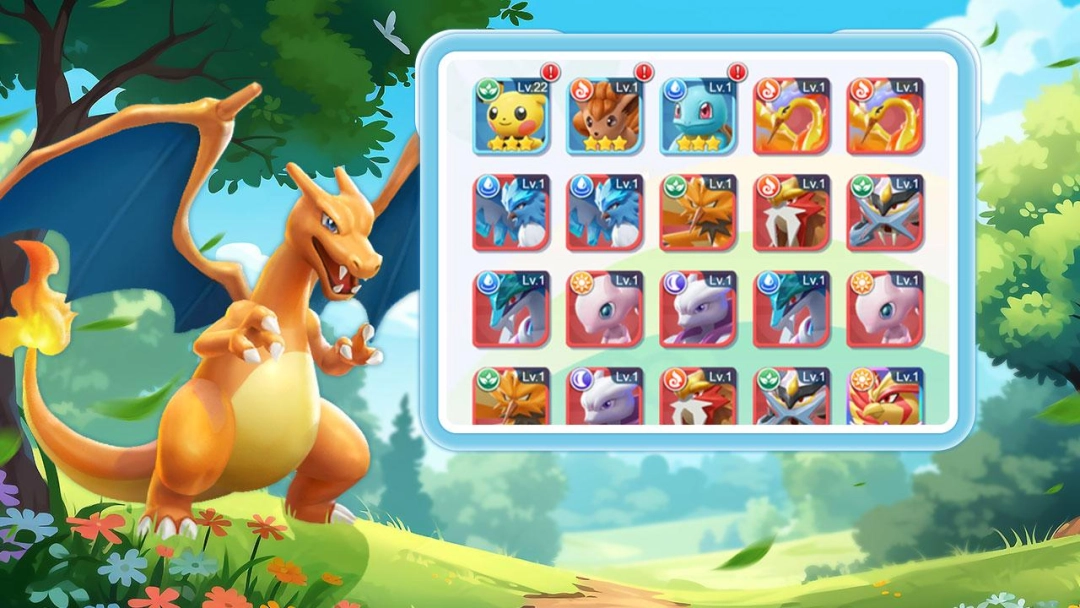


For the biggest fans of the Pokémon universe, Pokémon Burst is here with more twists and battles to reach the power you want. Now you can download Pokémon Burst on PC and enjoy the best that this game offers with more added features and optimizations from LDPlayer. LDPlayer will make sure to enhance your gameplay there with many advancements, so if you don't know how to play Pokémon Burst on PC, here is how you can do it.
What is Pokémon Burst?
Pokémon Burst is an RPG where you can step yourself into the world of Pokémon battles. This game introduces a unique twist to the traditional Pokémon gameplay, which basically allows you to merge with your Pokémon to harness their powers. This can be done through a special technique known as "Burst," and you will experience a thrilling storyline here filled more with intense battles against powerful enemies. While fighting, you aim to master the art of Burst, and your ultimate efforts are going around to save the world from these threats.
In Pokémon Burst, you are allowed to collect your Pokémon, train them, and then battle with various Pokémon who will show many different traits and skills for the gameplay. The game also offers tactic combat mechanics where you are going to use your Pokémon to increase and handle your strength and skills, which will help you grow more through the gameplay. With multiple challenges, customizable Pokémon teams, and vibrant graphics, Pokémon Burst is making sure to provide you with an all-time engaging experience for both casual and dedicated players, and you also have the ability to unlock new Pokémon with the progression you make through the game. The additional features are also there to make the gameplay better, and among them, you can participate in events and engage in PvP battles to prove your mastery in the Pokémon Burst universe.
Remember that the Pokémon Burst game is not like your typical low-end game because it has the best graphics and the coolest animations. With so many other features available in the Pokémon Burst game, the best place to provide you with the best gaming time is the LDPlayer.
Why Play Pokémon Burst on PC with LDPlayer?
LDPlayer is an Android emulator that allows you to play mobile games, including the Pokémon Burst game. The most optimized gaming time is here, with many other added features to make your Pokémon Burst gameplay even more immersive. The benefits of playing Pokémon Burst through LDPlayer on your PC are as follows:
Fastest Hero Earn – With LDPlayer, earning your favorite heroes in this game is quicker and more efficient than ever before. The Multi-Instance Sync feature enables you to open multiple game instances at the same time, and it allows you to run various accounts at once. It speeds up the hero summoning process and increases your chances of acquiring powerful characters, so here, you greatly increase your odds of obtaining those rare and strong heroes. In addition to that, you save both time and effort, making the summoning process smoother and more productive.
Vivid and Enhanced Visuals – LDPlayer elevates your gaming experience with its stunning graphics that bring every detail enjoyed to the top. The enhanced visuals bring your game to life, displaying it on a larger, more detailed screen that immerses you completely in a realistic gaming environment. The rich colors, sharp visuals, and crystal-clear resolution ensure that there are no more blurry spots or awkward distractions. LDPlayer also gives you full control over your visual settings, allowing you to adjust the graphics according to your system's specifications.
Seamless and Smooth Gameplay – LDPlayer guarantees that your gaming experience remains uninterrupted and free of any technical issues, such as lag, crashes, or performance glitches. Even if your game demands high system resources or has large file sizes, LDPlayer manages it effortlessly. Its advanced memory optimization ensures that your game runs smoothly, with no unexpected pauses or freezing, so you can enjoy hours of uninterrupted play time without worrying about technical problems.