Portal Worlds is a Role Playing game developed by Now to Play Game Sucursal en España, and LDPlayer is the best platform for playing Portal Worlds on Windows PC, offering powerful features for an immersive experience.
When playing Portal Worlds on PC, as a new player looking to start with a fresh account, the multi-instance and sync features are extremely useful for rerolls. You can use them to run multiple instances and begin the synchronization process. Bind your account until you draw the desired heroes.
In addition, operation recorder is great for games that require you to level up and complete tasks! Run the sync and record your actions, then repeat the main instance's actions in real-time. By doing so, you can run 2 or more accounts simultaneously. You can always get the heroes you want before others by faster rerolls and more efficient summoning! Start downloading and playing Portal Worlds on your computer now!
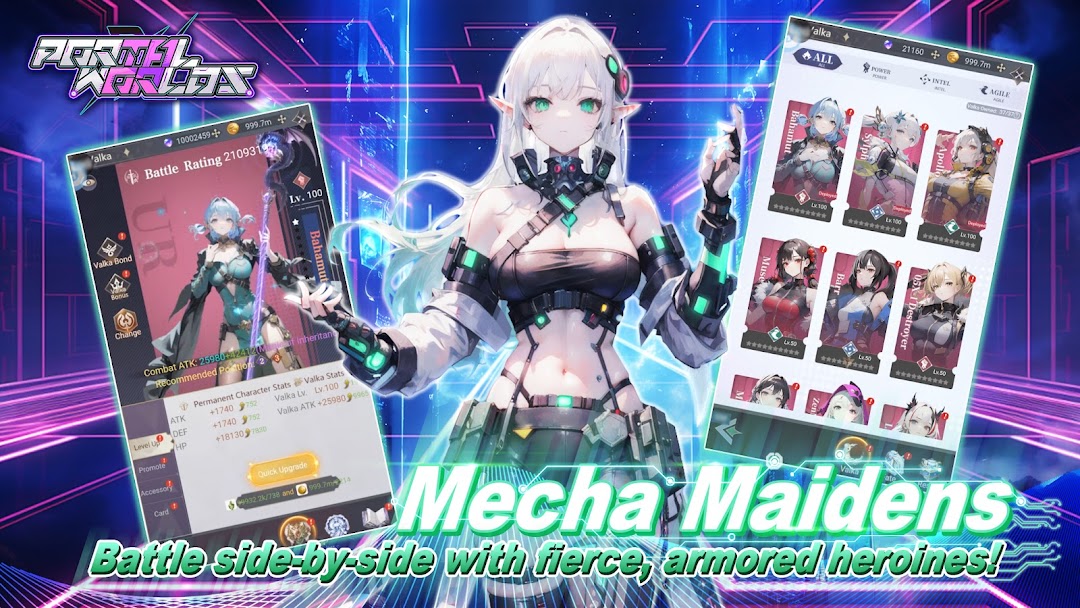
Portal Worlds is an epic idle RPG set in a post-apocalyptic world where survivors harness advanced cyber technology to pilot powerful mecha warriors. Collect and upgrade heroes, fight epic bosses, explore new worlds, and engage in thrilling PvP battles. Forge alliances or compete for dominance in this anime-style adventure!Mecha Maidens
Assemble your ultimate team of fierce, futuristic heroines! Each Mecha Maiden comes armed with unique skills, personalities, and stunning armor designs. Forge bonds with these powerful companions, strategize your lineups, and watch as they deliver devastating blows on the battlefield.
Cross-Server PvP
Test your skills against players worldwide in exhilarating cross-server battles! Enter the Trials of Fate, a nonstop arena where only the strongest survive. Climb the rankings, prove your dominance, and earn prestigious rewards in epic PvP showdowns that push your strategy and reflexes to the limit.
Dazzling Customization
Express your style with a vast array of outfits, weapons, and accessories! Unlock dazzling skins, futuristic wings, and unique gear sets. Mix and match to create a look that’s uniquely yours while enjoying the power boosts each customization provides.
Infinite Adventure
Step into a boundless otherworld filled with endless possibilities. From hunting ferocious bosses to exploring hidden dungeons, every corner of this universe offers thrilling challenges and valuable rewards. Gather resources, uncover secrets, and carve out your legend in this vibrant new world.
Real-Time Combat
Experience fast-paced, dynamic battles with real-time strategy at your fingertips. Unleash devastating skills, chain combos, and turn the tide of combat with a well-timed ultimate attack. Whether battling hordes of enemies or rival players, dominate the battlefield with precision and power.
Legendary Gear
Harness the power of legendary equipment to conquer the battlefield in style! Equip your heroes with epic weapons, dazzling armor, and customizable gear that not only enhances their power but also transforms their appearance. Switch seamlessly between styles to suit every battle scenario and leave your mark.
Explore the cyber world and battle the rising darkness!