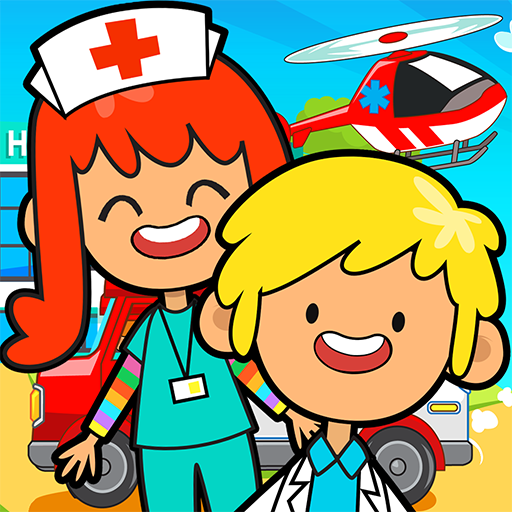
Princess Town: Hospital Life is a Simulation application developed by Princess Town, but with the best Android emulator-LDPlayer, you can download and play Princess Town: Hospital Life on your computer.
Running Princess Town: Hospital Life on your computer allows you to browse clearly on a large screen, and controlling the application with a mouse and keyboard is much faster than using touchscreen, all while never having to worry about device battery issues.
With multi-instance and synchronization features, you can even run multiple applications and accounts on your PC.
And file sharing makes sharing images, videos, and files incredibly easy.
Download Princess Town: Hospital Life and run it on your PC. Enjoy the large screen and high-definition quality on your PC!
As a new mother, the princess's pregnancy journey is special and fulfilling. Each room in the castle provides comprehensive services, from professional prenatal care in the medical room to peaceful moments in the children's room and maintaining physical health in the fitness center. Adorable babies and characters await, providing endless joy and opportunity for nurturing and care.Features:
- 7 different rooms available for adventure!
- Experience a fun pregnancy life in the princess's castle in a purely open game world.
- Touch, drag and explore every item and see what happens! Surprises are hidden everywhere!
- Discover hundreds of exquisite items and sounds, and enjoy the fun of playing house.
- Build your own small world and create an amazing story!
How to play:
- You can decide all the orders in this world.
- Choose a room and a character to play with, such as the GYM, Check-up room, and luxury canteen.
- Click and drag the tools you see, every item can be played and interacted with.
- Customize your clothes according to the daily schedule
- Try different types of activities in the game, such as exercising, using B-ultrasound equipment, beauty treatments, practicing yoga, and more.
Important Message for Purchases:
- By downloading this App you agree to our Privacy Policy
- Please consider that this App may include third parties services for limited legally permissible purposes.
Important Message to Parents
This app is free to play and all content is FREE with ads. There are certain in-game features that may require purchase using real money.
About us
We produce high quality fun, safe and exciting digital games to help users discover the most fantastic collection of recipes.
Learn more about us:
- https://www.kidsfoodinc.com/
- https://www.youtube.com/channel/UCIBxt5W2xpgofE9jOS6fXqQ/featured