
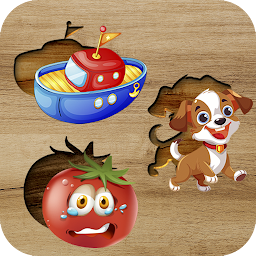


Puzzle Games for Kids is a Puzzle application developed by BayrakInc, but with the best Android emulator-LDPlayer, you can download and play Puzzle Games for Kids on your computer.
Running Puzzle Games for Kids on your computer allows you to browse clearly on a large screen, and controlling the application with a mouse and keyboard is much faster than using touchscreen, all while never having to worry about device battery issues.
With multi-instance and synchronization features, you can even run multiple applications and accounts on your PC.
And file sharing makes sharing images, videos, and files incredibly easy.
Download Puzzle Games for Kids and run it on your PC. Enjoy the large screen and high-definition quality on your PC!
"Puzzle Adventures for Kids" is an engaging and educational puzzle game tailored specifically for children. Offering a delightful blend of entertainment and learning, this game provides a wide array of puzzles categorized into different themes. Here are some highlights of what the game has to offer:Diverse Puzzle Themes:
With over 300 puzzles spread across various categories like animals, vehicles, fruits, vegetables, and professions, children can explore a wide range of topics.
From animated animal puzzles to vibrant vehicle challenges and educational fruit and vegetable puzzles, there's something to pique every child's interest.
Fun and Learning Combined:
Featuring colorful and captivating graphics, the game creates an immersive and enjoyable learning environment for kids.
The intuitive interface makes it easy for children to navigate through the game and solve puzzles independently.
Each puzzle serves as a valuable learning tool, helping children enhance their visual perception, memory, and cognitive skills in an entertaining way.
Interactive and Engaging Elements:
Animated elements within the puzzles add an extra layer of excitement, keeping children engaged and motivated to solve more puzzles.
The game's interactive nature fosters creativity and curiosity, encouraging children to explore and learn at their own pace.
Convenient and Accessible:
Designed to provide a seamless gaming experience, the game is optimized for both smartphones and tablets, ensuring compatibility across different devices.
With offline functionality, children can enjoy the game anytime, anywhere, without the need for an internet connection.
Encouraging Creativity and Exploration:
Beyond just puzzle-solving, the game nurtures children's creativity and encourages them to think critically and imaginatively.
Through diverse puzzle themes and engaging gameplay, children can expand their knowledge and understanding of the world around them..







