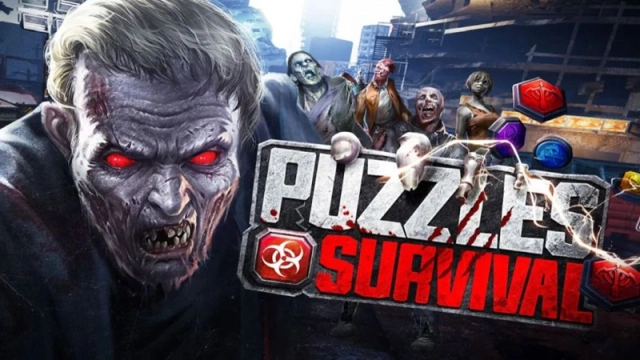
Puzzles & Survival is a Strategy game developed by 37GAMES, and LDPlayer is the best platform for playing Puzzles & Survival on Windows PC, offering powerful features for an immersive experience.
When playing Puzzles & Survival on your computer, you can enjoy long game sessions using the operation recording feature to record repetitive operations to complete the same tasks automatically. It allows you to level up faster and makes resource grinding much more efficient.
In addition, if you want to execute combo moves or the game requires repeated skill actions, the macro feature is your best helper. It enables you to complete kills with just one click!
If you want to manage multiple accounts, LDMultiplayer and Synchronizer will assist you. You can run multiple alternative accounts at the same time to assist the leveling of your main account. Download and play Puzzles & Survival on PC with LDPlayer now!
Match-3 Puzzle meets Strategy! Solve the mysteries and build an impenetrable sanctuary. The future of humanity is in your hands.Tip: Use your brain to defend your brain!
——APOCALYPTIC FEATURES——
※ STRATEGY + MATCH-3※
- Solve puzzles to kill zombies
- Arm yourself with strategy and tactics
- A combination of a tactical wargame and casual puzzle gameplay
- An innovative post-apocalyptic experience
※ BUILD A SANCTUARY※
- Lead survivors in the last bastion of humanity
- Craft cutting-edge equipment to smash your enemies
※ FORMIDABLE HEROES※
- Superhuman powers emerged alongside the zombie virus
- Recruit Heroes from the notorious Noah's Tavern
- Heroes improve your military and economical strength
※ FRIENDS OR FOES※
- No one can survive alone, fight alongside your allies
- Watch out for potential threats, be they zombies or humans
Official Facebook fan page:
https://www.facebook.com/PnS.37Games/
[Notes]
Puzzles & Survival is a free-to-play mobile game with in-app purchases. According to 37GAMES' Terms of Use and Privacy Policy, this application is not intended for use by users under the age of 12.
A device with internet access is required.
[Help]
🌟Do you need help?
Feel free to contact us via the in-game Customer Service or send us an Email at: global.support@37games.com
Privacy Policy:
https://gpassport.37games.com/center/servicePrivicy/privicy
Terms of Use:
https://gpassport.37games.com/center/servicePrivicy/service
Facebook:
https://www.facebook.com/PnS.37Games
Twitter:
https://twitter.com/37games_pnsjp
Discord:
https://discord.gg/puzzlesandsurvival