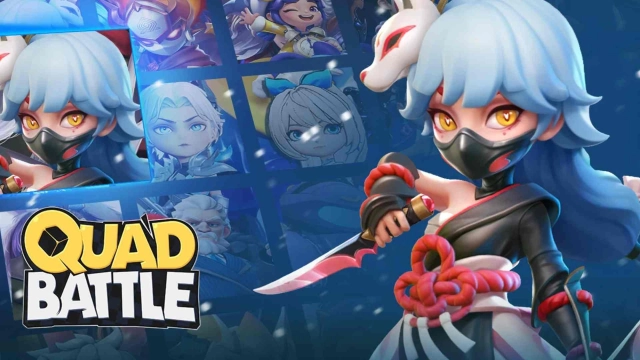
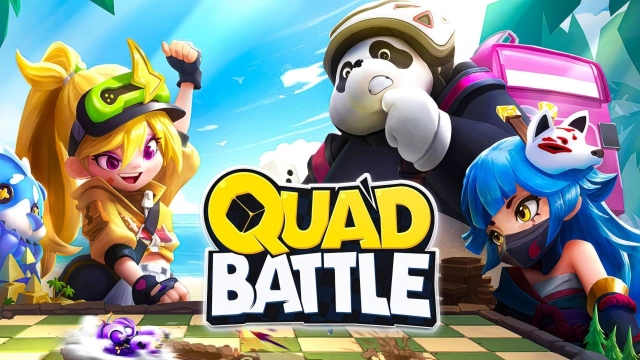
Quad Battle is a Strategy game developed by Nyota Games, and LDPlayer is the best platform for playing Quad Battle on Windows PC, offering powerful features for an immersive experience.
When playing Quad Battle on your computer, you can enjoy long game sessions using the operation recording feature to record repetitive operations to complete the same tasks automatically. It allows you to level up faster and makes resource grinding much more efficient.
In addition, if you want to execute combo moves or the game requires repeated skill actions, the macro feature is your best helper. It enables you to complete kills with just one click!
If you want to manage multiple accounts, LDMultiplayer and Synchronizer will assist you. You can run multiple alternative accounts at the same time to assist the leveling of your main account. Download and play Quad Battle on PC with LDPlayer now!
Looking for an exciting, easy-to-play MOBA? Welcome to "Quad Battle", where 16 players engage in thrilling, fast-paced action! In this 4-team strategy showdown, your mission is simple: team up, attack, and capture the enemy’s crystal to claim victory!4v4v4v4 Team Tactics
A brand NEW unique Multiplayer Online Battle Arena game! Battle in a unique 4-team setup on a dynamic board-style map. Take on rival teams, seize the map, and outplay your opponents to claim victory.
Simple Controls, Easy to Master
Players can set up their battle lineup in advance and upgrade it with a single tap during combat. Use action points to plan your movement on the battlefield. With minimal controls during battles, you can fully enjoy the fun of teaming up with friends!
Fair Play, Fair Fun
No pay-to-win mechanics here! It’s all about strategy, teamwork, and skill. Victory depends on your ability to master hero skills, coordinate with teammates, and make smart tactical decisions.
10 Minutes Quick Battle
Whether you’re on a break or just looking for some quick fun, our fast-paced matches fit any schedule. Anytime, anywhere, grab your phone and invite your friends to team up and play together!