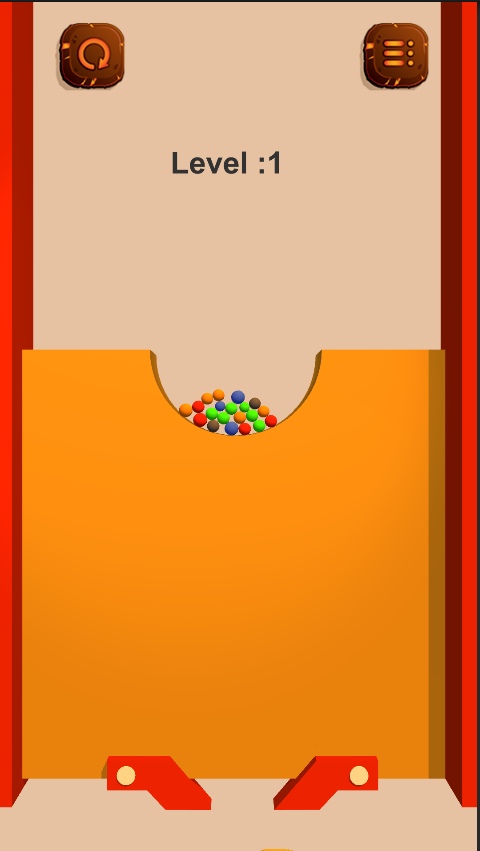
Quick Sand Classic is a Simulation application developed by Namsys Technologies LLC, but with the best Android emulator-LDPlayer, you can download and play Quick Sand Classic on your computer.
Running Quick Sand Classic on your computer allows you to browse clearly on a large screen, and controlling the application with a mouse and keyboard is much faster than using touchscreen, all while never having to worry about device battery issues.
With multi-instance and synchronization features, you can even run multiple applications and accounts on your PC.
And file sharing makes sharing images, videos, and files incredibly easy.
Download Quick Sand Classic and run it on your PC. Enjoy the large screen and high-definition quality on your PC!
As the Quick Sand Classic falls towards the container if you show the correct flow pattern by removing the blockage. The level of difficulty increases as you level up, but you will enjoy it.Be aware that there will be some traps that will make you play the level again with extra caution. Sometimes the balls can be pulled away by ball magnets.
Complete each level and get rewarded with points. With the collected points you will be able to buy new ball shapes.
You will enjoy the game because the graphics of spheres, containers, backgrounds and obstacles are designed to be pleasant to be here every time you have the freedom to play games!
Shall we play this amazing game?
Quicksand Classic features:
• There is no time limit to complete the game.
• Choose the right path to the Quick Sand Classic where you will flow.
• Score more points by bringing more balls to the container.
• Avoid obstacles and continue to grow to the NEXT level.
• Avoid ball magnets to secure your balls.
• Choose new ball shapes based on points collected.
Download and enjoy!