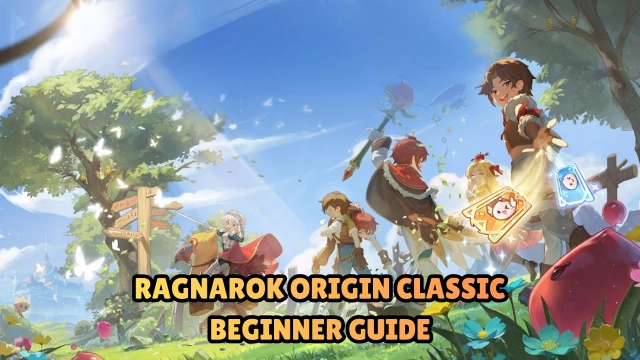
Welcome back to the purest Midgard! Ragnarok Origin Classic brings back the beloved, nostalgic MMORPG experience without the heavy paywalls or endless grind. Stripping away stressful gacha mechanics, S-tier pet draws, and complex power systems, this classic mode focuses on a fair, "Monthly Pass Only" progression. Whether you want to relive your cherished memories with all 14 Transcendent 2nd Jobs, engage in massive cross-server GvG battles, or simply collect hundreds of cute costumes, Ragnarok Origin Classic delivers a laid-back, authentic adventure on a unified Asia server.
Core Gameplay & Features
-
Pure & Fair Progression: Say goodbye to predatory gacha! Grow your character primarily through the Monthly Pass, which can even be earned in-game just by staying active with gold coins.
-
Classic Jobs & The Doram Race: Experience the grand return of 14 classic Trans. 2nd Jobs featuring 27 unique builds, plus the adorable Doram (Summoner) class. Enjoy flexible, stress-free job changes.
-
Unified Asia Server: Break down regional borders. Team up, trade, and socialize with players from SEA, Korea, TW/HK/MO, and beyond in a truly massive, shared world.
-
Epic & Fair PvP Battles: Dive into thrilling, zero-barrier competitive modes. Showcase your skills in intimate 5v5 or 10v10 arenas, or jump into adrenaline-pumping 80v80 cross-server GvG showdowns.
-
Endless Customization: Freely collect over 203 classic headwear and costumes without breaking the bank. Mix and match daily to express your unique style.
Players flock to Ragnarok Origin Classic because it successfully revives the social, cooperative, and fair-play spirit of the original PC Ragnarok Online, perfectly adapted for a modern audience.
Play Ragnarok Origin Classic on PC with LDPlayer for Best Experience
-
Dominate Massive GvG on a Big Screen: In chaotic 80v80 guild wars, visibility is everything. Play on a large PC monitor to see every skill effect, spot enemies clearly, and appreciate your cute costumes in high resolution.
-
Multi-Instance for Solo Parties: A game-changer for classic RO players. Run multiple accounts simultaneously with LDPlayer's Multi-Instance feature to create your own party—have your alt Priest buff your main DPS without needing to rely on others.
-
Lag-Free & Stable Performance: Massive multiplayer hubs and cross-server PvP can melt phone batteries. LDPlayer ensures smooth, high-FPS gameplay without thermal throttling or sudden crashes during critical moments.
-
Keyboard & Mouse Precision: Manage your inventory, chat with guildmates, and execute complex skill rotations effortlessly with fully customizable PC keymapping.
-
Uninterrupted AFK Vending & Chatting: Keep your character online all day to chat in Prontera or stay active without draining your mobile device's battery.
Relive the magic of your first adventure, gather your guild, and conquer the MVP bosses—download Ragnarok Origin Classic on PC and experience the ultimate nostalgia with LDPlayer.